
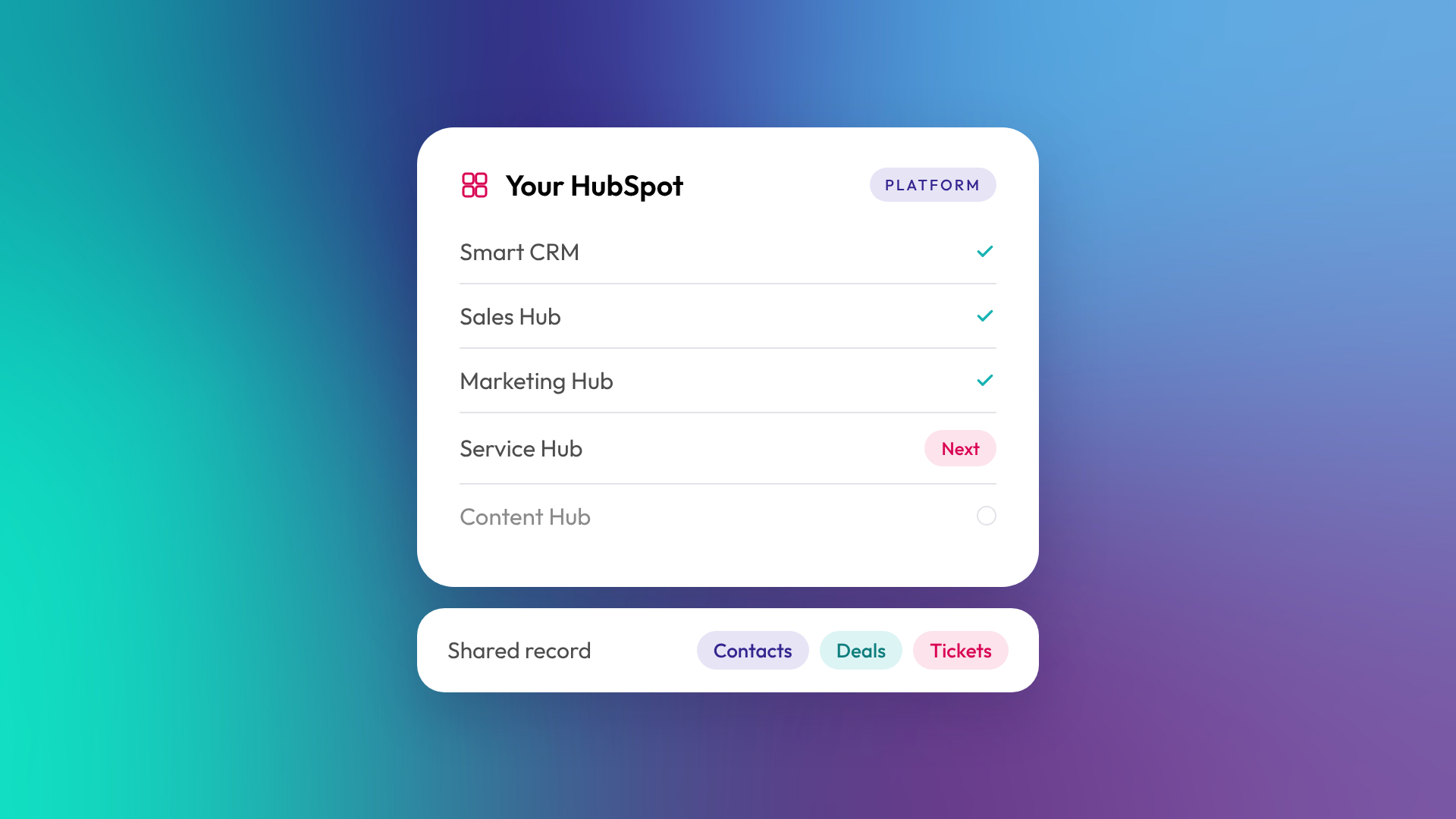
HubSpot is a customer relationship management (CRM) platform that brings marketing, sales, customer service and your website together around one shared database of contacts, companies and deals. Instead of running email in one tool, your pipeline in another and support tickets in a third, every team works from the same record of each customer. You buy the parts you need, called hubs, and add more as the business grows.
That's the short version. The rest of this guide covers what HubSpot actually includes, who it suits, and what to expect if you're thinking about adopting it.
What does HubSpot actually do?
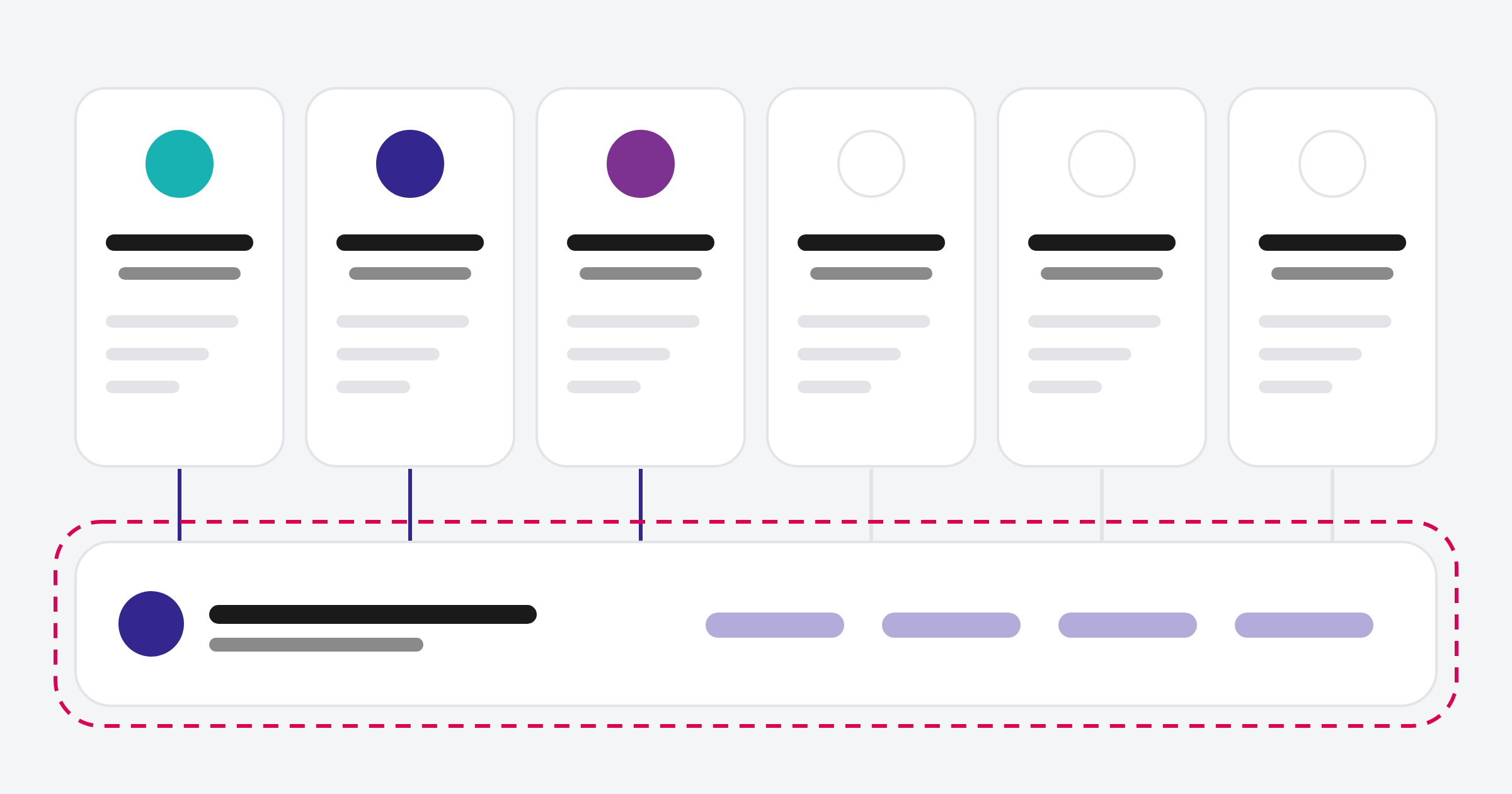
HubSpot stores every person and business you deal with, then records the interactions you log, sync or track against them: emails, calls, meetings, form submissions, website visits, deals and support tickets. On top of that database sit tools for attracting leads, running a sales process, serving customers and reporting on all of it. The value comes from those tools sharing one record, so marketing can see what sales did and leadership can report on the whole customer journey.
In practice, a single contact record in HubSpot can show:
- How the person first found you (a Google search, a LinkedIn ad, a referral)
- Which emails they opened and which pages they read
- The deal they're attached to and what stage it's at
- Every call and meeting your team has logged
- Any support tickets they've raised since becoming a customer
What are HubSpot's hubs?
HubSpot is sold as a set of products called hubs, each built for a different team. They all sit on Smart CRM, HubSpot's shared database, so data flows between them without an integration.
| Product | What it's for |
|---|---|
| Smart CRM | The shared database of contacts, companies, deals and tickets that every hub uses |
| Marketing Hub | Email, forms, landing pages, ads, social, automation and campaign reporting |
| Sales Hub | Pipelines, deals, sequences, meeting links and forecasting |
| Service Hub | Tickets, help desk, knowledge base, customer portal and feedback surveys |
| Content Hub | Website pages, blog, landing pages and content tools |
| Data Hub (formerly Operations Hub) | Data sync, data quality, custom automation and datasets |
| Revenue Hub (formerly Commerce Hub) | Quotes, contracts, billing and payments |
Most B2B businesses start with Sales Hub or Marketing Hub, or both, then add others when there's a clear need. We cover the hubs in more detail in HubSpot's hubs explained: Marketing, Sales, Service, Content, Data and Revenue.
Is HubSpot free?
Yes, HubSpot has a free CRM with basic contact management, deal tracking, forms and email tools. Paid tiers (Starter, Professional and Enterprise) add automation, reporting depth, more users and more control. The free CRM suits very small teams testing the waters. Most growing B2B businesses outgrow it once they need workflows, custom reporting or more than a basic pipeline.
Pricing is per hub and per seat, so two businesses on "HubSpot Professional" can pay very different amounts. Read more: HubSpot Starter vs Professional vs Enterprise: what actually changes.
Who is HubSpot built for?
HubSpot suits businesses that want marketing, sales and service in one system without hiring a team to maintain it. It's most at home in B2B companies with a considered sales process: professional services, software, financial services, and businesses selling into other businesses. It's less suited to very high-volume ecommerce or businesses that need deep industry-specific software as their main system.
In our work across Australia and New Zealand, the businesses that get the most from HubSpot tend to share three traits:
- They have a sales process with more than one step (enquiry, qualify, propose, close)
- Marketing and sales need to see the same information
- Leadership wants reporting from one place, not three spreadsheets
How is HubSpot different from other CRMs?
HubSpot's main difference is that marketing, sales, service and website tools are built on one platform rather than bolted together. Salesforce is more configurable at enterprise scale but usually needs a developer or admin to run. Pipedrive is simpler and sales-only. Zoho is cheaper but spreads across many separate apps.
| HubSpot | Salesforce | Pipedrive | |
|---|---|---|---|
| Core strength | All-in-one marketing, sales and service | Deep enterprise customisation | Simple sales pipeline |
| Ease of use | High | Lower, usually needs an admin | High |
| Marketing tools built in | Yes | Separate product | Limited |
| Typical fit | Growing B2B, 5 to 500 staff | Large or complex enterprise | Small sales teams |
What does it take to set HubSpot up properly?
Switching HubSpot on takes an afternoon. Building it around your business takes experience. A proper setup covers your properties, lifecycle stages, pipelines, integrations, data import and team training, so the system reflects how you actually sell.
In OTM's implementations, HubSpot onboarding on its own usually takes around 12 weeks, and your team should plan on two to three hours a week during that time. If you're also migrating from another CRM, allow 12 to 16 weeks. The time goes into decisions, not clicking: what counts as a qualified lead, which stages your deals move through, and what leadership needs to see in a report.
Related reading: What is a CRM, and when does a B2B business actually need one? and What is Breeze? HubSpot's AI explained.
Common questions about HubSpot
Is HubSpot a CRM or a marketing tool?
Both. HubSpot started as a marketing tool and built its CRM underneath, so today the CRM is the foundation and marketing, sales and service tools sit on top of it.
Can a small business use HubSpot?
Yes. The free CRM and Starter tiers are designed for small teams. The question is less about size and more about whether you have a repeatable sales or marketing process worth organising.
Does HubSpot work in Australia and New Zealand?
Yes. HubSpot has an office in Sydney, can bill in Australian dollars, and supports local time zones and currencies. Many ANZ businesses run it as their main CRM.
Do I need a HubSpot partner to set it up?
No, but it helps if your sales process, integrations or data are anything other than simple. A HubSpot Solutions Partner sets up the system around how you work and trains your team, which avoids the rebuild that a rushed setup tends to need later.
How long does it take to learn HubSpot?
Most users are comfortable with the day-to-day basics within a couple of weeks. Admins who own workflows, reporting and data quality need longer, and usually benefit from training during onboarding.
Where to from here
If you're weighing up HubSpot, start by mapping how a lead becomes a customer in your business today. That map tells you which hubs you need and how much setup to plan for. If you'd like a second opinion, our HubSpot onboarding team can walk through it with you.
