
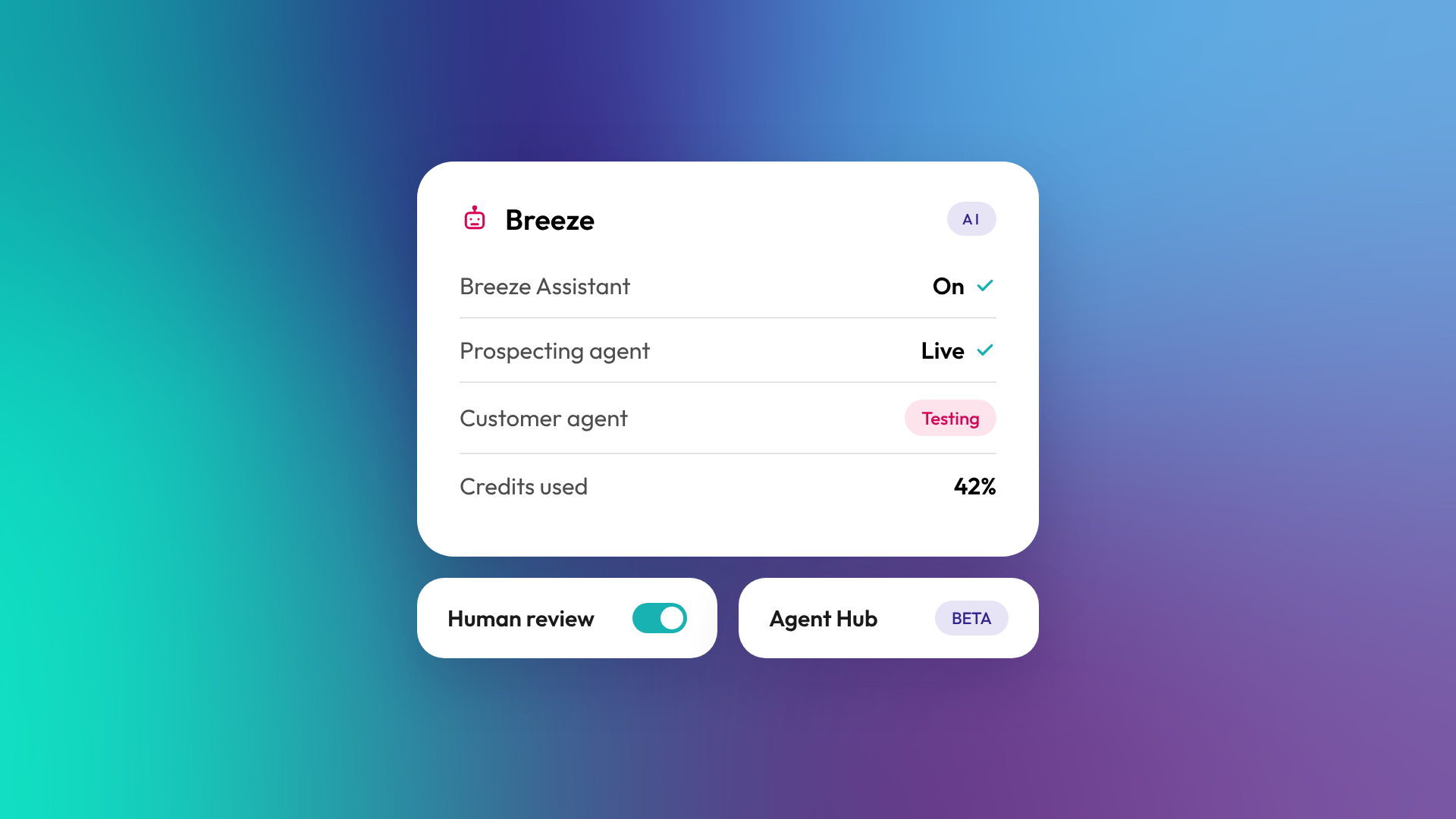
Breeze is the name for HubSpot's AI across the platform. It includes Breeze Assistant, a conversational AI that works inside HubSpot; Breeze agents, which carry out tasks like prospecting, customer support and data work, managed in Agent Hub; data enrichment and intent signals; and AI features built into individual tools. Because Breeze runs on your HubSpot CRM data, its output is grounded in your own customers, deals and content.
What are the parts of Breeze?
Breeze isn't one product. It's a family of AI tools that sit across HubSpot. HubSpot launched Breeze at INBOUND in September 2024 and has expanded it since.
| Part | What it does | Example uses |
|---|---|---|
| Breeze Assistant | Conversational AI inside HubSpot (formerly Copilot) | Summarise a record, draft an email, prepare for a meeting, build a report |
| Breeze agents | AI that completes tasks with some autonomy | Prospecting outreach, answering customer questions, data clean-up |
| Agent Hub | One place to manage pre-built agents, custom agents and agentic workflows | Activate, configure and monitor agents |
| Data enrichment and intent | Fills in company and contact data and flags buying signals | Enrich new companies, track target accounts |
| Embedded AI features | AI built into specific tools | Writing assistance in emails, AI-assisted lead scoring, AI forecasting |
What is Breeze Assistant?
Breeze Assistant is HubSpot's conversational AI, available across your HubSpot account. You can ask it to summarise records, draft content, prepare for meetings, answer questions about your data or complete tasks. It can draw on your CRM data, HubSpot's own product knowledge and, depending on settings, other connected sources. It was previously called Breeze Copilot.
What are Breeze agents?
Breeze agents are AI tools that complete a whole task, not just a single step. According to HubSpot, popular agents include the prospecting agent, customer agent, data agent, the closing agent and the content agent. Agents are managed in Agent Hub. Custom agents are available from Starter, while some HubSpot-built agents need Professional or Enterprise. Agents use HubSpot Credits. Read more: What is the HubSpot Breeze customer agent, and is it worth setting up?
We run the prospecting agent on our own portal: HubSpot flags target companies, the agent finds contacts and drafts emails, and a person reviews and approves before anything sends.
What are HubSpot Credits?
HubSpot Credits are a usage-based allowance that powers many Breeze features, including agents and some data tools. Seat-based subscriptions include a monthly allowance, and you can buy more. Only users on paid seats (and Partner Seats) can use credits. It's worth checking how many credits a feature uses before switching it on at scale.
Is Breeze free?
Parts of it. Breeze Assistant is available across HubSpot, including free tools, with more capability on paid tiers. Agent availability varies: custom agents are available from Starter, while some HubSpot-built agents and advanced features need Professional or Enterprise. Agents consume HubSpot Credits. Features and packaging change regularly, so check HubSpot's current product catalogue before planning.
How should a B2B business start with Breeze?
Start with tasks that are repetitive, well defined and easy to check. Good first uses are summarising records before calls, drafting first versions of emails, and enriching company data. Agents that act on your behalf, such as answering customers or sending outreach, need more preparation: clean data, clear instructions, a good knowledge base and a review process.
Before switching on an agent, check:
- Is the CRM data it relies on accurate?
- Does it have the right knowledge sources, such as help articles or service descriptions?
- Who reviews its output, and how often?
- What should it never do or say?
- How will you measure whether it's helping?
In our experience rolling out Breeze agents for clients and on our own portal, the setup and training of the agent matters more than switching it on.
What are the risks of using Breeze?
The main risks are AI acting on poor data, giving wrong answers to customers, or sending messages that don't sound like your business. These are manageable with good data, clear scope, human review for anything customer-facing, and regular checks. HubSpot also lets admins control which AI features are available and what data is shared.
Related reading: What is CRM data hygiene?.
Common questions about HubSpot Breeze
What's the difference between Breeze Assistant and Breeze agents?
Breeze Assistant helps you while you work, responding to your prompts. Agents carry out tasks on their own within the limits you set, such as handling customer chats or drafting outreach.
What happened to Breeze Copilot?
Breeze Copilot was renamed Breeze Assistant, with expanded features such as memory, projects and connections to other apps.
Does Breeze use my data to train AI models?
HubSpot states that third-party AI providers are contractually prohibited from training their models on your data. Review HubSpot's AI trust documentation for full details.
Can I build my own Breeze agents?
Yes. Agent Hub lets you create custom agents alongside HubSpot's pre-built ones, on eligible subscriptions.
Do I need a partner to set up Breeze?
Not for Breeze Assistant. For customer-facing agents, a partner can help with knowledge sources, data preparation, instructions and testing.
Where to from here
Pick one repetitive task your team does every week and test whether Breeze Assistant can do a first draft of it. That's usually the lowest-risk way to start. If you're considering customer-facing agents, our optimisation and support team can help you set them up properly.
