
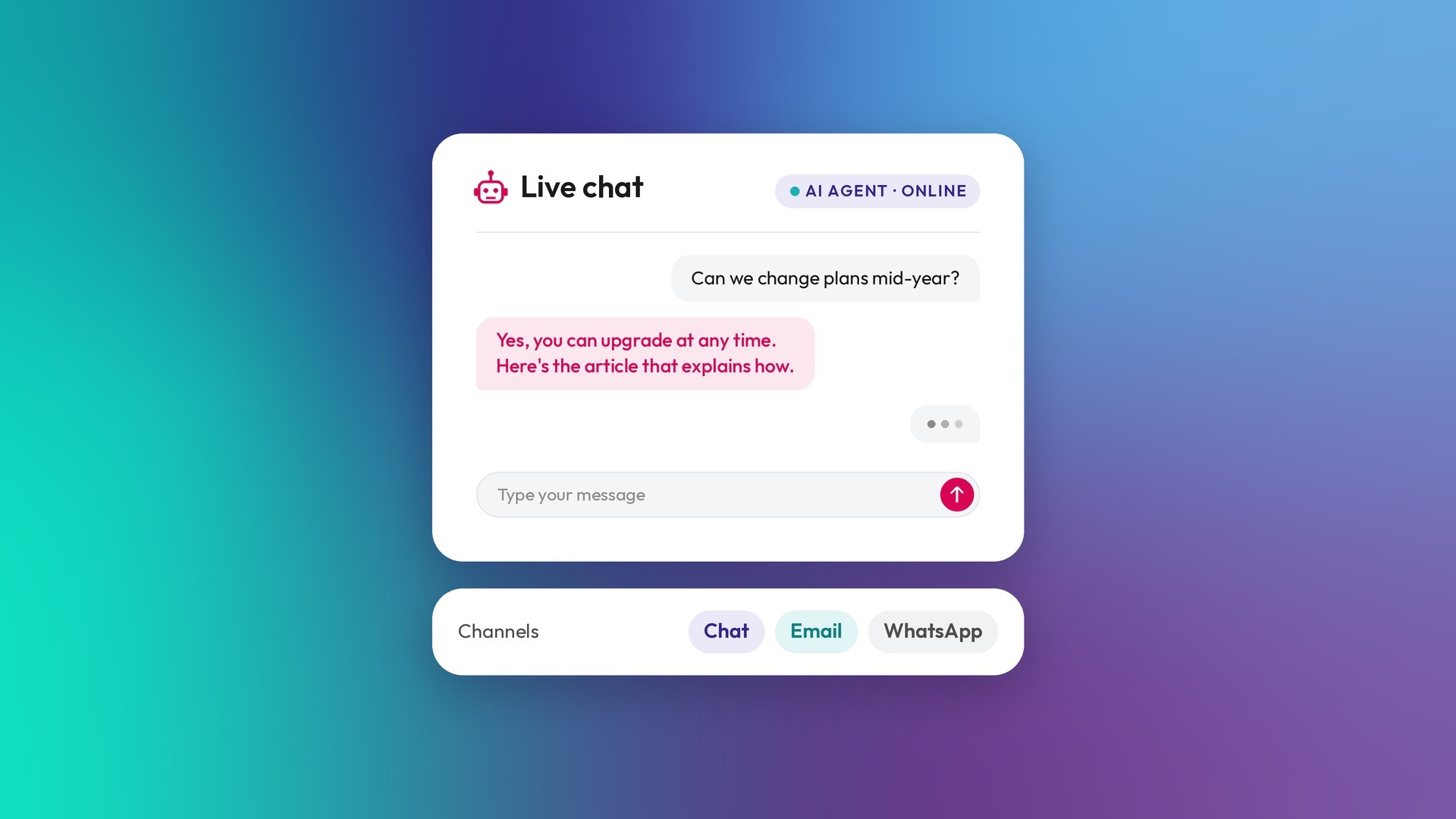
The HubSpot Breeze customer agent is an AI agent that answers customer questions in chat, email and messaging using your own content. It can also perform configured actions and transfer conversations to a person. It's worth setting up when you get the same questions often and have reliable content or clearly defined actions to address them. For content-based answers, the quality of your source material matters.
What do you need before you switch on a customer agent?
| Requirement | Detail |
|---|---|
| HubSpot subscription | Professional or Enterprise on Marketing Hub, Sales Hub, Service Hub, Data Hub, Content Hub, Smart CRM or Revenue Hub for live-channel deployment |
| HubSpot Credits | Required for live-channel deployment outside free access. Eligible accounts setting up the agent for the first time can opt into 14 days of free access without using credits |
| A connected channel | A supported channel connected to the conversations inbox or help desk. Deployment options include live chat, email, Facebook Messenger, WhatsApp and form channels. Calling and custom-channel deployment are beta options |
| Content to learn from | Reliable synced sources, such as knowledge base articles, website pages, blog posts or uploaded documents, plus any actions you want the agent to perform |
| AI settings | Access to generative AI tools and features enabled, along with the required CRM, customer conversation and file-data access settings |
| Permissions | A user with customer agent editor permissions and an assigned seat |
How do HubSpot credits work for the customer agent?
Credits are charged per resolution, not per message. HubSpot counts a resolution in either of these cases:
-
A content answer or action: the conversation includes at least one agent reply that shares a content source or performs an action, with no qualifying handoff to a human within 72 hours of the last visitor response.
-
Lead qualification: a lead is marked as qualified, partially qualified or not qualified. This resolution is recorded immediately.
For billing purposes, a qualifying handoff is visitor-initiated: the visitor explicitly asks for a person or triggers a configured handoff phrase or guideline. Manually assigning the conversation to a person does not, by itself, prevent it from counting as a resolution.
Multiple messages in the same open conversation do not automatically use additional credits. However, if a customer replies to an email thread after more than 72 hours, the conversation reopens. Another resolution can use additional credits.
When credits run out, the agent stops being assigned to new conversations until your credits reset or you purchase more. New conversations follow your configured handoff process. If you've purchased additional credit capacity packs, your capacity may be automatically upgraded when usage exceeds your allotment.
There is also a human-led option: customer agent reply recommendations in help desk do not consume HubSpot Credits. Your team reviews and sends those suggested replies rather than the agent responding autonomously.
How should you scope a customer agent?
Scope is what keeps an agent useful and safe. In our rollouts, the agents that work best answer a narrow set of questions well.
For an accounting firm, we scoped a customer agent to the firm's own services and how the firm can help. It doesn't give general tax advice.
- List the questions it should answer. Pull them from your inbox, chat logs and sales calls.
- Check the content exists. Every answer needs a knowledge base article or page behind it.
- Write what it must not do. Advice it can't give, topics it should hand off, promises it can't make.
- Set the handoff rules. When it passes the conversation to a person, and who that person is.
- Test with real questions. Including the awkward ones customers actually ask.
- Review resolutions weekly. For the first month, read what it answered and what it handed off.
What happens when the agent can't answer?
Depending on the situation and its configuration, the agent may ask the visitor to rephrase the question or transfer the conversation to your team. Handoffs can occur when confidence is low, escalation rules are met or the visitor asks for a person.
In chat, if the visitor doesn't reply within 24 hours, the conversation closes automatically.
When aren’t you ready for a customer agent?
If your customers don’t ask the same questions often, or your answers aren’t written down anywhere yet, you’re not ready to set one up. An agent can only answer from what you’ve documented, so without a knowledge base it has nothing reliable to work with. Start there. Once your common questions are answered in the knowledge base and kept up to date, the agent has something solid to build on.
Frequently asked questions
Is the Breeze customer agent free?
Autonomous live-channel deployment requires an eligible Professional or Enterprise subscription and HubSpot Credits outside any free-access period. Eligible accounts setting it up for the first time can opt into 14 days of free access without using credits. Separately, reply recommendations for human reps in help desk do not consume HubSpot Credits.
Can the customer agent work on email as well as chat?
Yes. Supported deployment options include live chat, email, Facebook Messenger, WhatsApp and form channels. Calling and custom-channel deployment are beta options, so check their availability in your account.
Does it need a HubSpot knowledge base?
No. It can use other synced sources, including website pages, blog posts and uploaded documents. A HubSpot knowledge base is one option, not a requirement. The important part is giving the agent accurate, current content for the questions it should answer.
Can we stop it using credits?
Yes. You can pause customer agent credit usage, though it can take a few hours to stop fully. Turning off assignment prevents new conversations from being assigned to the agent; it can continue handling existing threads until they're resolved.
Can it hand off to a real person?
Yes. Configure the handoff process for situations such as low confidence, escalation rules and visitor requests for a person. When it can't answer, the agent may first ask the visitor to rephrase.
Requirements and credit rules checked in October 2026 against HubSpot's Understand the customer agent and Deploy customer agent to channels documentation. Features, eligibility and billing rules can change. Confirm current availability in your account and live pricing and inclusions on HubSpot's official pricing page before purchasing.
Thinking about a customer agent for your own HubSpot?
We set them up as part of Optimisation & Support. If you'd like to talk through whether one fits, let's talk.
.png)