
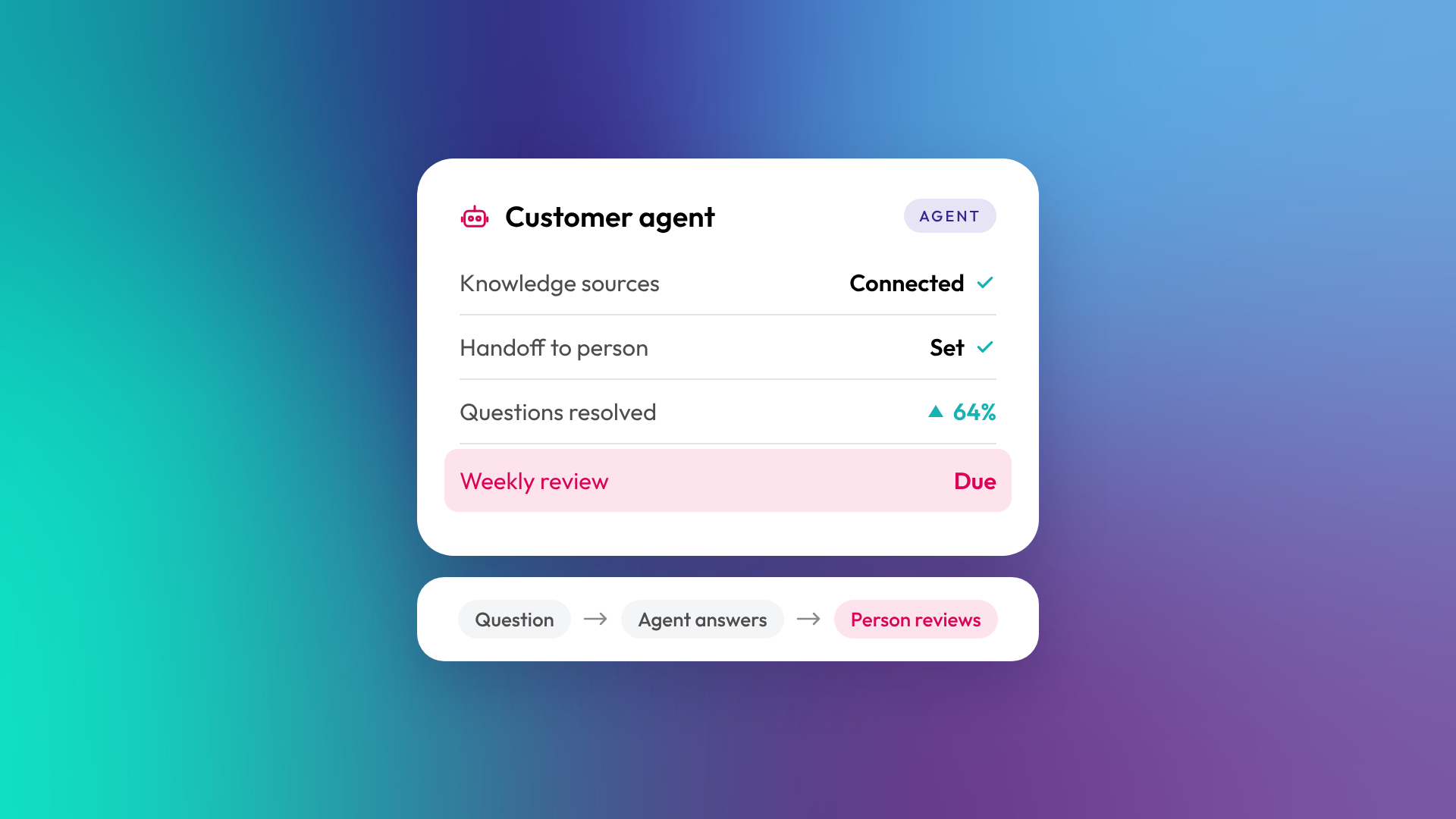
An AI agent in a CRM is software that uses AI to complete tasks with some autonomy, using your customer data as context. Instead of responding to one prompt at a time like a chatbot or assistant, an agent works towards a goal: answering a customer's question, researching and contacting prospects, or cleaning up records. In HubSpot, these are Breeze agents, managed in Agent Hub.
The quality of an agent's work depends heavily on the quality of the CRM data and instructions it's given.
How is an AI agent different from an AI assistant?
An AI assistant helps a person while they work, responding to each request. An AI agent is given a goal and a set of tools, then decides the steps itself, within limits you set. Assistants keep a person in control of every step. Agents take on more of the work, so they need clearer boundaries and review.
| AI assistant | AI agent | |
|---|---|---|
| How it works | Responds to each prompt | Works towards a goal across several steps |
| Who drives | The user | The agent, within set limits |
| Example in HubSpot | Breeze Assistant summarising a deal | Customer agent answering a chat enquiry |
| Oversight needed | Light | Clear rules and regular review |
| Data dependency | Moderate | High |
What can AI agents do in a CRM?
CRM agents are most useful on tasks that are repetitive, rely on customer data and follow a recognisable pattern. According to HubSpot, its popular agents include the prospecting agent, customer agent, data agent, the closing agent and the content agent.
Common uses in B2B:
- Customer service: answer common questions from your knowledge base and hand complex ones to a person
- Prospecting: research target accounts, find contacts and draft personalised outreach for review
- Lead qualification: ask qualifying questions and route leads to the right owner
- Data quality: fill in missing fields, standardise values and flag duplicates
- Content: draft blog posts, landing pages or case studies from your own material
Why does CRM data matter so much for agents?
An agent can only be as accurate as the information it draws on. If company records are incomplete, help articles are out of date or service descriptions are vague, the agent will give incomplete, outdated or vague answers, confidently. Agents built on a CRM have an advantage over standalone AI tools because they can see customer history, but that advantage disappears if the data is messy.
Before deploying an agent, it's worth fixing the data and knowledge sources it will rely on. Read more: What is CRM data hygiene?
How do you set up an AI agent well?
Treat an agent like a new team member: give it a clear job, good training material, rules about what it can and can't do, and someone who checks its work. Start narrow, measure results, then widen its scope.
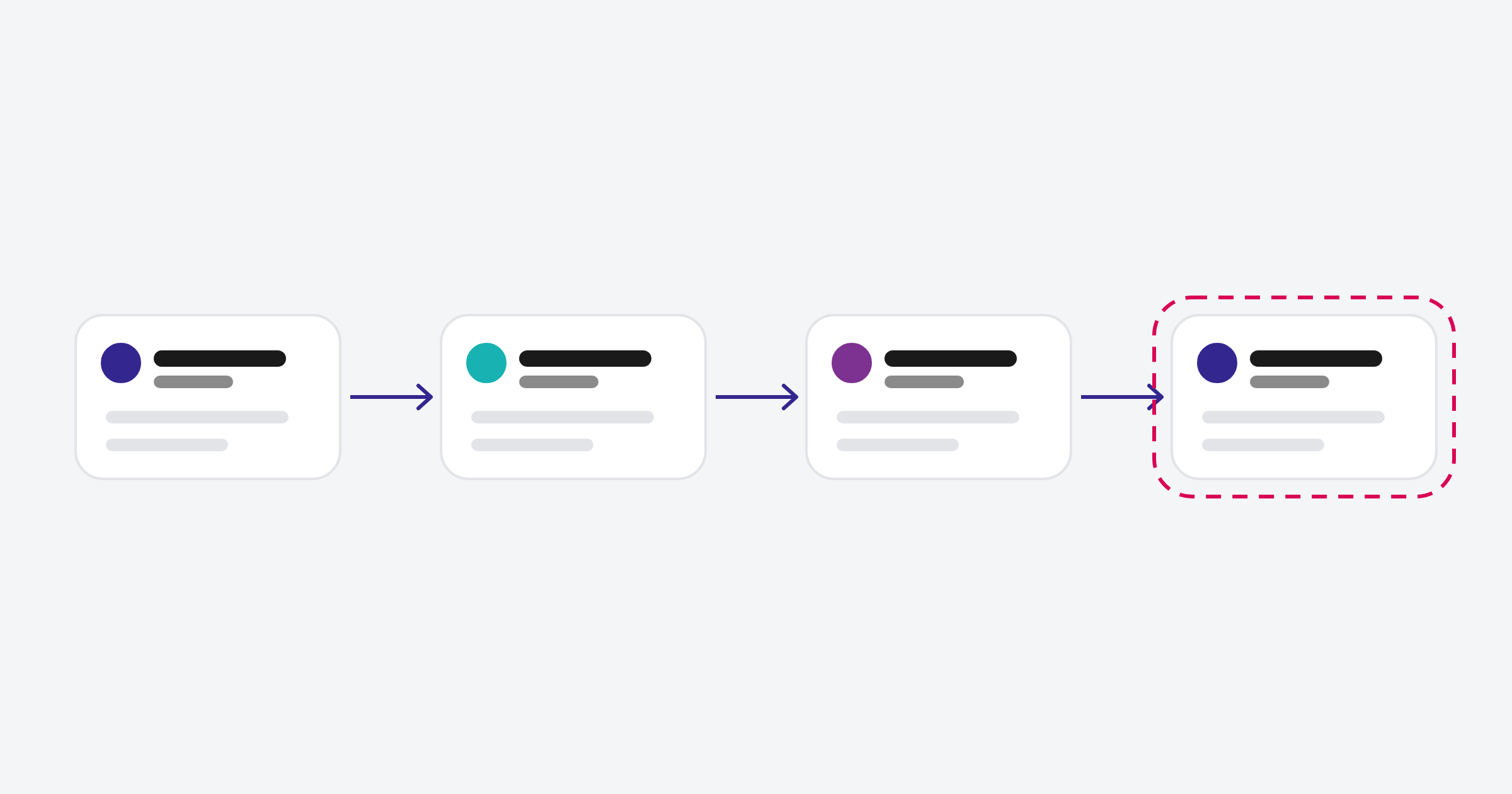
Setup checklist:
- Define one clear goal and what success looks like
- Give it accurate knowledge sources, such as help articles and service pages
- Write instructions in plain language, including tone and things it must never say
- Set handoff rules for when a person should take over
- Keep human review on anything customer-facing at first
- Review conversations and outputs weekly in the early stages
What are the risks of AI agents?
The main risks are wrong answers, off-brand messages, actions taken on bad data, and customers feeling they're talking to a machine when they wanted a person. Most of these come from poor preparation rather than the technology itself. Clear scope, good data, easy handoff to a human and regular review keep the risks manageable.
In our experience rolling out Breeze agents for clients and on our own portal, the work is mostly in the preparation: defining scope, writing knowledge sources and testing edge cases before going live.
Common questions about AI agents in CRMs
Will AI agents replace salespeople or support staff?
Not in most B2B businesses. Agents take on repetitive work and first responses, which frees people for conversations that need judgement and relationships.
Do AI agents in HubSpot cost extra?
HubSpot's agents use HubSpot Credits. Agent Hub is available from Starter, though some HubSpot-built agents need Professional or Enterprise. Check your included credits and each agent's usage before scaling up.
Can an AI agent send emails on its own?
It can, depending on settings, but for outreach it's sensible to keep a person reviewing and approving messages, at least until you trust the output.
How do I know if an agent is working?
Measure the outcome it's meant to improve, such as resolution rate, response time, meetings booked or data completeness, and review a sample of its work regularly.
Can I build a custom AI agent in HubSpot?
Yes. Agent Hub lets eligible subscriptions create custom agents alongside HubSpot's pre-built ones.
Where to from here
List the tasks your team repeats every day that follow the same pattern. The most repetitive one with the cleanest data behind it is usually the best first agent. Our optimisation and support team can help you scope and set it up.
