
Most HubSpot portals have more duplicate contacts and companies than their owners expect. HubSpot's built-in tool handles them one pair at a time, which is fine for a handful. For a few hundred or more, we use Dedupely, a third-party app that merges duplicates in bulk.
This post covers how we run a clean-up, where Dedupely fits, and what to watch for.
Disclosure: OTM is a Dedupely affiliate. If you sign up through the link at the end of this post, Dedupely pays us a commission. It costs you nothing extra. We were recommending it to clients before we joined the program.
Where duplicates come from
Duplicates build up quietly. Someone fills in a form with a new email address. A list gets imported without matching on an existing field. An integration creates a new company instead of finding the one already there. A rep adds a contact who's already in the CRM.
The effects show up in places people trust. Lifecycle stages split across two records, attribution credits the wrong source, and reports count the same customer twice.

When HubSpot's native tool is enough
HubSpot suggests possible duplicates and lets you review and merge each pair. If your database is small and duplicates arrive slowly, that's usually all you need. You don't need another app.
It starts to struggle when there are hundreds or thousands of pairs to work through, or when duplicates don't share an exact email address or domain.
How we run a clean-up
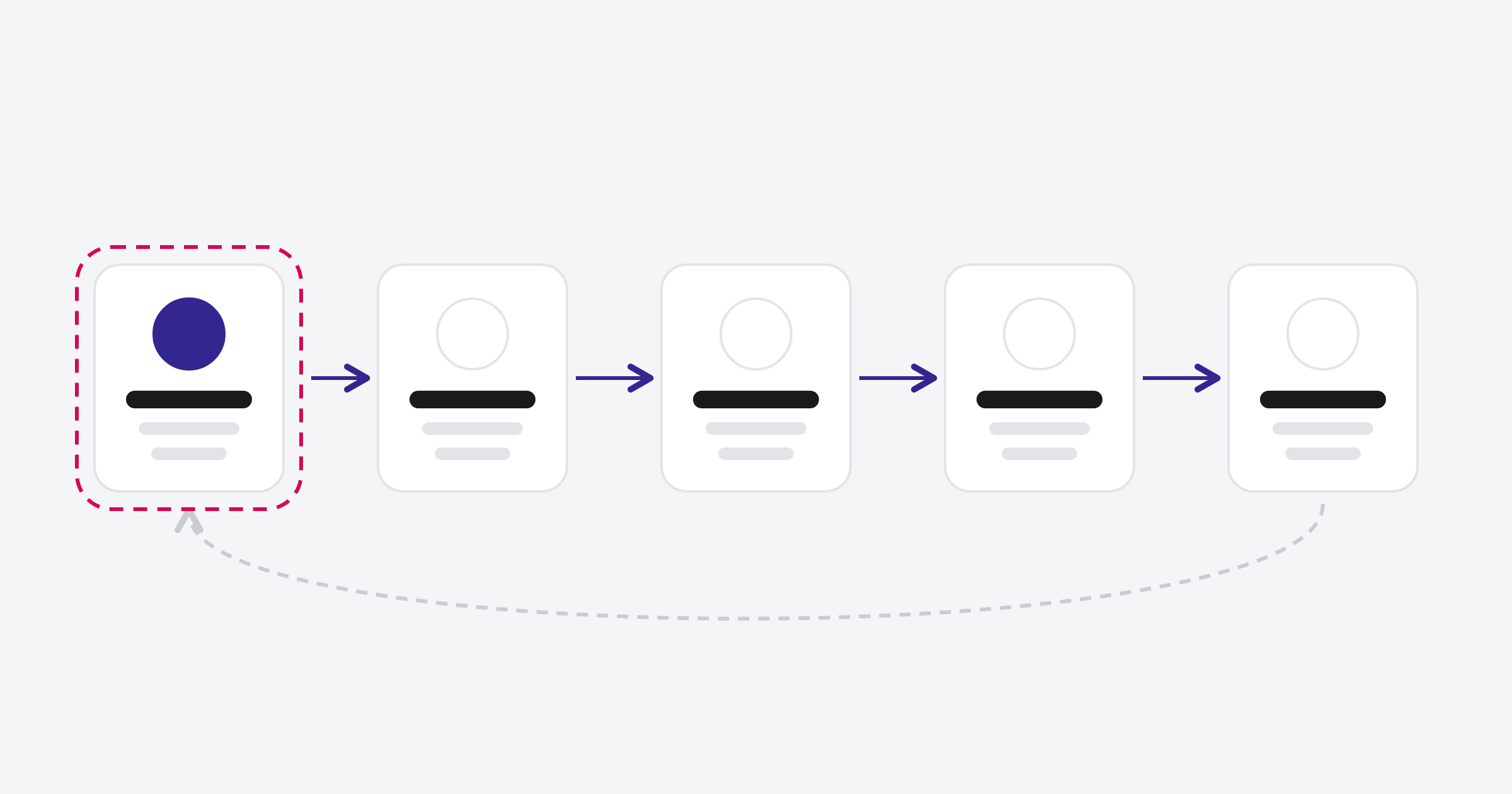
- Fix the source first. Find the form, import or integration that's creating duplicates and fix it. Otherwise the clean-up won't last.
- Agree the merge rules. Decide which record's owner, lifecycle stage, original source and key properties survive a merge. Write them down.
- Test on a sample. Review 20 to 30 merges by hand before running anything in bulk. Merged records are hard to pull apart again.
- Merge in batches. Work through the rest a batch at a time, checking as you go.
- Check again in a month. If new duplicates keep appearing, go back to step 1.
Where Dedupely fits
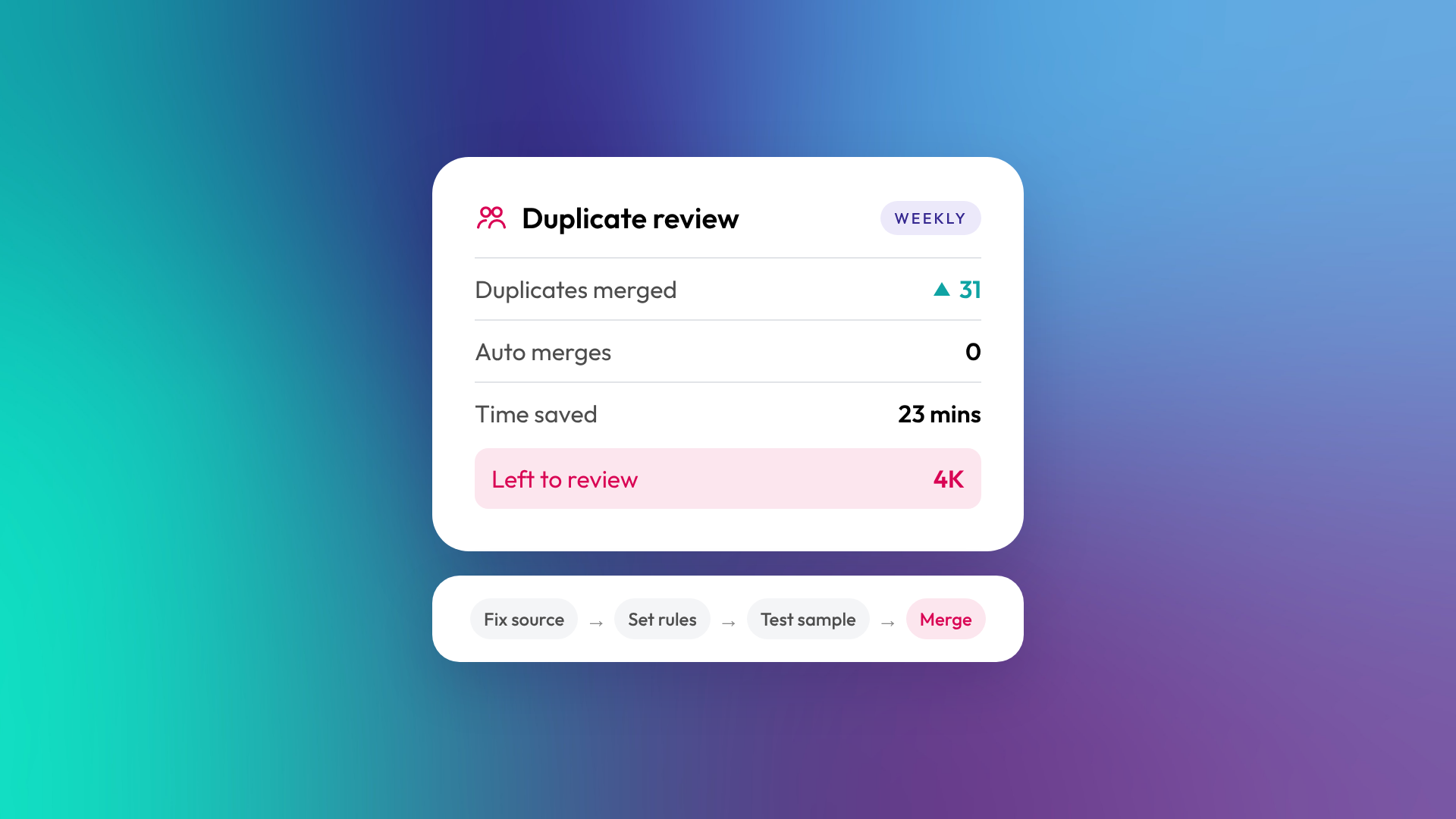
We use Dedupely for steps 2 to 5 when the volume is too high to work through in HubSpot. It lets us set merge rules once and apply them across many records. It sends a weekly report of what's been merged and what's left. And it can automatically merge the duplicates that keep coming back.
For a sense of scale, in one week in April 2026 on our own account it merged 31 duplicates and flagged around 4,000 more for review for a client of ours. The second number is the one that tends to surprise people.
If you're a consultant managing several client portals, Dedupely's partner setup lets you connect them all to one account, with each portal kept separate.
Recent updates, according to Dedupely, include automatic duplicate detection (Dedupely Intelligence), undo for merges, manual review for borderline matches, merge rule suggestions with a preview, and two-way sync between HubSpot and Salesforce. They've also said all features are now in every plan, with pricing based on record count. They've released 18 free CSV tools as well, including CSV Dedupe and a CRM Import Checker, which are handy for tidying a file before it's imported.
What to watch for
- Access. Dedupely connects to your CRM data, so check with whoever owns your portal before connecting any third-party app.
- Rules matter more than the tool. A bulk merge is only as good as the rules behind it. Undo helps, but it's not a substitute for testing on a sample.
- You may not need it all year. We subscribe for a project and cancel when it's done. If duplicates keep arriving through integrations or high form volume, a running subscription with auto merge on is the better option.
If you want to try it
You can connect Dedupely to HubSpot from their website. If you'd rather we set the rules and run the clean-up, it's part of our portal audits.
How many duplicates do you think are sitting in your portal right now?
