
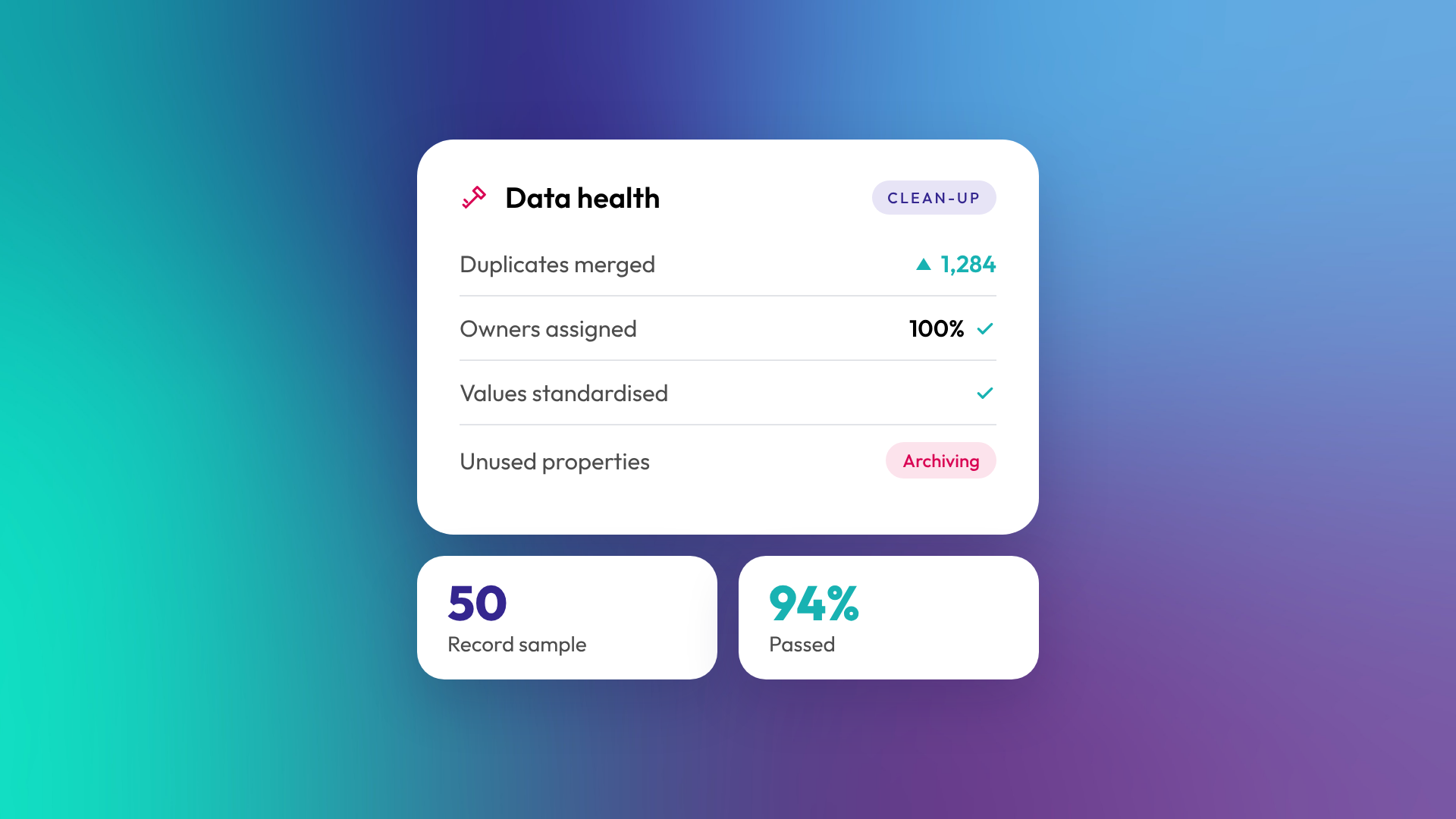
CRM data hygiene is the ongoing practice of keeping the records in your CRM accurate, complete, consistent and free of duplicates. It includes fixing what's wrong today and putting rules in place so it doesn't go wrong again. Good hygiene matters because every report, workflow and email in your CRM depends on the data underneath it. If the data is messy, so is everything built on it.
Why does CRM data hygiene matter?
Bad data quietly breaks the things you rely on a CRM for. Reports show the wrong numbers, automation emails the wrong people, salespeople call contacts who left years ago, and leadership stops trusting the dashboard. Once trust goes, teams drift back to spreadsheets and the CRM becomes an expensive address book.
It also costs money directly. HubSpot bills marketing contacts in tiers, so duplicate and dead contacts can push you into a higher bracket. Read more: What are marketing contacts in HubSpot, and how do they affect your bill?
What are the most common CRM data problems?
Most messy portals have the same handful of problems. They usually build up slowly from imports, integrations and inconsistent manual entry.
| Problem | What it looks like | What it breaks |
|---|---|---|
| Duplicates | Two records for the same person or company | Reporting, emails, ownership |
| Inconsistent values | "NSW", "New South Wales", "nsw" | Segments, filters, reports |
| Missing fields | No industry, no owner, no lifecycle stage | Routing, segmentation, reporting |
| Stale records | Bounced emails, people who've left | Deliverability, costs |
| Wrong associations | Contacts linked to the wrong company | Account reporting, deal history |
| Unused properties | Hundreds of fields nobody fills in | Usability, user trust |
How do you clean up CRM data?
Start with the problems that break the most important reports, not with the whole database. A practical order:
- Agree what "good" looks like. Which fields must be filled, and what values are allowed.
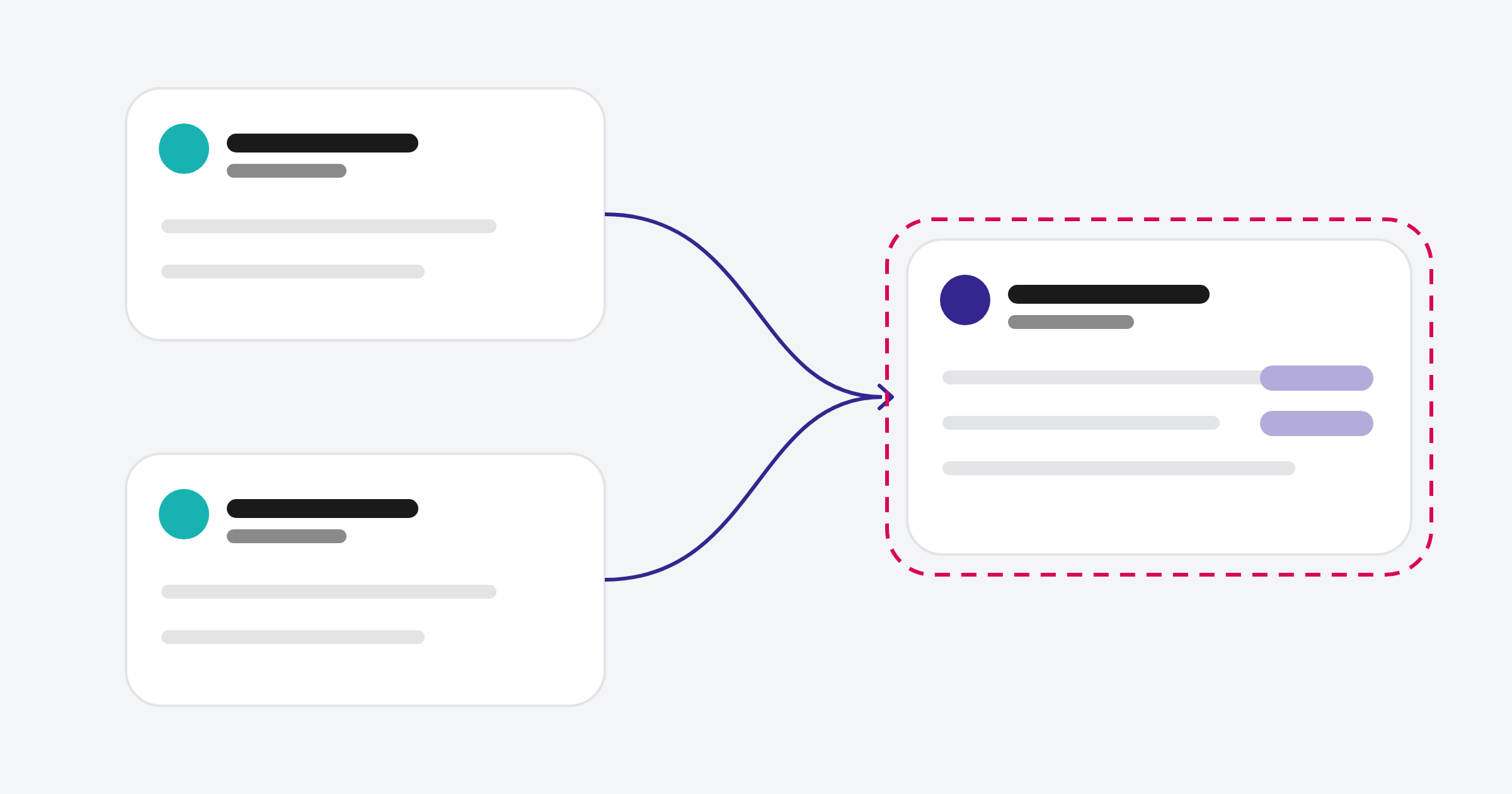
- Merge duplicates. Companies first, then contacts, so associations land in the right place.
- Standardise values. Convert free-text fields to dropdowns where you can.
- Fill or remove gaps. Set owners and lifecycle stages, archive what can't be fixed.
- Remove dead records. Hard bounces, unsubscribes you don't need, contacts with no activity in years.
- Archive unused properties. Fewer fields means better data in the ones that remain.
In OTM's optimisation work, a portal clean-up generally takes four to eight weeks at least, depending on data volume and how many integrations feed the CRM. We've written up how we approach the duplicate part in how we clean up duplicate records in HubSpot.
How do you keep CRM data clean after a clean-up?
Clean-up without prevention only buys you a few months. The rules that keep data clean are mostly about making the right thing the easy thing for users and integrations.
- Use dropdowns instead of free text for any field you report on
- Make key fields required at the right pipeline stage
- Set up workflows to fill in values automatically, like region from country
- Control who can import and who can create properties
- Check integrations map fields correctly, since they create a lot of mess
- Run a short monthly review of duplicates and missing values
Who should own CRM data hygiene?
One person should own it, even if many people enter data. In smaller businesses that's often an operations lead or the CRM admin. In larger ones it sits with RevOps. Without an owner, everyone assumes someone else is fixing it, and nobody does.
The owner doesn't need to fix every record personally. Their job is to set the rules, watch the trends and fix the causes.
What tools help with CRM data hygiene in HubSpot?
HubSpot has built-in tools for this, including duplicate management, property validation and automatic formatting rules, required fields and workflow-based data formatting. Its data quality tools flag duplicates, formatting issues and unused properties, and can send a weekly data quality digest. The data model health check scans for low-fill-rate fields, inactive associations and misconfigured pipelines. For larger clean-ups, exports and spreadsheets still play a part, along with third-party deduplication apps from the HubSpot marketplace.
The tool matters less than the process. A good monthly routine with built-in tools beats an expensive app nobody checks.
How do you know if your CRM data is unhealthy?
If people don't trust your reports, your data probably has a problem. Other signs include sales asking "is this the right contact?", high email bounce rates, segments that return odd results, and different teams quoting different numbers for the same metric.
A quick health check: pull a random sample of 50 records and count how many have a correct owner, lifecycle stage, company association and a working email address. The percentage tells you roughly how much work is ahead.
Related reading: What is a HubSpot portal audit?.
Common questions about CRM data hygiene
How often should we clean our CRM data?
Do a proper clean-up once, then a light review monthly and a deeper check quarterly. Ongoing prevention rules do most of the work in between.
Can HubSpot merge duplicates automatically?
HubSpot deduplicates contacts by email address and companies by domain for most creation methods, though companies created through the API or sync apps are an exception. It also suggests possible duplicates for review. Merging is mostly a review-and-confirm process, which is sensible because merged records can't be unmerged.
Does deleting contacts save money in HubSpot?
Removing contacts or setting them as non-marketing reduces your marketing contact count, which frees capacity and stops further automatic upgrades. Your contact tier only comes down if you downgrade at renewal, so plan changes around your billing cycle.
What's the difference between data hygiene and data governance?
Hygiene is the practical work of keeping records clean. Governance is the set of rules and responsibilities that decide how data should be managed. You need both, but hygiene is where most businesses start.
Should we clean data before a CRM migration?
Yes. Migration is the cheapest time to fix data because every record is being moved anyway.
Where to from here
Try the 50-record sample check this week. If more than a handful fail, it's worth fixing the foundation before building anything new on top. Our optimisation and support team can take that on with you.
