
A property in HubSpot is a field that stores a piece of information on a record, such as a contact's job title, a company's industry or a deal's amount. HubSpot includes default properties for every object, and you can create custom properties for information specific to your business. Create a custom property only when no default property fits, the data will actually be used, and someone will keep it up to date.
Properties are where most HubSpot portals quietly get messy.
What's the difference between default and custom properties?
Default properties are created by HubSpot and power its built-in tools, such as Email, Lifecycle stage, Deal stage and Close date. Custom properties are fields you create for your own business needs, such as Number of sites, Licence type or Renewal date. Default properties should always be your first choice, because HubSpot's tools, reports and integrations already know how to use them.
What types of properties can you create?
HubSpot properties have a field type that controls what values they can hold. Choosing the right type matters more than most people expect, because it determines how well the data can be filtered, reported and automated.
| Field type | Use it for | Example |
|---|---|---|
| Dropdown select | One value from a fixed list | Industry, Region, Licence tier |
| Multiple checkboxes | Several values from a fixed list | Products of interest |
| Single checkbox | Yes or no | Signed NDA |
| Date picker | A date | Contract renewal date |
| Number | A numeric value | Number of employees, Sites |
| Single-line text | Short free text | Account number |
| Multi-line text | Longer notes | Onboarding notes |
| Calculation | A value worked out from other properties (Professional and Enterprise) | Days to close |
As a rule, use dropdowns instead of free text for anything you'll filter or report on. "NSW", "New South Wales" and "nsw" are three different values to a report.
When should you create a custom property?
Create a custom property when you need to store a single fact about a record, you'll use it in a list, report, workflow or personalisation, and nothing in HubSpot's default properties already does the job.
A simple test before creating one:
- Does a default property already store this?
- Will we filter, report or automate on it?
- Who will fill it in, and how?
- What values are allowed?
- Which object does it belong on: contact, company, deal or something else?
If you can't answer question 3, the property will probably sit empty.
When is a property the wrong answer?
A property is the wrong answer when you need to store several of the same thing on one record. Properties like "Site 1 address", "Site 2 address" and "Site 3 address" are a sign you need a separate object, such as a custom object on Enterprise. It's also the wrong answer for information that changes constantly and isn't used, which just adds clutter. Read more: What are objects in HubSpot? Contacts, companies, deals, tickets and custom objects.
How do you keep property data clean?
Clean property data comes from rules, not reminders. HubSpot lets you set validation rules (such as numbers only or a character limit), automatic formatting rules, required fields on record creation and at pipeline stages, and conditional options that limit one dropdown based on another. Workflows can also fill in values automatically, like setting Region from Country.
Other habits that help:
- Group properties logically so users can find them
- Write a description on every custom property explaining what it's for
- Restrict who can create properties
- Archive properties nobody uses
How many custom properties is too many?
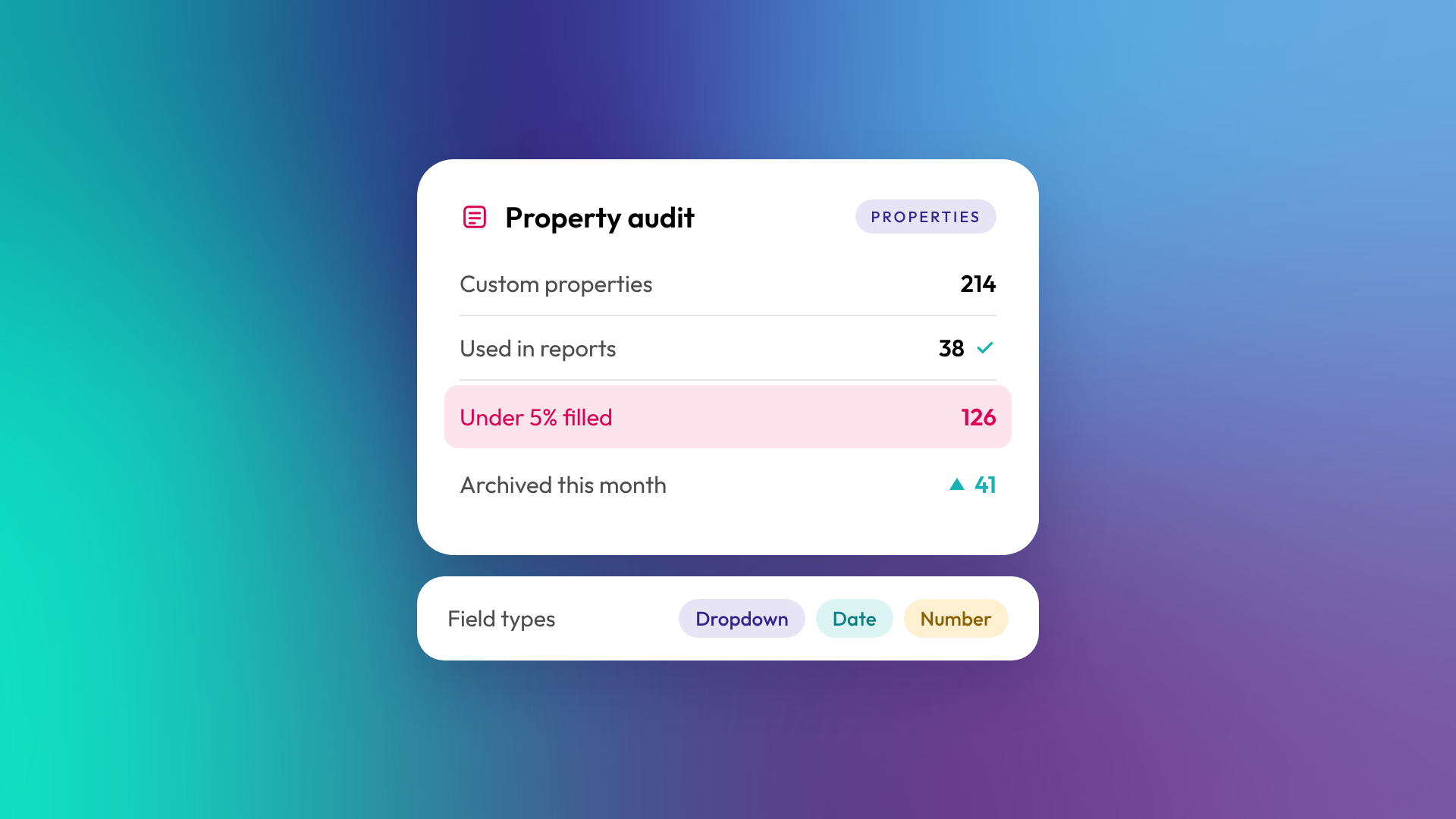
There's no fixed number, but every unused property makes the portal harder to use and the data harder to trust. HubSpot sets limits on custom properties per object depending on your subscription, and its data quality tools flag unused properties and properties with no data. In OTM's audits, it's common to find portals where most custom properties are empty or duplicated.
Related reading: What is CRM data hygiene?.
Common questions about HubSpot properties
Can I change a property's field type later?
Yes, but existing values may become invalid if they don't fit the new type. Check what's stored before changing it.
Can I delete a default property?
No. Default properties can't be deleted, though many can be hidden from views and forms.
What's an internal name?
Every property has a label (what users see) and an internal name (what integrations and the API use). The internal name can't be changed after the property is created, so get it right first time.
Can properties sync between objects?
Yes. A sync property copies a value from an associated record and keeps it updated, such as company industry onto contacts. The sync is one-way and the synced property is read-only. Workflows are another option when you need more control.
Can I control who edits a property?
Yes. HubSpot lets you set view and edit permissions on properties, so critical fields can be protected from accidental changes.
Where to from here
Export your custom properties and sort by fill rate. Anything below a few per cent is worth questioning. If the list runs into the hundreds, our optimisation and support team can help you clean it up.
