
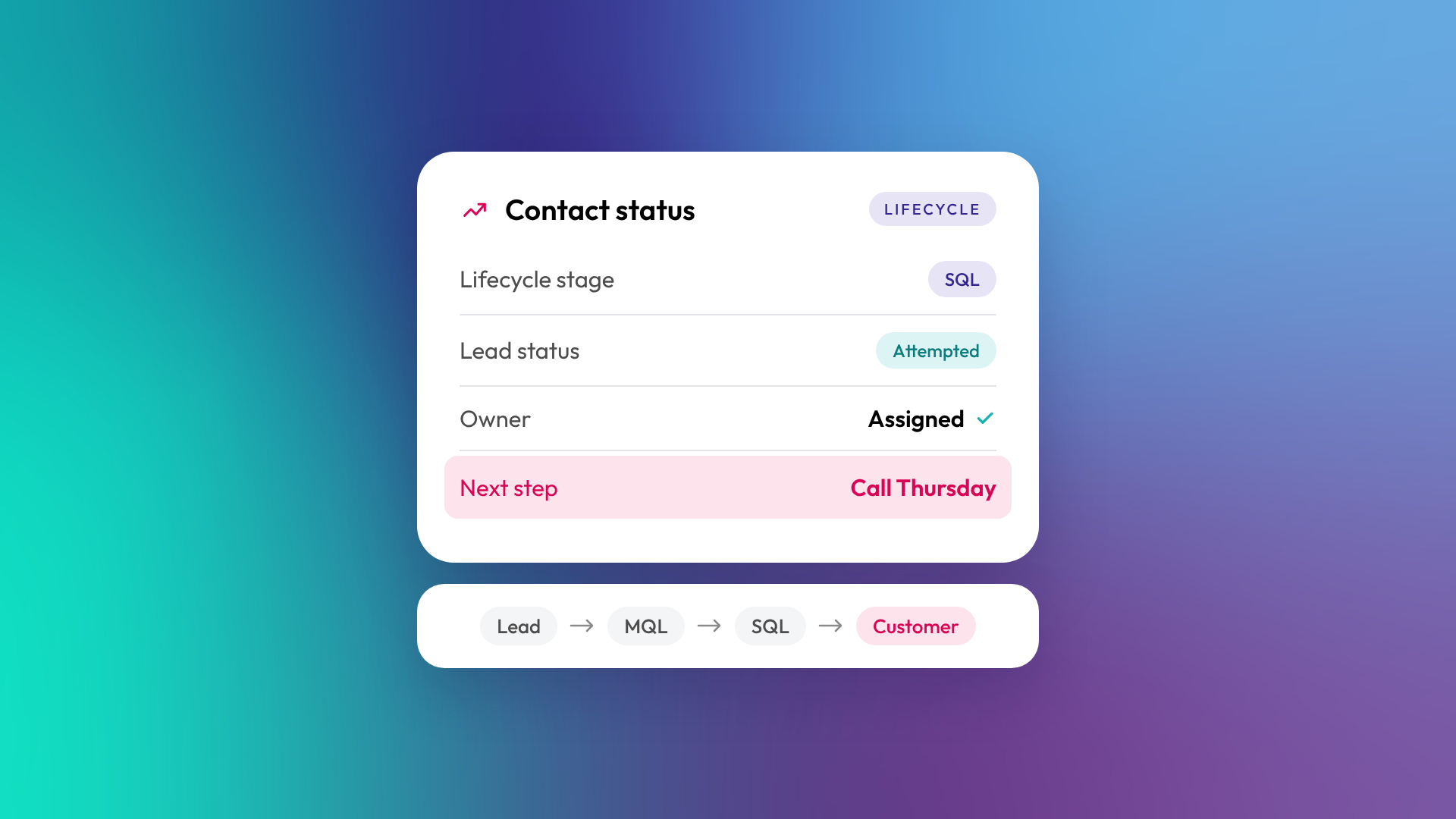
Lifecycle stage tells you where a contact sits in the overall customer journey, from subscriber to customer. Lead status tells you what sales is doing with that contact right now, such as attempting to contact them or waiting on a reply. Lifecycle stage moves forward slowly and mostly in one direction. Lead status changes often and only matters while sales is actively working the contact.
Mixing the two up is one of the most common causes of messy HubSpot reporting we see.
What is a lifecycle stage in HubSpot?
Lifecycle stage is a default HubSpot property that records how far a contact or company has progressed in their relationship with your business. It's built to answer marketing and leadership questions, such as how many leads became customers this quarter. Each contact or company has one lifecycle stage at a time.
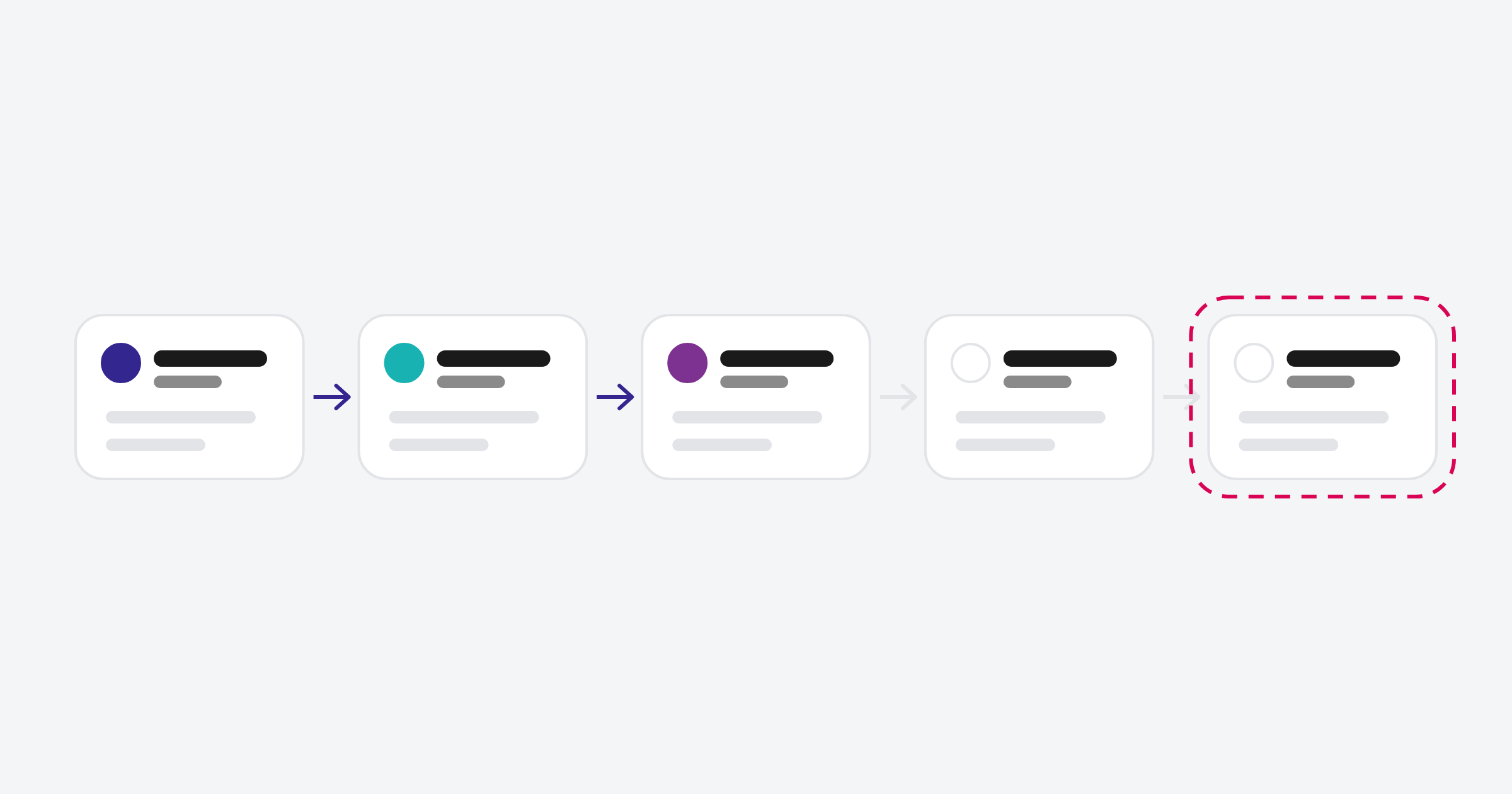
HubSpot's default lifecycle stages are:
- Subscriber: has opted in to hear from you, such as a newsletter sign-up
- Lead: has shown interest, such as downloading a guide
- Marketing qualified lead (MQL): marketing considers them ready for sales
- Sales qualified lead (SQL): sales has accepted them as a real prospect
- Opportunity: there's a live deal
- Customer: they've bought
- Evangelist: a customer who actively refers or promotes you
- Other: anyone who doesn't fit, such as suppliers or partners
You can rename, remove or add stages to suit your business.
What is lead status in HubSpot?
Lead status is a separate property that tracks the sales team's current activity with a contact. It's a working field for salespeople, not a reporting milestone. HubSpot describes it as the sub-stages within the sales qualified lead stage, so it typically only applies once sales has picked a contact up.
HubSpot's default lead status values include New, Open, In progress, Attempted to contact, Connected, Open deal, Unqualified and Bad timing. Most businesses trim and rename these to match how their team actually follows up.
How do lifecycle stage and lead status work together?
Lifecycle stage answers "how far along is this relationship?" and lead status answers "what's happening with it right now?". A contact can sit at SQL for weeks while their lead status moves from New to Attempted to contact to Connected.
| Lifecycle stage | Lead status | |
|---|---|---|
| Question it answers | Where are they in the customer journey? | What is sales doing with them now? |
| Who owns it | Marketing and RevOps, usually automated | Sales, updated by hand or by workflows |
| How often it changes | Rarely, mostly forward | Frequently |
| Applies to | Every contact and company | Mainly contacts being worked by sales |
| Used for | Funnel and conversion reporting | Daily sales follow-up and queue management |
Should lifecycle stage ever go backwards?
As a rule, no. HubSpot's automatic updates only move lifecycle stage forward, and workflows and imports can't set it backwards unless the value is cleared first. Conversion reporting depends on that forward movement. If a lead turns out to be a poor fit, mark the lead status as Unqualified rather than dragging their lifecycle stage back to Lead.
There are sensible exceptions, such as a customer who churns and becomes a prospect again, but these should be handled deliberately with a workflow or a clear process, not by individual users editing the field.
What goes wrong when the two are mixed up?
The most common problem is teams using lifecycle stage as a to-do list, or lead status as a funnel stage. Either way, reports stop telling the truth. You'll see contacts marked Customer who never bought, MQL counts that swing wildly, and sales queues full of people who should have been closed off months ago.
Signs your portal has this problem:
- Lifecycle stage is set by hand by lots of different people
- Lead status has a value for almost every contact, including customers and subscribers
- Funnel reports show more SQLs than MQLs
- Nobody agrees what "qualified" means
How should you set them up?
Start by agreeing definitions with marketing and sales together: what makes someone an MQL, who decides they're an SQL, and what happens if they're unqualified. Then automate lifecycle stage changes with workflows tied to real events, like a deal being created or won. Keep lead status for sales to manage day to day.
In OTM's optimisation work, cleaning up lifecycle stages is usually one of the first fixes, because almost every report a leadership team cares about depends on it. A portal clean-up of this kind generally takes four to eight weeks, depending on how much data needs correcting.
Common questions about lifecycle stage and lead status
Can a contact have a lifecycle stage but no lead status?
Yes, and most should. Subscribers, early leads and customers usually don't need a lead status at all. It's only useful while sales is actively working someone.
Does lifecycle stage apply to companies too?
Yes. Companies have their own lifecycle stage, and HubSpot can sync it with associated contacts. Many B2B businesses report on company lifecycle stage because they sell to accounts, not individuals.
Should lead status be automated?
Partly. Workflows can set values like Attempted to contact or Connected, but the final call (such as Unqualified or Bad timing) usually belongs to the salesperson.
What's the difference between lead status and the leads object?
Lead status is a property on the contact. The leads object is a separate record type for managing prospecting work, with its own pipeline (by default New, Attempting, Connected, Qualified and Disqualified). Customising lead pipelines needs Sales Hub Professional or Enterprise. Pick one approach and document it.
Can I customise lifecycle stages?
Yes. You can rename, reorder, add and remove stages to match how your business sells. Change them carefully, because existing workflows and reports may reference them.
Where to from here
If your funnel reports don't match what sales tells you in meetings, start with these two properties. Agree the definitions, then check how many contacts are sitting in the wrong place. If the answer is "a lot", our optimisation and support team cleans up exactly this kind of problem.
