
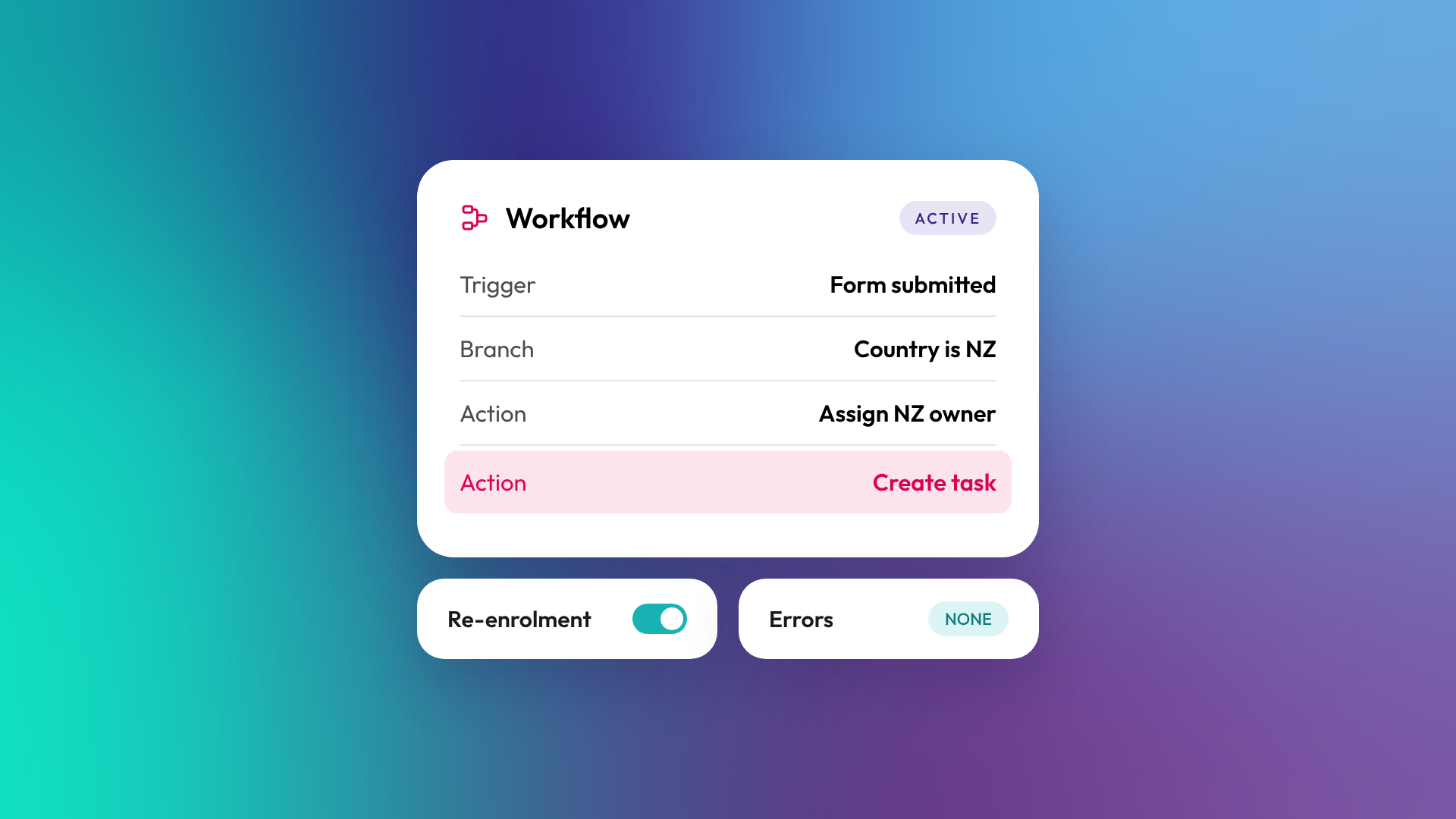
A HubSpot workflow is an automation that enrols records (contacts, companies, deals, tickets and others) when they meet a trigger, then runs a series of actions, such as sending an email, updating a property, creating a task or branching based on data. Workflows are how HubSpot automates processes across marketing, sales and service. The full workflow tool is available on Professional and Enterprise subscriptions.
How does a HubSpot workflow work?
Every workflow has three parts: what it acts on, what enrols records into it, and what happens to them once they're in. Records move through the actions in order, with optional delays and branches, until they reach the end or are removed.
| Part | What it does | Example |
|---|---|---|
| Object type | The kind of record the workflow acts on | Contact, company, deal, ticket |
| Enrolment trigger | The condition that adds a record | Form submitted, property changed, deal stage updated |
| Actions | What happens to enrolled records | Send email, set property, create task, rotate owner |
| Delays | Waits between actions | Wait two days, or until a date |
| Branches | Different paths based on data | If country is NZ, assign to NZ team |
| Re-enrolment | Whether records can go through again | Re-enrol when the form is submitted again |
What can a HubSpot workflow do?
Workflows can do most things a user can do in HubSpot, automatically and at scale. Common actions include sending marketing or internal emails, setting and copying property values, creating records and tasks, rotating ownership, adding to segments, enrolling contacts in sequences (Sales Hub or Service Hub Enterprise) and, with Data Hub Professional or Enterprise, sending webhooks to other systems and running custom code.
Typical B2B workflows:
- Assign new leads to an owner by territory
- Set lifecycle stage to Opportunity when a deal is created
- Notify the owner when a high-value contact visits the pricing page
- Create onboarding tasks when a deal closes won
- Copy industry from company to associated contacts
- Escalate tickets with no response after 24 hours
Which subscriptions include workflows?
HubSpot's full workflow tool is available on Professional and Enterprise tiers of Marketing Hub, Sales Hub, Service Hub, Data Hub, Smart CRM and Revenue Hub. Starter subscriptions include simple automations attached to forms, marketing emails, ads and record pages, which cover basic follow-up but not branching or multi-object logic.
According to HubSpot's knowledge base, Professional subscriptions of Marketing, Sales or Service Hub allow up to 300 workflows, and Enterprise up to 1,000, with higher limits on Data Hub.
What's the difference between a workflow and a sequence?
A workflow is automation that runs in the background across the objects your subscription supports, owned by the business. A sequence is a series of one-to-one sales emails and tasks sent from a salesperson's own inbox, and it stops automatically when the contact replies. Workflows are for processes. Sequences are for personal sales follow-up. Read more: What is a sales sequence, and how is it different from a workflow?
What goes wrong with workflows?
Workflows tend to go wrong slowly. Each one is built to solve a problem at the time, nobody documents it, and after a few years the portal has hundreds of overlapping workflows that fight each other. Properties flip back and forth, contacts get duplicate emails, and nobody is sure which workflow did what.
Signs your workflows need a review:
- You have workflows nobody can explain
- Several workflows set the same property
- Workflows are named "Copy of" something, or "Test"
- Errors appear in workflow history and nobody checks them
- Turning a workflow off feels risky because you don't know what depends on it
How do you build workflows well?
Good workflows are planned before they're built and documented after. Name each one by team, object and purpose. Write a description saying what it does and why. Use one workflow per job rather than one giant workflow, but avoid splitting a single process across many. Test with internal records before turning it on, and review active workflows at least once a year.
In OTM's portal audits, workflow clean-up is one of the most common fixes, because overlapping automation quietly corrupts data that reports depend on.
Related reading: What is marketing automation?.
Common questions about HubSpot workflows
Can workflows send emails?
Yes. Workflows can send marketing emails to contacts and internal notification emails to your team.
Can a workflow update records on other objects?
Yes. Workflows can update associated records, such as copying a value from a company to its contacts or creating a ticket when a deal closes.
Can workflows connect to other systems?
Yes. With Data Hub Professional or Enterprise, workflows can send webhooks to external systems and run custom code for more complex integrations.
Can I see why a record entered a workflow?
Yes. Each workflow has a history showing which records enrolled, when, and which actions ran, including any errors.
Can AI help build workflows?
Yes. HubSpot lets you create workflows with AI from a prompt, as well as from templates or from scratch. You still need to check the logic before turning it on.
Where to from here
Export your active workflows and check how many have a clear name and description. If the answer is "not many", that's the place to start. Our optimisation and support team regularly untangles workflow libraries.
