
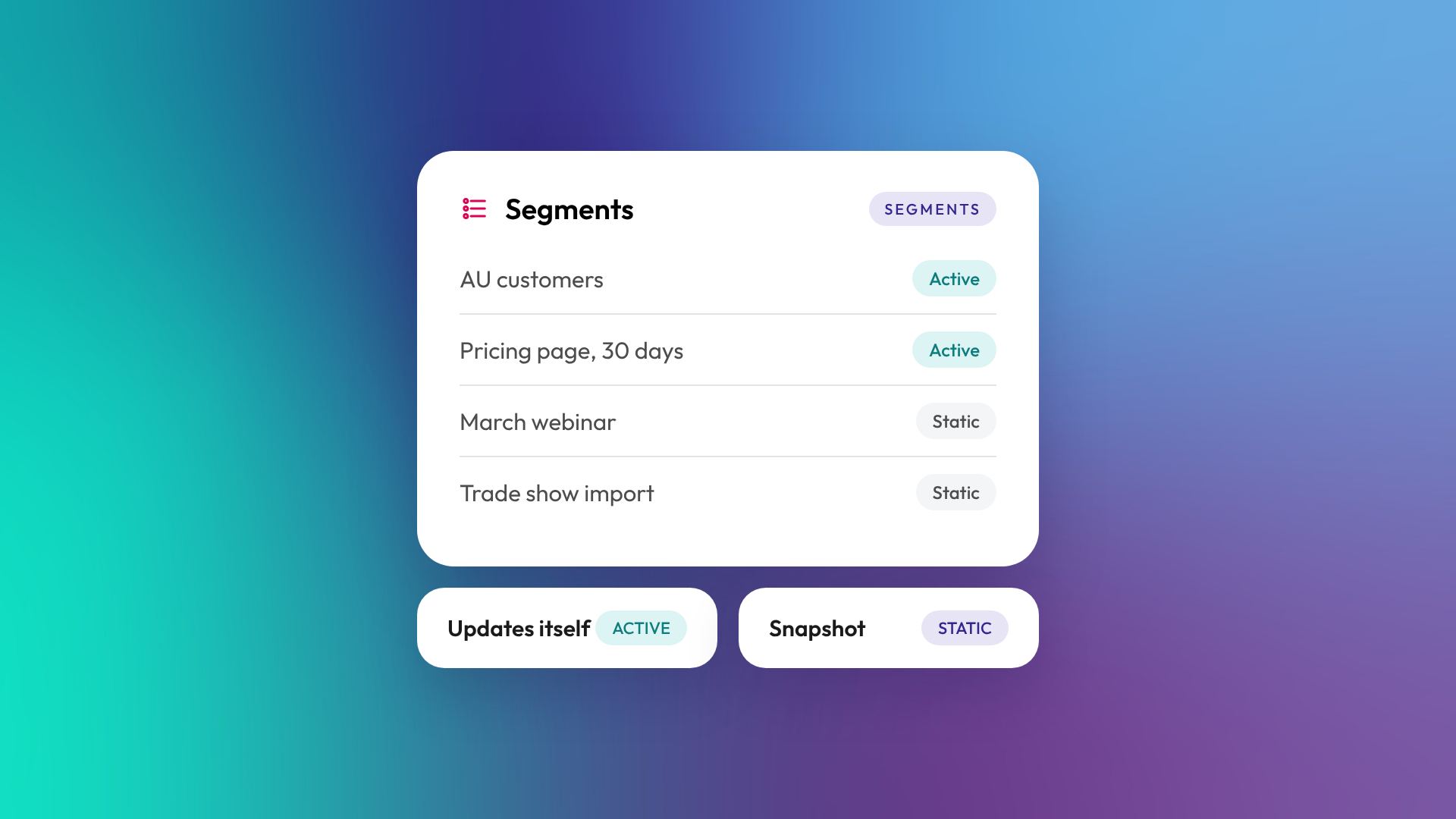
An active segment in HubSpot automatically adds and removes records as they meet or stop meeting your criteria. A static segment doesn't update as records meet or stop meeting its criteria. Records only change when you add or remove them, by hand or with a workflow. Use active segments for anything ongoing, like email audiences and workflow enrolment. Use static segments for one-off snapshots, like an event attendee list or an import.
HubSpot renamed lists to segments in September 2025. The tool works the same way, so if you've used HubSpot lists before, segments will feel familiar.
What is a segment in HubSpot?
A segment is a group of records (usually contacts, but also companies, deals and other objects) based on shared characteristics. Segments can filter on property values and also on behaviour, such as page views, form submissions, email engagement, workflow enrolment or membership of other segments. You use segments to send emails, enrol records in workflows, build reports and target ads.
How does an active segment work?
An active segment checks your filter criteria continually. When a record meets the criteria, it joins the segment. When it no longer meets them, it leaves. You never have to maintain an active segment by hand, which is why it suits ongoing marketing and automation.
Examples of good active segments:
- Contacts in New Zealand who are marketing contacts
- Companies with Lifecycle stage of Customer and no activity in 90 days
- Contacts who visited the pricing page in the last 30 days
- Open deals over $50,000 with no next step date
How does a static segment work?
A static segment captures the records that match your criteria when it's created, then stays fixed. New records that match later won't be added, and records that stop matching won't be removed. You can add or remove records manually, or through workflows and imports.
Examples of good static segments:
- Attendees of a specific webinar or event
- Contacts imported from a trade show
- The audience a particular email went to on a particular day
- A one-off batch of records for a data clean-up
When should you use active vs static segments?
The deciding question is whether membership should change over time. If it should, use active. If it represents a moment, use static.

| Active segment | Static segment | |
|---|---|---|
| Updates automatically | Yes | No |
| Best for | Ongoing audiences and automation | Snapshots and one-off groups |
| Workflow enrolment | Records enrol as they join | Fixed group at the time |
| Maintenance | None | Manual or by workflow |
| Example | All current customers in Australia | Attendees of the March webinar |
You can convert an active segment to static, or a static segment with filters to active, if your needs change.
What's the difference between a segment and a saved view?
A saved view is a filtered view of an object's index page, mainly for day-to-day work, like "My open deals". A segment is a defined group you can use in other tools, such as email, workflows and ads, and it can filter on behaviour as well as properties. Use views for working queues and segments for anything you'll send to or automate.
How do you keep segments tidy?
Segments multiply quickly. A portal with hundreds of unnamed or outdated segments is hard to use, and easy to send the wrong email from. A simple naming convention and an annual tidy-up solve most of it.
- Name segments by purpose, owner and type, such as "MKT | Active | AU customers"
- Add a description saying what each segment is for
- Use folders to group segments by team or campaign
- Delete segments that aren't used in any email, workflow or report
- Check before deleting, because segments can be referenced in workflows and other segments
Common questions about HubSpot segments
Are HubSpot lists and segments the same thing?
Yes. HubSpot renamed the lists tool to segments in September 2025. Active lists became active segments and static lists became static segments.
Can I use a static segment in a workflow?
Yes. You can enrol a static segment, but only the records in it at the time will be enrolled, unless you add more.
Can segments include companies and deals?
Yes. Segments can be built for contacts, companies, deals and other objects, depending on your subscription.
Why did a contact leave my active segment?
Because it no longer met the filter criteria. Check which filter changed, such as a property value or a time window like "in the last 30 days".
Can I convert a static segment to active?
Yes, as long as it has filters. HubSpot lets you change a segment's type in its settings.
Where to from here
Open your segments and look for ones nobody uses. Anything unused for a year is a candidate for clean-up. If your segment library has got out of hand, our optimisation and support team can help you sort it.
