
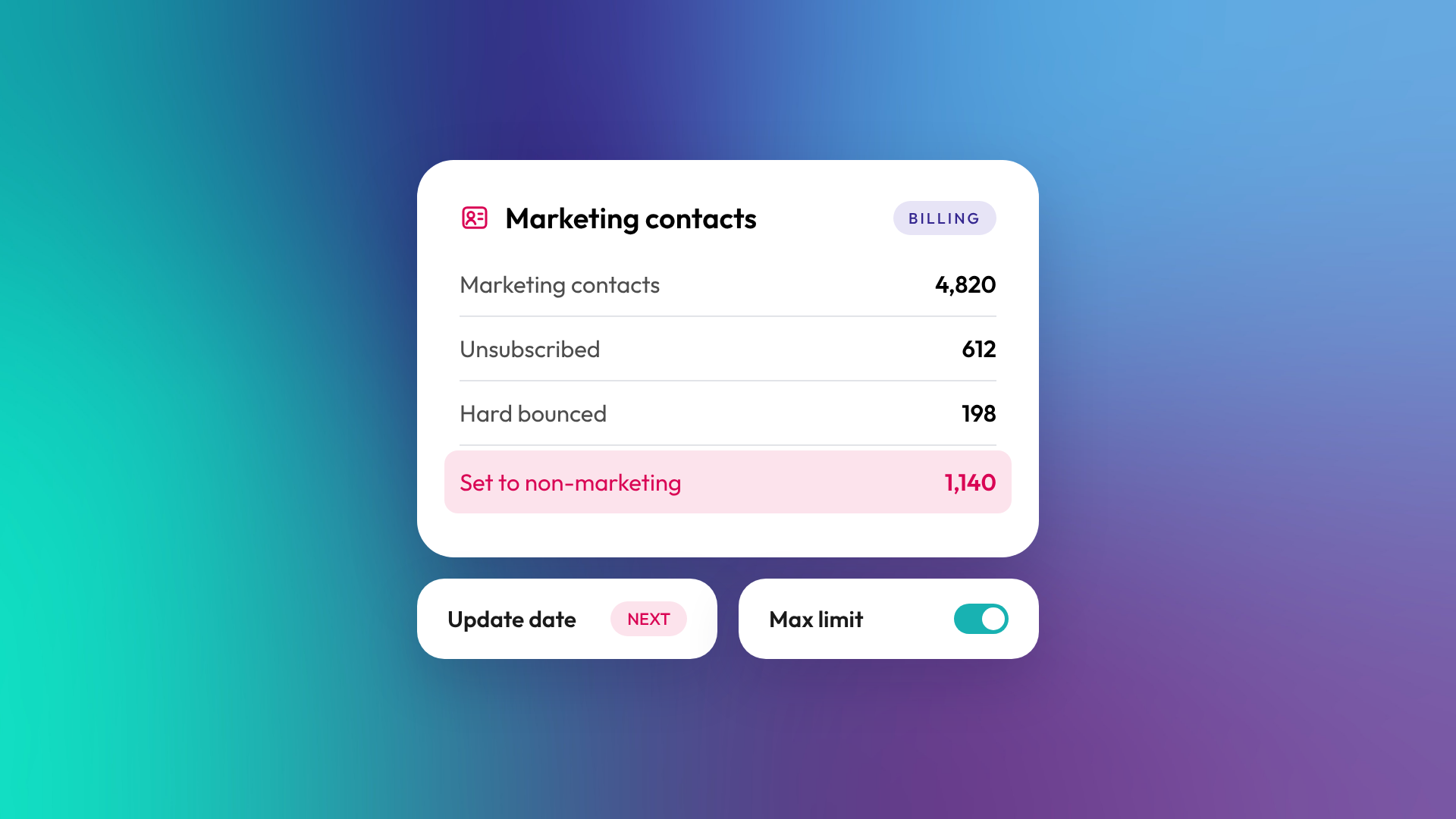
Marketing contacts are the contacts in your HubSpot account that you market to with HubSpot's marketing tools, such as marketing emails and ads. Only marketing contacts count toward your Marketing Hub contact tier and affect what you pay. Contacts you don't market to can be set as non-marketing contacts, which you can store and use in the CRM without being billed for them.
Managing this status well is one of the simplest ways to keep Marketing Hub costs under control.
What's the difference between marketing and non-marketing contacts?
A marketing contact can receive marketing emails and be targeted in ads through HubSpot. A non-marketing contact stays in your CRM with full history, and your team can still email them one-to-one, call them and work deals with them, but they can't receive marketing emails or be added to ad audiences from HubSpot.

| Marketing contact | Non-marketing contact | |
|---|---|---|
| Counts toward your contact tier | Yes | No |
| Affects your bill | Yes | No |
| Can receive marketing emails | Yes | No |
| Can be targeted in HubSpot ads | Yes | No |
| Can receive one-to-one sales emails | Yes | Yes |
| Full record and history in the CRM | Yes | Yes |
How do marketing contacts affect your HubSpot bill?
Marketing Hub is priced partly on the number of marketing contacts in your account, in tiers. If the number of marketing contacts goes over your current tier, HubSpot automatically upgrades you to the next tier. According to HubSpot's knowledge base, you can prevent an automatic upgrade by setting contacts you won't market to as non-marketing before your account's next update date.
How do contacts become marketing contacts?
Each HubSpot tool that creates contacts sets a default marketing status. HubSpot forms, for example, set new contacts as marketing contacts by default, though you can change that per form. Imports, integrations and workflows can also set the status. When you first buy Marketing Hub, your existing contacts are set to non-marketing by default, so you choose who to market to.
When does setting contacts as non-marketing take effect?
You can set a contact as a marketing contact at any time, and it takes effect immediately. Setting a contact as non-marketing only takes effect on your account's monthly update date. Until then, the contact still counts and can still receive marketing emails. Plan bulk changes around that date so the lower count applies when you expect.
Who should be a marketing contact?
Only people you genuinely intend to market to with HubSpot's marketing tools. Everyone else can stay non-marketing and remain useful in the CRM.
Good candidates for non-marketing status:
- Contacts who have unsubscribed from all marketing email
- Hard-bounced email addresses
- Contacts with no engagement in a long period, such as 12 to 24 months
- Suppliers, partners and internal staff
- Contacts created by sales or integrations who never opted in
- Contacts you only email one-to-one
How do you manage marketing contacts well?
Set clear rules, then automate them. With Marketing Hub Professional or Enterprise, workflows can set contacts as marketing or non-marketing based on events like an opt-in, an unsubscribe or a long period of inactivity. HubSpot also has a clean-up tool for marketing contacts and lets you set a maximum number of marketing contacts, after which new contacts are set as non-marketing.
In OTM's support work, a marketing contact review is one of the quicker savings we find in an existing Marketing Hub portal, particularly after years of imports and integrations.
Related reading: What is a HubSpot portal audit? and Active vs static segments in HubSpot.
Common questions about HubSpot marketing contacts
Do non-marketing contacts cost anything?
No. Non-marketing contacts don't count toward your contact tier and you aren't billed for them.
Can sales still email non-marketing contacts?
Yes. Non-marketing status only affects marketing emails and ads. One-to-one emails and sequences from sales still work.
Can I change a contact back to marketing later?
Yes, at any time. The change takes effect immediately, and the contact counts toward your tier from then on.
Does deleting contacts reduce my bill?
Deleting marketing contacts reduces your count, but you lose their history. Setting them as non-marketing frees the same capacity without losing data. Either way, a lower count stops further automatic upgrades, but your contact tier only comes down if you downgrade at renewal.
Do marketing contacts apply to Sales Hub or Service Hub?
Marketing contacts relate to Marketing Hub billing. Sales Hub and Service Hub are priced by seats rather than contact tiers.
Where to from here
Check how many of your marketing contacts have unsubscribed, bounced or not engaged in a year. That number is often larger than expected. Our optimisation and support team can set up the rules to keep it in check.
