
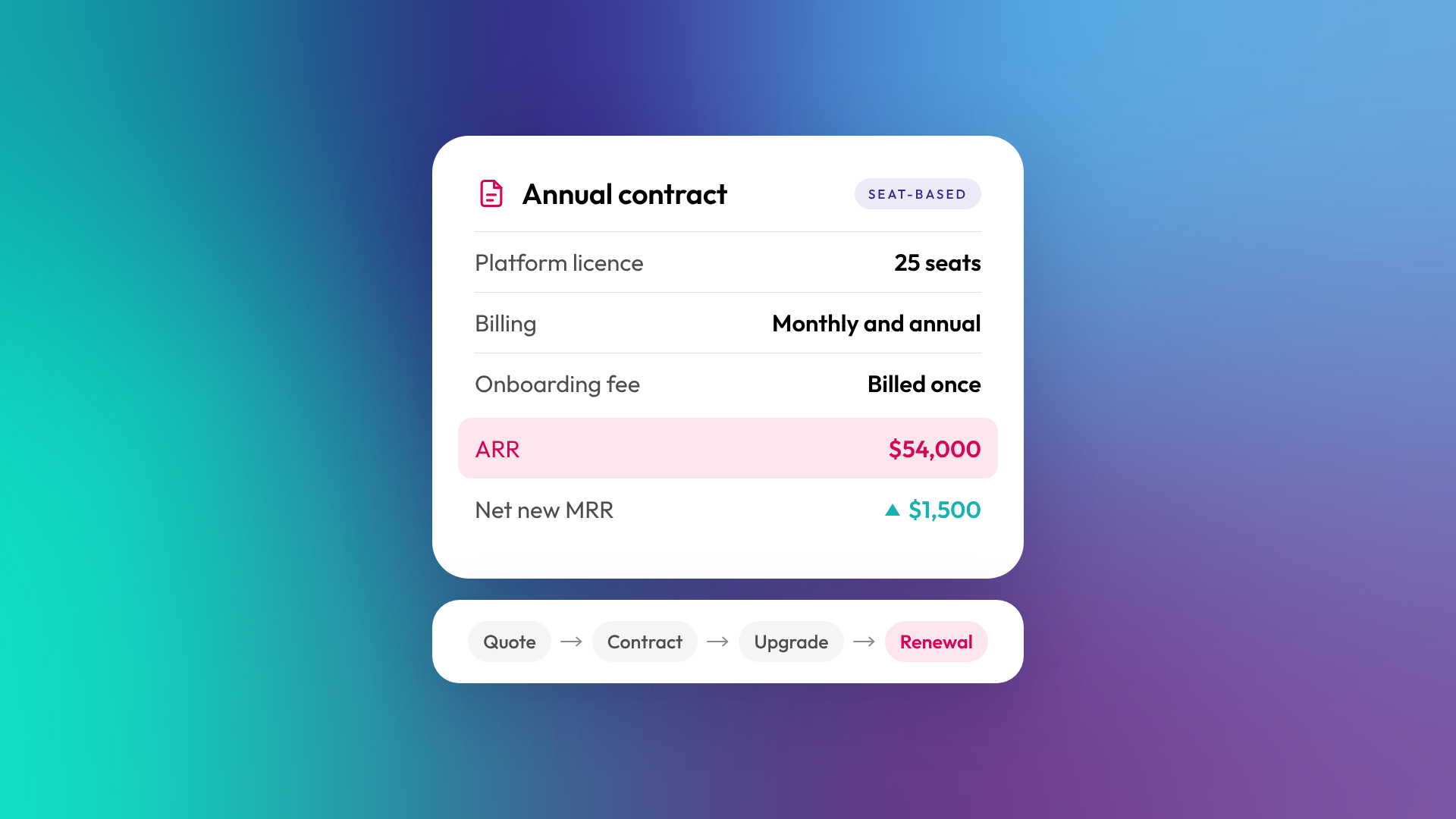
For SaaS companies selling fixed-fee or seat-based contracts, close to it. Revenue Hub puts contracts, ARR and MRR, mixed billing frequencies, upgrades and renewals on connected records inside HubSpot, alongside the deal. If you price on usage, check carefully first. We couldn't verify a native end-to-end metering and rating workflow, and in Australia and New Zealand you'll collect payments through Stripe rather than HubSpot's own processor.
For years the usual SaaS setup has been deals in HubSpot, subscriptions in Stripe Billing or Chargebee, invoices in Xero and MRR in a spreadsheet someone rebuilds every month. HubSpot renamed Commerce Hub to Revenue Hub on 16 June 2026 to close that gap. Four months on, this is what's live, what it costs, and where it still falls short for ANZ SaaS teams.
What is HubSpot Revenue Hub?
HubSpot Revenue Hub is HubSpot's quote-to-cash product. It connects quoting (CPQ), contracts, billing and payment collection to the CRM your sales team already works in. It launched on 16 June 2026 as the renamed and expanded Commerce Hub.
It's been a while coming. HubSpot launched native payments and recurring-payment capabilities in 2021, expanded into Commerce Hub with invoicing and processor choice in 2023, and added AI-powered CPQ in 2025. Revenue Hub joins them up and adds a Contracts object. If you were already on Commerce Hub, the rename didn't itself require you to replace your existing billing tools.
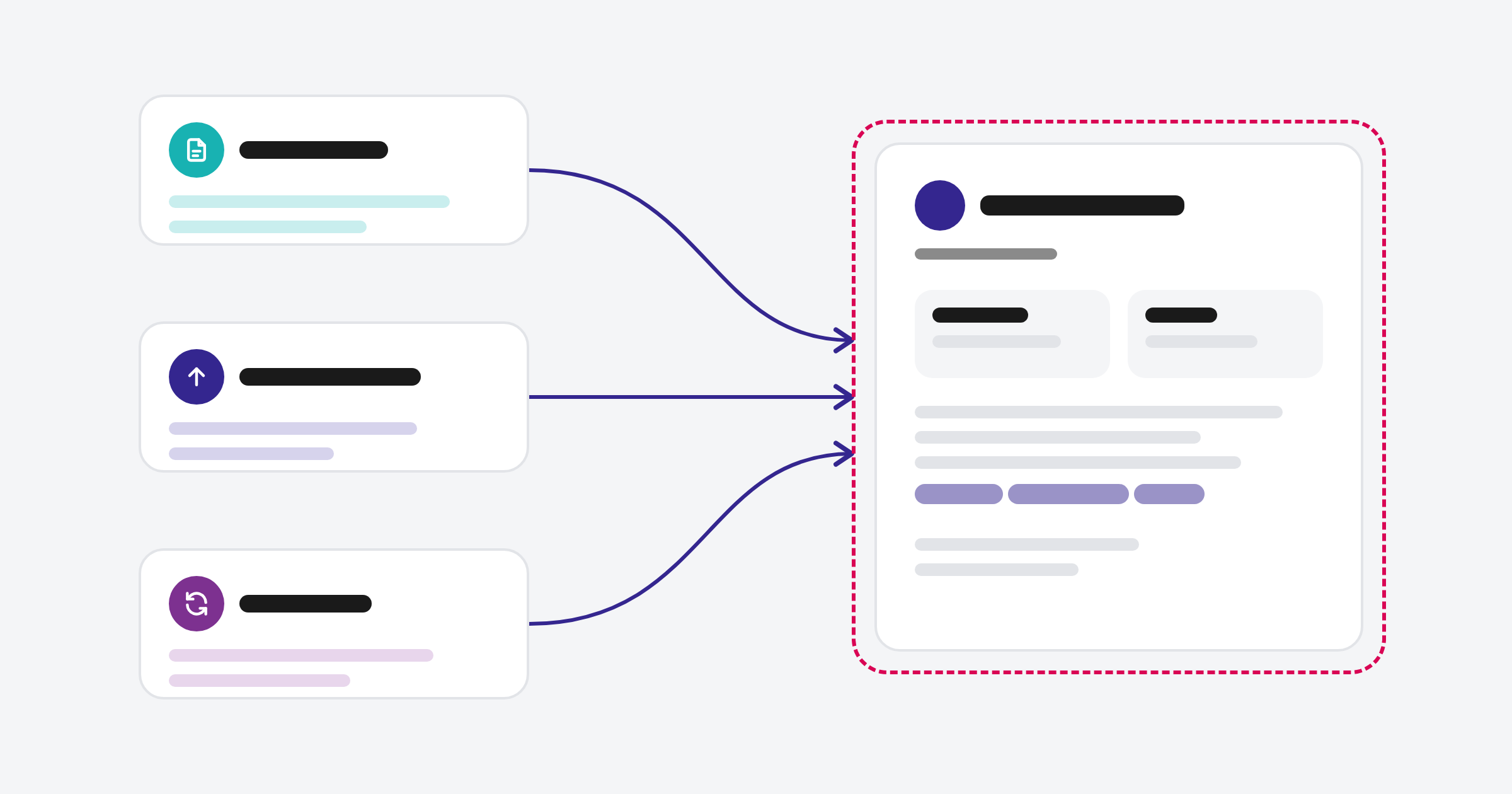
The problem it's built for is the handoff after a deal closes. Sales builds a quote in one tool, finance re-keys it into the invoicing system, and three teams end up with three versions of what the customer bought. In Revenue Hub the deal, quote, contract and invoice stay separate records, but they're associated with each other inside HubSpot, and the contract gives you the long-term view of what the customer has committed to.
What's included in Revenue Hub?
Revenue Hub has four parts: quoting, contracts, billing and payments, with Breeze AI running across them. You can adopt them in stages, so a team that only needs invoicing can start there and add quoting later.
| Part | What it does | Which plans |
|---|---|---|
| CPQ (quotes) | Product library, price books, quote templates, standard approvals and e-signature | Professional and Enterprise |
| Quote rules and advanced approvals | Rules that control what reps can quote, plus advanced approval workflows | Enterprise |
| Contracts | Can be created from an accepted quote once automatic contract creation is turned on. Holds term dates, products, terms, contract value metrics and change history | Professional and Enterprise, with additional access through the direct-contract beta |
| Billing | Builds a billing schedule from each contract line item, including mixed monthly, quarterly and annual frequencies. The connected quote-to-invoice flow is part of the Connected CPQ, Billing and Payments beta | Invoices on all plans. Automated contract billing on Professional and Enterprise, with additional access through the relevant beta |
| Payments | Card and bank payments against the invoice, via HubSpot Payments or Stripe | All plans, priced per transaction |
| Breeze AI | Creates and edits quotes, handles quote approvals, answers MRR questions. A Revenue Agent for collections is in beta | Varies by feature |
Available contract metrics depend on the agreement. Evergreen contracts calculate MRR and ARR, but not ACV or TCV, because they have no end date.
Sources: HubSpot Knowledge Base, Understand contracts in HubSpot, HubSpot billing, HubSpot product catalog.
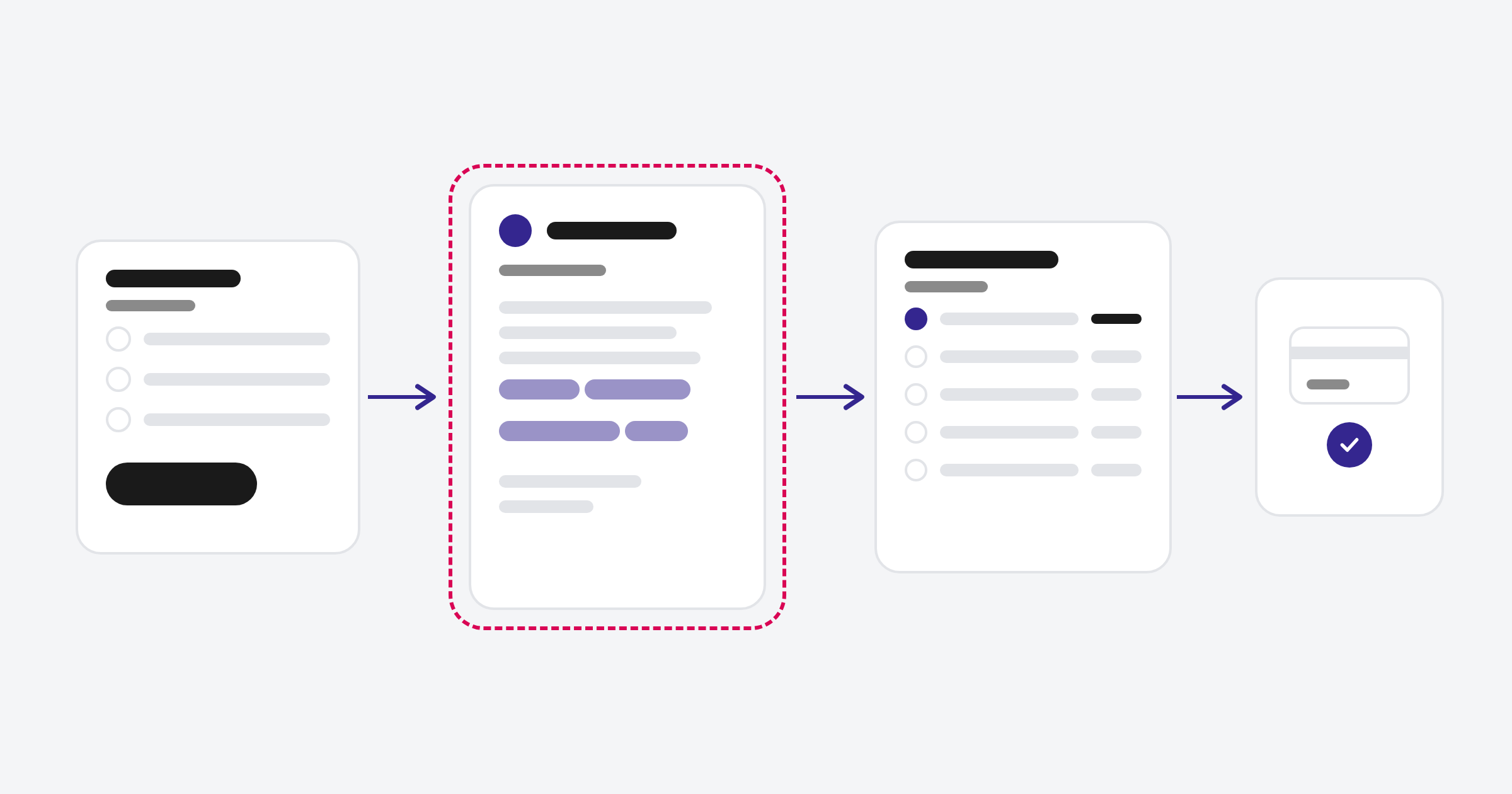
A quote can be accepted by e-signature, click-to-accept or a manual signature. With automatic contract creation enabled, an accepted quote can create the associated contract record. The Contracts object is the load-bearing wall. Quotes create it, billing reads from it and renewals build on it. Whatever's in your product library and pricing tends to flow onto contracts and invoices, so that's where a lot of the real setup work sits.
What's changed since launch?
The biggest change since June is that you can now bring existing contracts and billing into Revenue Hub, instead of only starting new ones there. That matters if your book of business currently lives in spreadsheets, Xero or another billing tool.
| Date (2026) | Release | Status and plans |
|---|---|---|
| 11 Sept | Contract imports: bulk import contracts with line items, contacts and deals, for management and reporting | Live. Professional and Enterprise, with additional access through the direct-contract beta |
| 11 Sept | Pre-built contract reports: MRR Waterfall, Net New MRR, Booked MRR and Booked TCV | Public beta. Pre-built reports across hubs and tiers, custom reporting on Professional and Enterprise |
| 3 Sept | Billing migrations: move active billing into Revenue Hub, held in draft until you activate it | Public beta. Professional and Enterprise, with additional access through the direct-contract beta |
| 1 Sept | Quote approvals inside Breeze | Live |
| July | Billing portal where buyers view invoices, pay and update payment details | Live. Professional and above |
Sources: HubSpot's Revenue Hub release roundup, HubSpot July 2026 product updates.
Some payment features from the same period, like Klarna and Affirm at checkout, were rolled out for eligible merchants in the US and Canada. They weren't part of an ANZ rollout.
What does Revenue Hub fix for SaaS companies?
Revenue Hub covers most of the subscription lifecycle a B2B SaaS company runs: annual contracts, seat and tier pricing, mid-term upgrades, renewals and MRR reporting. The open question is usage-based pricing. Here's how it lines up against the jobs a SaaS revenue team actually does.
| SaaS job | Revenue Hub today |
|---|---|
| Annual contracts with seat or tier pricing | Native. An accepted quote can create a contract with term dates, products and contract value metrics such as ARR and MRR |
| Monthly platform fee plus a one-off onboarding fee on one deal | Native. Each line item carries its own billing frequency |
| Mid-term seat upgrade | Change quote attaches to the existing contract |
| Renewal | Renewal quote starts from the existing contract. Accepting it creates a new contract linked to the previous one |
| MRR and booked revenue reporting | Pre-built MRR Waterfall, Net New MRR, Booked MRR and Booked TCV reports, in public beta since September |
| Customers updating cards and paying invoices themselves | Billing portal, Professional and above |
| Card collection in AUD and NZD | Through Stripe. HubSpot Payments isn't available in ANZ |
| Usage-based or metered pricing | Recurring, quantity and tiered pricing are documented. We couldn't verify a native end-to-end metering and rating workflow |
Sources: Understand contracts in HubSpot, HubSpot's Revenue Hub release roundup, HubSpot Knowledge Base.
For a vertical SaaS company, the bigger win is what sits around the contract. Your customer success team can see what an account pays, when it renews and what it upgraded last quarter, alongside their tickets and onboarding tasks. Renewal conversations start from the contract, not from a finance export.
If you're on Stripe Billing or Chargebee and it works, that alone isn't a reason to move. The reason to move is a CRM that can't see what customers pay.
How does Revenue Hub work in Australia and New Zealand?
Quoting, CPQ and billing are available globally, including Australia and New Zealand. Payments are the exception. HubSpot Payments only runs in the US, UK and Canada, so ANZ businesses connect Stripe instead. The first decision for an Australian business is already made for you.
Payments run through Stripe. You keep your existing Stripe account and processing rates, and HubSpot adds a 0.75% platform fee per transaction on top of Stripe's fees. Stripe processes payments on HubSpot quotes, invoices, subscriptions and payment links. Connecting it doesn't copy your HubSpot invoices and subscriptions into Stripe Billing, which matters if you already run subscriptions there.
You can bill in AUD and NZD. Both are among the 130+ supported currencies for subscriptions and payments. Which payment methods and settlement options you get still depends on Stripe.
Set up GST and test it before your first invoice. HubSpot supports tax rates on line items, but its automated tax tools don't on their own establish Australian GST coverage, and e-invoicing compliance is a separate question again. Set up your GST rates, test an invoice end to end and get your accountant's sign-off before a customer sees one.
Decide where billing lives if you use Xero. HubSpot lists Xero among its finance integrations, so the two will connect. Before anything is built, settle which system issues the invoice and which one your accountant reconciles against.
How much does HubSpot Revenue Hub cost?
Revenue Hub Professional starts at US$85 to US$95 per seat per month depending on how you pay, and Enterprise starts at US$140, with a free tier for basic invoicing. Billing tools currently cost nothing extra, and payments are priced per transaction. Prices below are HubSpot's starting list prices as of October 2026.
| Plan | Starting price (USD) | What you get |
|---|---|---|
| Free | $0 | Invoices, payment links and subscriptions for up to two users. Transaction fees still apply |
| Professional | From $85 per seat per month paid annually, or $95 paid monthly on an annual commitment | Adds quotes, CPQ, contracts, e-signature, automated billing and revenue reporting |
| Enterprise | From $140 per seat per month | Adds quote rules and advanced approval workflows |
| Billing | 0 credits until 1 April 2027 | Introductory pricing on billing features. Seat requirements and payment fees still apply |
| Payments via Stripe | Stripe's rates plus 0.75% | Charged only when a customer pays |
Sources: HubSpot pricing guide, HubSpot product catalog, HubSpot billing, HubSpot payments.
Three things change the real number:
- Seats depend on who does what. Creating quotes needs a Revenue Hub seat. Other seat requirements depend on the contract, pricing and admin work each person does, so map the roles before you count seats.
- Bundles move the price. HubSpot has run lower Revenue Hub pricing for new customers buying it alongside Sales Hub. Check what's on offer when you buy.
- Check your billing currency. Confirm the currency on your HubSpot quote and any exchange-rate exposure before you sign.
Which SaaS companies should use Revenue Hub?
Revenue Hub suits B2B SaaS companies with predictable, contract-based revenue. In ANZ that tends to mean vertical SaaS selling annual or multi-year contracts priced by seat, site or tier, often with a one-off onboarding fee on top.
It's a strong fit if
- Quotes are built in a spreadsheet or Word and copied into HubSpot afterwards.
- Your MRR and ARR live in a spreadsheet that doesn't match HubSpot or Xero.
- Upgrades and renewals are tracked by whoever's inbox they landed in.
- Customer success can't see what an account pays or when it renews.
- You pay for a quoting tool, a billing tool and payment links that don't talk to HubSpot.
It's worth waiting if
- You charge on measured usage, such as API calls, transactions or volume processed. Validate that requirement with HubSpot before you replace your billing platform.
- Your current billing tool works well and finance isn't ready to move. Start with quoting and contracts, and leave invoicing where it is.
- You sell through resellers or multi-party agreements. These need careful solution design. Depending on the relationships involved, standard associations may be enough, or custom objects may be the better fit.
- Your product and pricing data is messy. Clean it up first, because it flows straight onto your quotes.
Where should you start with Revenue Hub?
Start with your product library, then quoting and contracts, and add billing once those are working. You don't need to switch everything on at once, and the order matters more than the speed.
- Clean up products and pricing. HubSpot supports custom line items, and quotes and contracts can draw on the product library. Fix duplicate products, old prices and missing billing frequencies first.
- Set up quoting and contracts. Build quote templates and approvals (quote rules need Enterprise), turn on automatic contract creation, and check an accepted quote creates the contract you expect.
- Connect Stripe and test a GST invoice. Set your currency to AUD or NZD and run one invoice end to end before a customer sees it.
- Bring existing contracts across. If your current contracts live elsewhere, use contract imports for management and reporting. If active billing has to move, the billing migration beta holds everything in draft until you activate it. Coordinate the legacy billing shutdown with the first HubSpot billing date, checking the last legacy invoice and first HubSpot invoice to avoid gaps or duplicate charges.
- Turn on the revenue reports. The MRR Waterfall and booked revenue reports read straight from contracts, so they're only as good as steps one to four.
Revenue Hub works best as part of a portal that's set up properly. If your deal pipeline, lifecycle stages or product data need work, that comes first.
Frequently asked questions about HubSpot Revenue Hub
What happened to HubSpot Commerce Hub?
Commerce Hub was renamed Revenue Hub on 16 June 2026. The rename didn't itself require replacing your existing Commerce Hub billing tools. The main additions were the Contracts object and connected billing.
Is HubSpot Payments available in Australia?
No. HubSpot Payments is only available in the US, UK and Canada. Australian and New Zealand businesses collect payments by connecting Stripe, which processes payments across Revenue Hub's billing tools.
Does Revenue Hub replace Xero?
No. Revenue Hub handles quotes, contracts, invoices and payment collection, and your accounting system still does the books. HubSpot lists Xero among its finance integrations, so decide which system issues invoices before you set it up.
Who needs a Revenue Hub seat?
Creating Revenue Hub quotes requires a Revenue Hub seat. Contract access also normally requires one, with an exception for accounts enrolled in the direct-contract beta. Tiered-pricing features have separate seat requirements, so map each person's role before you buy.
Is billing in Revenue Hub free?
For now. HubSpot lists billing features at an introductory 0 credits until 1 April 2027, though seat requirements and payment fees still apply. Invoices are available on every plan. Contracts and automated billing need Professional or Enterprise, apart from HubSpot's beta programs.
Can I import my existing contracts into Revenue Hub?
Yes. Contract imports went live on 11 September 2026 for Professional and Enterprise, with additional access through the direct-contract beta. Imports are for managing and reporting on contracts. Moving active billing uses the separate billing migration tool, which was in public beta at the time of writing. Once you activate a migration it can't be undone, and it doesn't stop billing in your old system, so plan the switch-off date.
Does Revenue Hub support usage-based billing for SaaS?
HubSpot documents recurring, quantity and tiered pricing, but we couldn't verify a native end-to-end metering and rating workflow. If your billing depends on measured consumption, validate that requirement before replacing your billing platform.
So, is it what Australian SaaS companies have been waiting for?
If you sell seat-based or fixed-fee contracts, mostly yes. Quotes, contracts, renewals and MRR finally live where your sales and customer success teams already work. If you bill on measured usage, validate that requirement with HubSpot before you replace your billing tool. Either way, start with clean products and contracts, and let billing follow.
If you'd like a second opinion on where Revenue Hub fits in your portal, book a time with us or email hello@otm.com.au.
Sources
- Finally, revenue lives where work happens (HubSpot Community)
- Revenue Hub release roundup (HubSpot Community)
- HubSpot July 2026 product updates (HubSpot Community)
- Manage end-to-end revenue in HubSpot (HubSpot Knowledge Base)
- Understand contracts in HubSpot (HubSpot Knowledge Base)
- Migrate contracts to HubSpot (HubSpot Knowledge Base)
- CPQ, billing and payments software (HubSpot)
- Billing software (HubSpot)
- Payment processing (HubSpot)
- Subscription management (HubSpot)
- HubSpot Products and Services Catalog (HubSpot)
- HubSpot Revenue Hub pricing (HubSpot blog)
