
 HubSpot's Historical Email Import Tool Is Finally Here">
When sales teams connect their inbox to HubSpot, there's a common frustration that follows: the CRM shows the contact, but none of the relationship. No prior conversations, no context, no thread history. Everything before the connection date is effectively invisible.
HubSpot's new historical email import feature, currently in beta for Sales Hub Professional and Enterprise users, is a direct response to that problem. Once your Gmail inbox is connected, you can now pull existing email data into the CRM and associate past conversations with the contact, company, and deal records that already live there. It won't rebuild the relationship from scratch, but it does give your team something meaningful to work with.
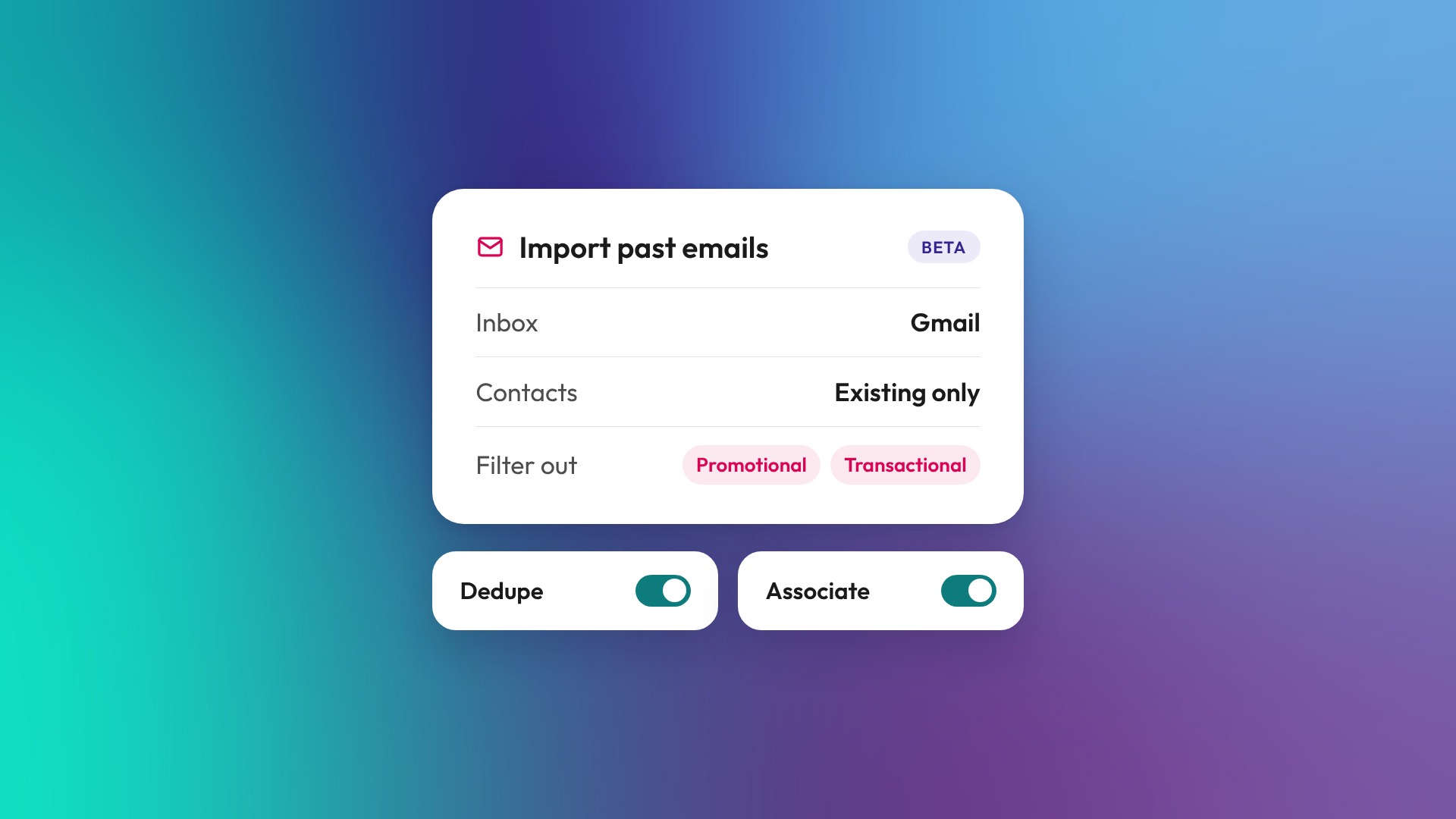
The feature is reasonably well-scoped. You select a date range, decide whether to import emails for existing contacts only or create new records for email participants, and filter out the noise (promotional and transactional emails, specific domains, anything on your never-log list). HubSpot handles the deduplication automatically, so emails that already exist in the CRM won't be imported twice. Once the import runs, associations to companies and deals follow whatever your account's automatic association settings specify.
A few things worth knowing before you enable it. First, it's Gmail only for now. Second, a Super Admin needs to turn the feature on and define the allowable import timeframe before individual users can run their own imports. Third, the feature is still in beta, so it's worth testing with a smaller date range before going broad. The import can create new contact records if you choose that option, which means you'll want your deduplication and never-log settings dialled in first.
On Microsoft 365: If your team is running Outlook rather than Gmail, this particular feature isn't available yet. In the meantime, our friends at Threads offer a solid HubSpot-Microsoft 365 integration worth looking at if inbox connectivity and CRM context are priorities for your team.
For teams mid-onboarding or transitioning from a previous CRM, this is genuinely useful. Context is hard to reconstruct after the fact, and a contact record with no communication history is less useful for sales follow-up, account management, and handoff quality. The ability to backfill that history, selectively and with some control over what gets created, is a reasonable improvement on the previous state.
You can find the full setup guide in HubSpot's knowledge base.
If you'd like a hand configuring the import settings, reviewing your never-log list, or making sure your automatic association rules are set up correctly before you run it, get in touch with the OTM team. We're happy to walk through it with you.
.png)