
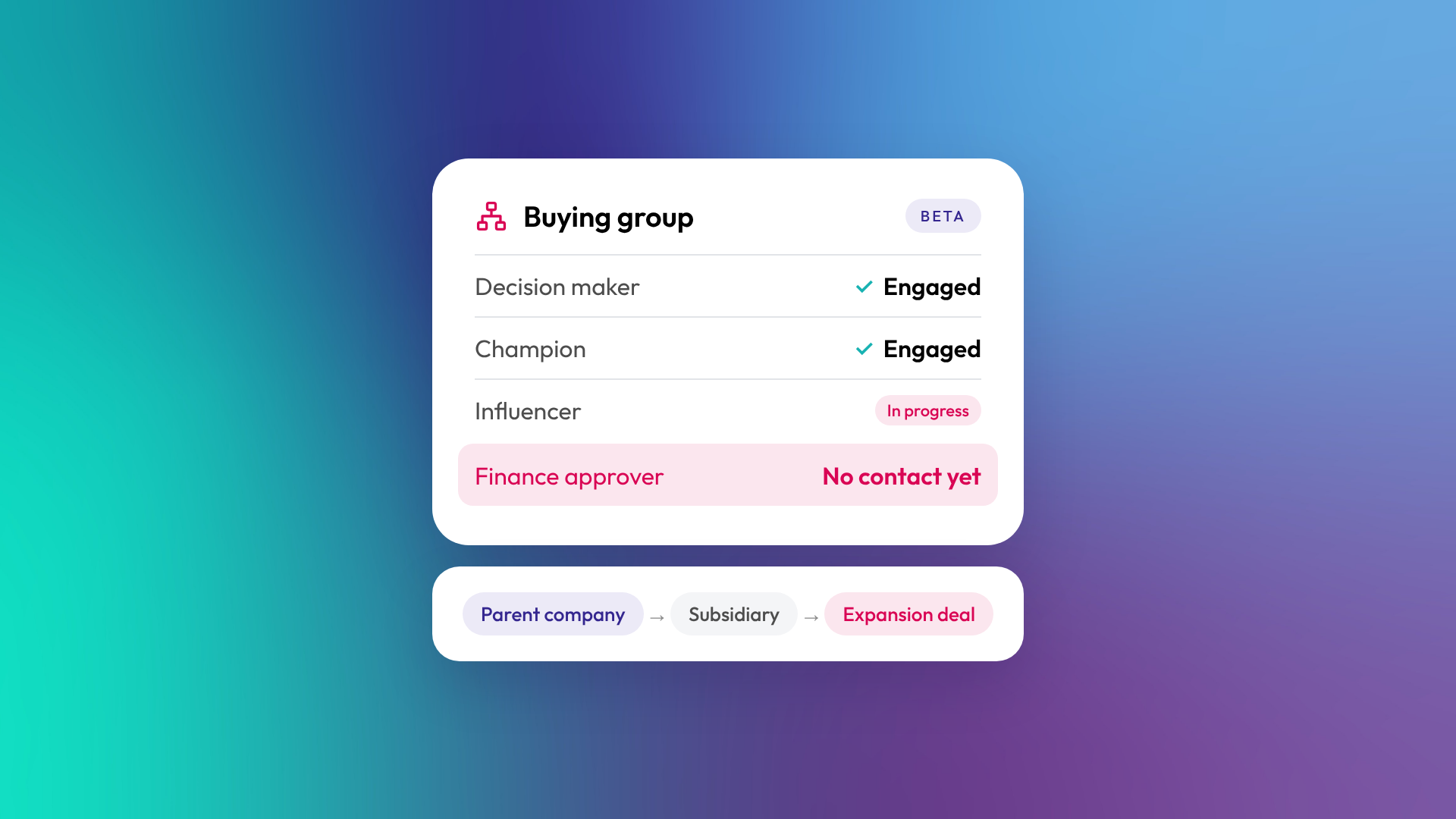
HubSpot's Buying Groups beta puts a visual map of the stakeholders your team has identified directly on the company record. A second view, the Account Map, shows how a parent company and its subsidiaries connect. If you're on Sales Hub or Service Hub Professional or Enterprise, your account can join the beta now.
This is a really exciting product update for our team. Most B2B deals we see in client portals involve more people than the CRM shows. One contact gets associated, the rep keeps the rest in their head, and when that champion moves on, the deal tends to go with them. Buying Groups is HubSpot's native answer to that problem. HubSpot acquired OrgChartHub, so if you've used that app the layout may feel familiar.
This is a feature our clients have wanted for ages and is one of the most exiciting
What's in the beta
The beta has two parts. They solve different problems, so it's worth knowing which one you're reaching for.
The Buying Group
A Buying Group is an org chart for the people involved in a sale, an expansion or a renewal. Sales and Customer Success teams can see who they're prospecting, selling to and managing, all in one view.
- Roles and reporting lines. Drag contacts onto the chart, set who reports to whom, and tag each person's role in the decision.
- An activity heatmap. Switch it on to see who's engaged and who's gone quiet.
- Four ways to build it. Start from a template, build from scratch, ask Breeze Assistant to draft one, or use Auto-build with AI. Auto-build works on companies with fewer than 100 associated contacts.
- On the records that matter. The card is documented on company records, and HubSpot's beta announcement also shows it on contact and deal records.
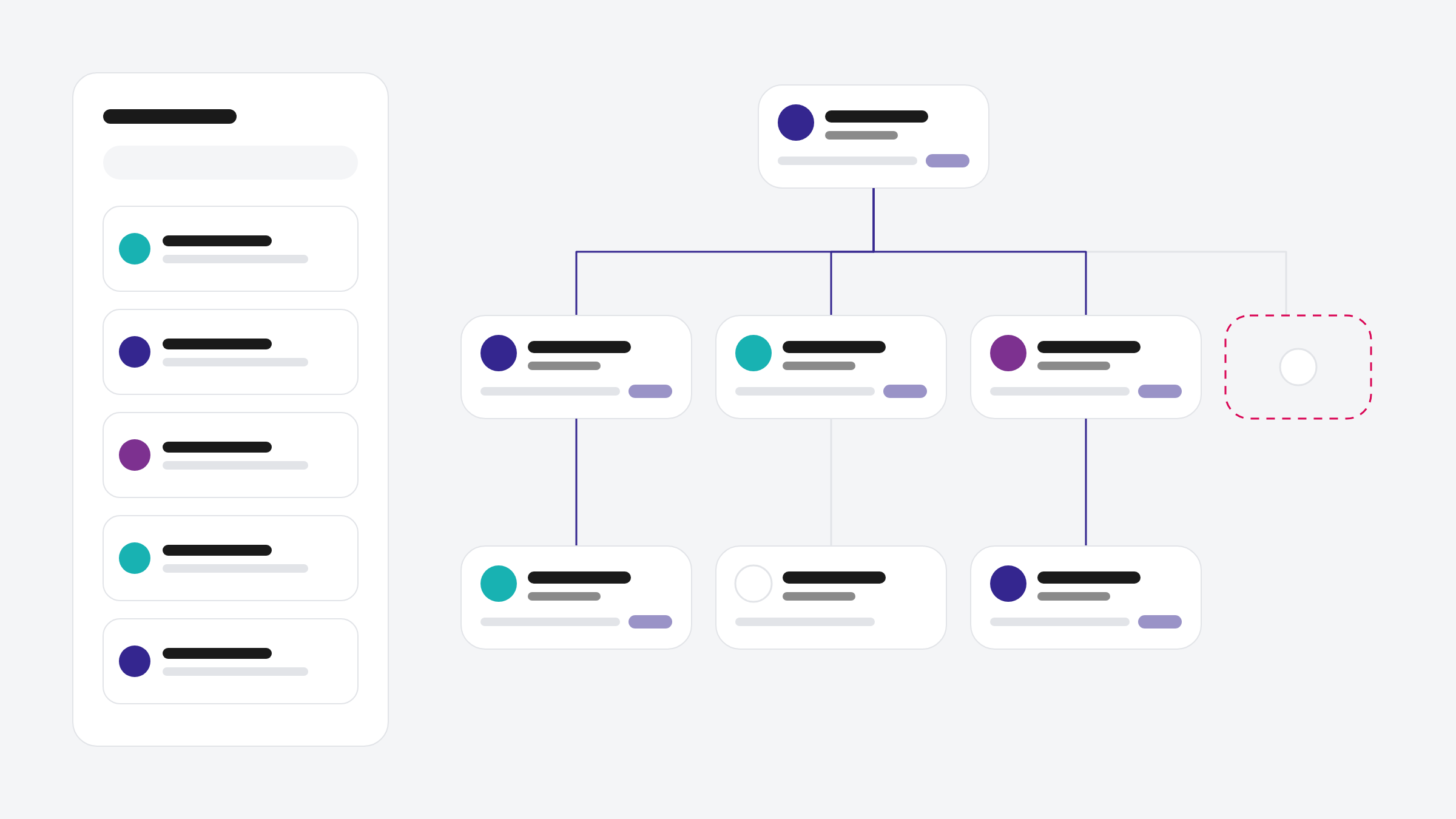
The Account Map
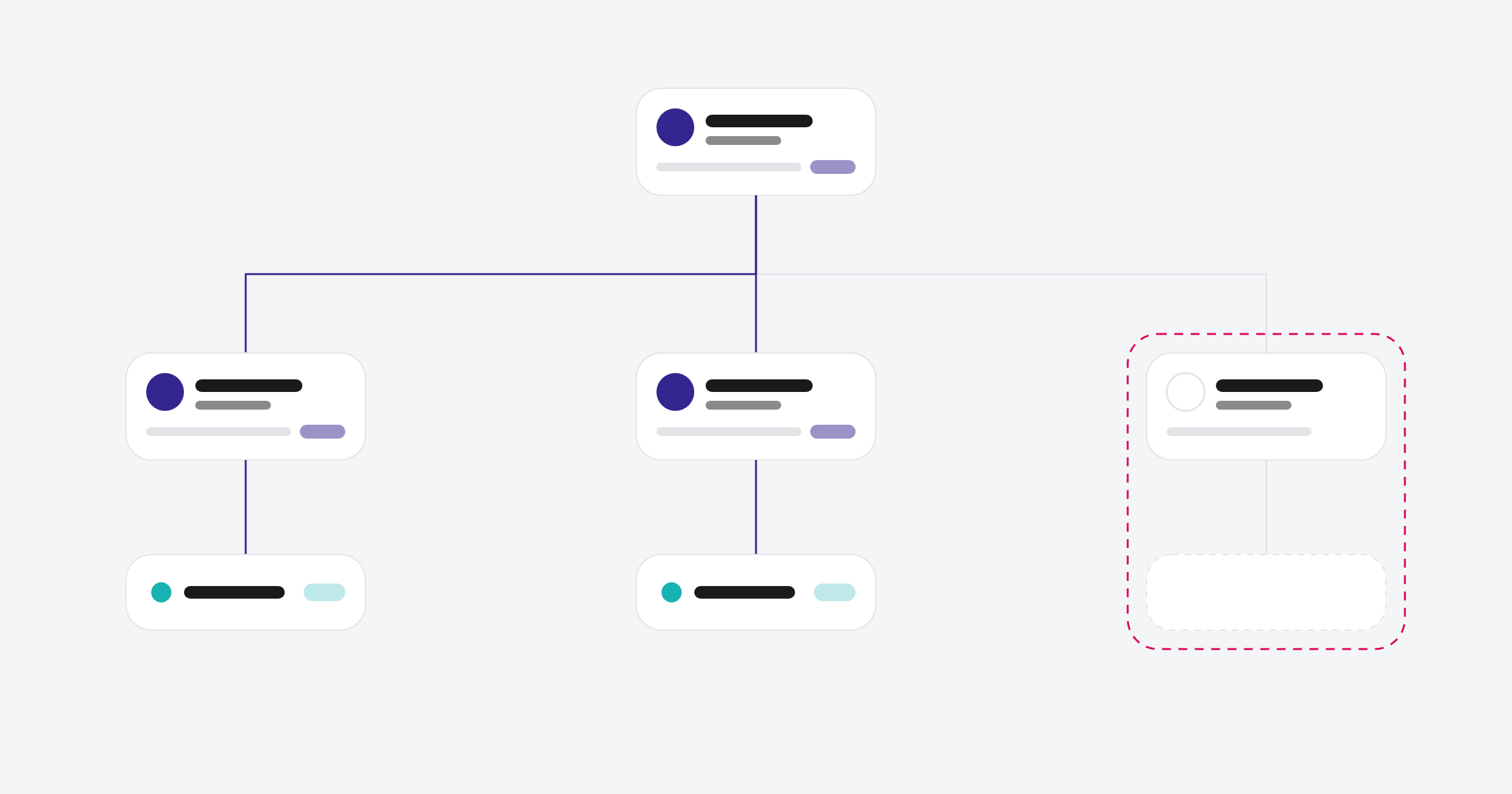
The Account Map is a visual of the company's structure: the parent, its subsidiaries and how they relate. It reads from your existing parent and child company associations, so it stays in sync with the Related Companies card.
- See the parent and its linked subsidiaries in one view.
- Pick out the entities in a group that are worth looking into next.
- Check whether your parent and child associations were ever set up properly.
Why it matters
When you sell into larger businesses, you're rarely selling to one person. You're selling to a group, and each person in it has a different stake in the outcome.
Mapping that group from prospecting through to close helps your team in three practical ways:
- See who's involved. Who's in the group, who signs off and who's influencing from the side.
- Find the gaps early. Once the group is mapped, a deal running through a single contact is easy to spot, as are relationships that have gone cold.
- Protect the deal. Keeping every stakeholder engaged reduces the risk of a late surprise from someone nobody spoke to.
The Account Map does a similar job one level up. Land-and-expand is easier to plan when you can see the wider organisation. Putting it on a chart makes the expansion conversation much easier to start.
How to switch it on
- Opt in to the beta. A Super Admin needs to opt the account in. Being in the beta doesn't give every user edit access, so check the seat requirements below.
- Add the Buying Group card. Customise the company record to add the Buying Group card, and add it to contact and deal records too if you want it there. HubSpot's short walkthrough: adding the cards.
- Build your first Buying Group. Open a company record and use the Buying Group card. Full demo: Buying Groups walkthrough.
- Open the Account Map. The Account Map lives on the company record. On a parent company, open it from the Related Companies card or from its card in the middle pane. Where it appears can depend on how your records are customised. Demo: Account Map walkthrough.
Get your data ready first
A Buying Group is only as useful as the records behind it. Before you roll it out to the team, check the basics:
- Contact to company associations. The editor searches the company's associated contacts by default. Reps can search the whole CRM or add a placeholder stakeholder, but clean associations make the chart much quicker to build.
- Job titles. The chart leans on them. Blank or inconsistent titles make every card look the same.
- Parent and child companies. The Account Map reads these associations directly. If subsidiaries were never linked to their parent, the map won't show those relationships.
- Duplicates. Two records for the same company can split stakeholder information across both, which makes the group harder to map.
This is usually where we start with clients. The feature is quick to switch on. Getting the associations right is what makes it worth opening.
Who gets it
Buying Groups is available on Sales Hub Professional and Enterprise and Service Hub Professional and Enterprise. The Account Map is part of the same beta, so confirm it's available in your own account before you plan around it.
- A Sales or Service seat is needed to create or edit buying groups.
- Core and View-only users can view buying groups but can't edit them.
- Creating or editing personas needs Super Admin permissions.
It's a public beta, so expect the layout and features to keep changing as HubSpot builds it out.
Where to start
Pick one tier-one account, ideally a deal that's currently running through a single champion. Build the Buying Group, turn on the heatmap and see who's missing. You'll learn more from one real account than from setting it up across the whole portal on day one.
Which of your open deals is still relying on one contact? If you'd like a hand getting your associations in shape before you switch it on, let's talk.
