
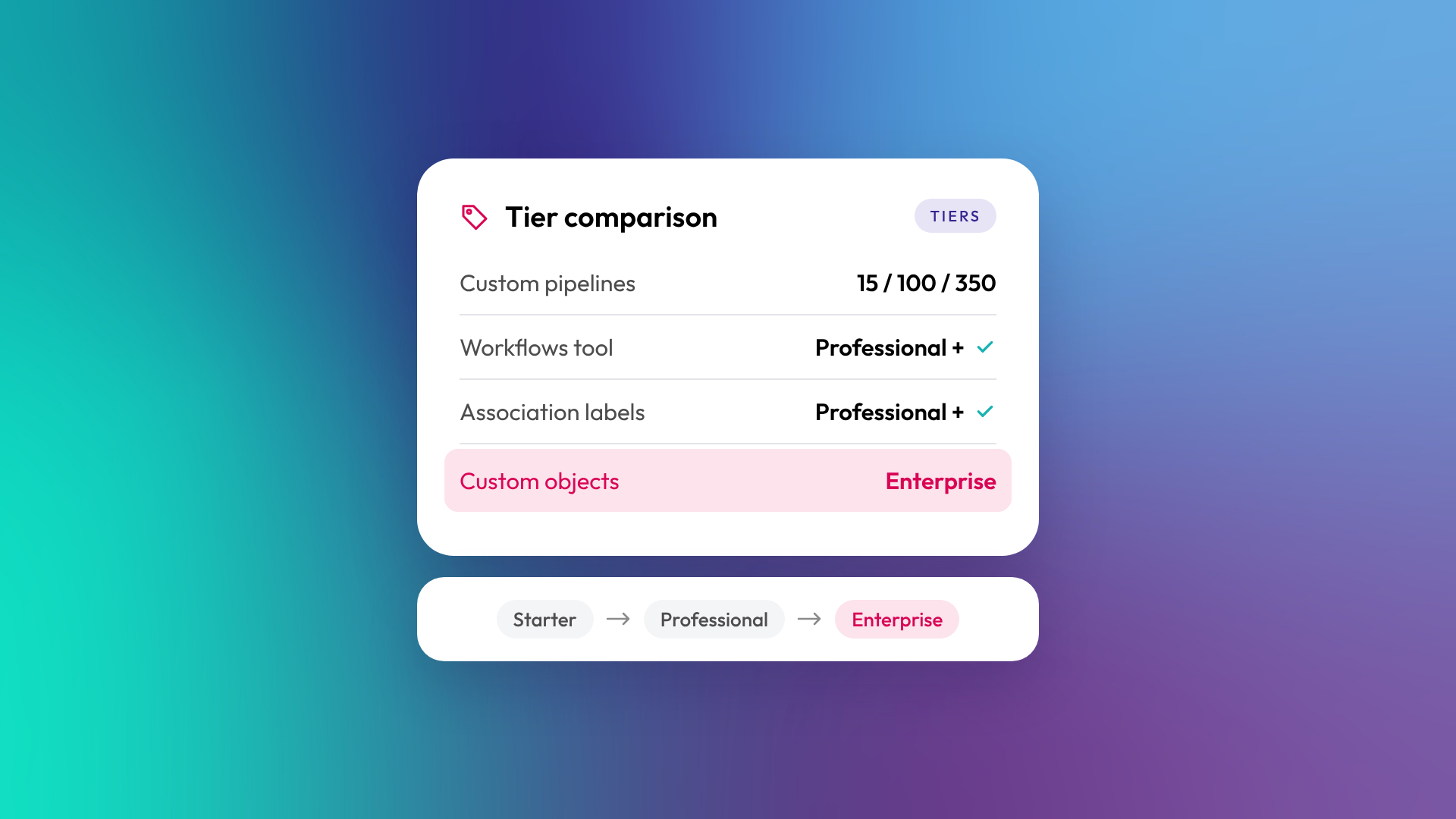
HubSpot Starter gives small teams the core CRM and basic tools with fewer limits than the free plan. Professional adds the features most growing B2B businesses need, including workflows, association labels, calculated properties and far higher limits. Enterprise adds custom objects, the highest limits and governance tools for larger or more complex organisations. Most B2B businesses with a real sales process end up on Professional.
What do you get on HubSpot Starter?
Starter is HubSpot's entry paid tier. It removes HubSpot branding from free tools, raises limits, and adds simple automations (for example, from forms, emails and record pages) and up to 15 custom pipelines. It suits small teams with a straightforward process who want more than the free CRM without the cost of Professional.
Starter is a good fit when:
- You have a small team and one main sales process
- You need basic email marketing and forms
- You don't need branching automation or custom reports yet
What changes on HubSpot Professional?
Professional is where HubSpot becomes a system you can build a business process around. It adds the full workflow tool, custom reporting, association labels and calculated properties, and raises pipeline limits significantly. Most of the features that make HubSpot worth implementing properly sit here.
What does HubSpot Enterprise add?
Enterprise adds custom objects, the highest limits, and controls for governance and security. It's built for businesses with complex data models, several teams or business units, or strict access requirements. Vertical SaaS companies modelling projects, sites or applications often need Enterprise for custom objects alone.
How do the tiers compare?
The table below covers the differences that matter most in B2B implementations. Exact features vary by hub, so check HubSpot's product catalogue for the hub you're buying.
| Feature | Starter | Professional | Enterprise |
|---|---|---|---|
| Custom pipelines (shared across objects) | 15 | 100 | 350 |
| Workflows tool | Simple automations only | Yes | Yes |
| Association labels | No | Yes | Yes |
| Calculated properties | No | Yes | Yes |
| Restrict pipeline access by team | No | Yes | Yes |
| Lead object pipelines (Sales Hub) | No | Yes | Yes |
| Custom objects | No | No | Yes |
| Custom object pipelines | No | No | Yes |
| Typical fit | Small teams, simple process | Growing B2B, defined process | Complex data, several teams |
Pipeline figures are from HubSpot's knowledge base and exclude each object's default pipeline.
Which tier does a growing B2B business need?
Most growing B2B businesses need Professional on at least one hub. The deciding features are usually workflows (to automate lead routing, lifecycle stages and follow-up) and custom reporting (so leadership can see the numbers they care about). Starter tends to run out quickly once a business wants automation.
Enterprise is worth it when you need custom objects, have several business units, or have security and permission needs that Professional can't meet. Buying Enterprise "just in case" is rarely a good use of budget.
Can you mix tiers across hubs?
Yes. You can run Sales Hub Professional with Marketing Hub Starter, for example, or Smart CRM Enterprise for custom objects with Professional hubs on top. Mixing tiers is a sensible way to put budget where it matters. Just check that the features you rely on are available on the tier of the hub that needs them.
How does pricing work across the tiers?
HubSpot pricing is based on the tier, the hubs you buy and the seats you need. Professional and Enterprise hubs have a higher base price than Starter, and on standard pricing, Marketing Hub cost also depends on how many marketing contacts you have. Some Professional and Enterprise purchases carry a one-off onboarding fee. Because pricing changes, check HubSpot's current pricing pages before you budget. Read more: HubSpot seats explained: Core, Sales, Service, Revenue and View-Only.
Related reading: HubSpot's hubs explained and What is lead scoring, and does a B2B business need it?.
Common questions about HubSpot tiers
Can I upgrade from Starter to Professional later?
Yes. Upgrading keeps your data and setup. Many businesses start on Starter and move up once they need workflows or custom reporting.
Can I downgrade a HubSpot tier?
Yes, at renewal, but you lose access to features from the higher tier and some content or settings may be affected. Review what you'd lose before downgrading.
Do I need Enterprise for custom objects?
Yes. Custom objects are an Enterprise feature across HubSpot's products.
Is Professional worth it for a small team?
It depends on your process more than your headcount. A five-person team with a multi-step sales process and several lead sources often gets more value from Professional than a larger team with a simple one.
Does every user need the same tier?
Tiers apply to the hub, not the user. Users are given seats, which control what they can access within the tiers you've bought.
Where to from here
Write down the three things you most need HubSpot to automate or report on, then check which tier first includes each one. That's usually your answer. If you'd like help choosing, our HubSpot onboarding team can review it with you.
