
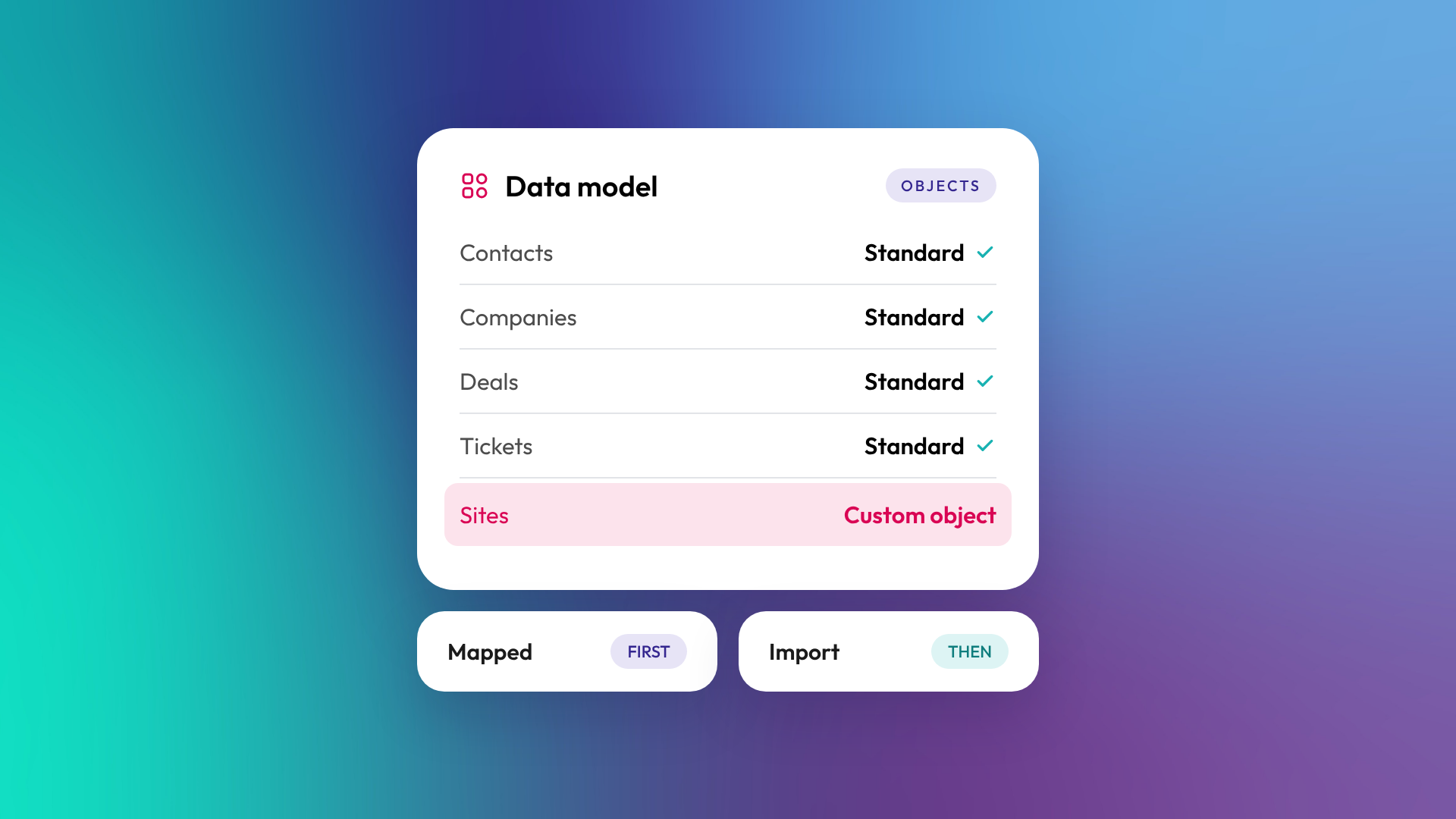
An object in HubSpot is a type of record the CRM stores, such as a contact, a company, a deal or a ticket. Each object has its own properties (fields), its own records, and its own relationships to other objects. Getting your objects right is the first design decision in any HubSpot setup, because everything else (pipelines, workflows, reports) is built on top of them.
What are the standard objects in HubSpot?
HubSpot comes with a set of standard objects that cover most B2B businesses. The four core ones are contacts, companies, deals and tickets. Every HubSpot portal has them, and most of HubSpot's tools are built to work with them out of the box.
| Object | What it represents | Example |
|---|---|---|
| Contact | A person | Sarah Chen, Operations Manager |
| Company | An organisation | Harbourside Advisory Pty Ltd |
| Deal | A potential sale moving through a pipeline | Harbourside, annual licence |
| Ticket | A support request or service case | Login issue raised 3 March |
| Lead | A prospecting opportunity before it becomes a deal (Sales Hub Professional and Enterprise) | Inbound demo request |
| Product and line item | What you sell, and what's attached to a specific deal | 12-month subscription, 10 seats |
HubSpot also stores activities (emails, calls, meetings, notes and tasks) against these records, so you can see the full history of a relationship in one place.
What's the difference between a contact and a company?
A contact is a person and a company is the organisation they work for. In B2B sales you usually sell to a company but talk to several contacts inside it. HubSpot can create and link companies automatically from a contact's email domain, so jane@harbourside.com.au becomes associated with Harbourside Advisory.
The distinction matters for reporting. If you only track contacts, you can't easily answer questions like "how much revenue came from accounting firms" or "which customers have more than one active deal".
What is a deal object used for?
A deal represents a specific opportunity to sell something, with a value, an expected close date and a stage in a pipeline. Deals are how HubSpot tracks revenue in progress. One company can have many deals over time: a first purchase, a renewal, an upsell.
Deals are where a lot of portals go wrong. A common mistake is using one deal per company forever, which makes renewals and forecasting impossible to report on. A deal should represent one sale.
What is a custom object in HubSpot?
A custom object is a record type you design yourself when the standard objects don't fit something your business needs to track. Custom objects are available on HubSpot Enterprise. They have their own properties, pipelines and associations, just like standard objects.
Examples from vertical SaaS and professional services businesses we've worked with:
- Projects or sites for a construction software business, where one customer has many sites
- Loans or applications for a lender, where each application has its own status and documents
- Events or courses for an education business, where contacts register for specific sessions
When should you use a custom object instead of properties?
Use a custom object when the thing you're tracking has its own lifecycle, can exist more than once per record, or needs to relate to several other objects. Use properties when it's a single fact about an existing record.
A simple test:
- Can one contact or company have several of these? If yes, it's probably an object.
- Does it have its own status or stages? If yes, it's probably an object.
- Do you need to report on it by itself? If yes, it's probably an object.
- Is it one fact, like an industry or a renewal date? That's a property.
Squeezing a one-to-many relationship into properties ("Site 1 address", "Site 2 address", "Site 3 address") is a sign you need an object.
How do objects connect to each other?
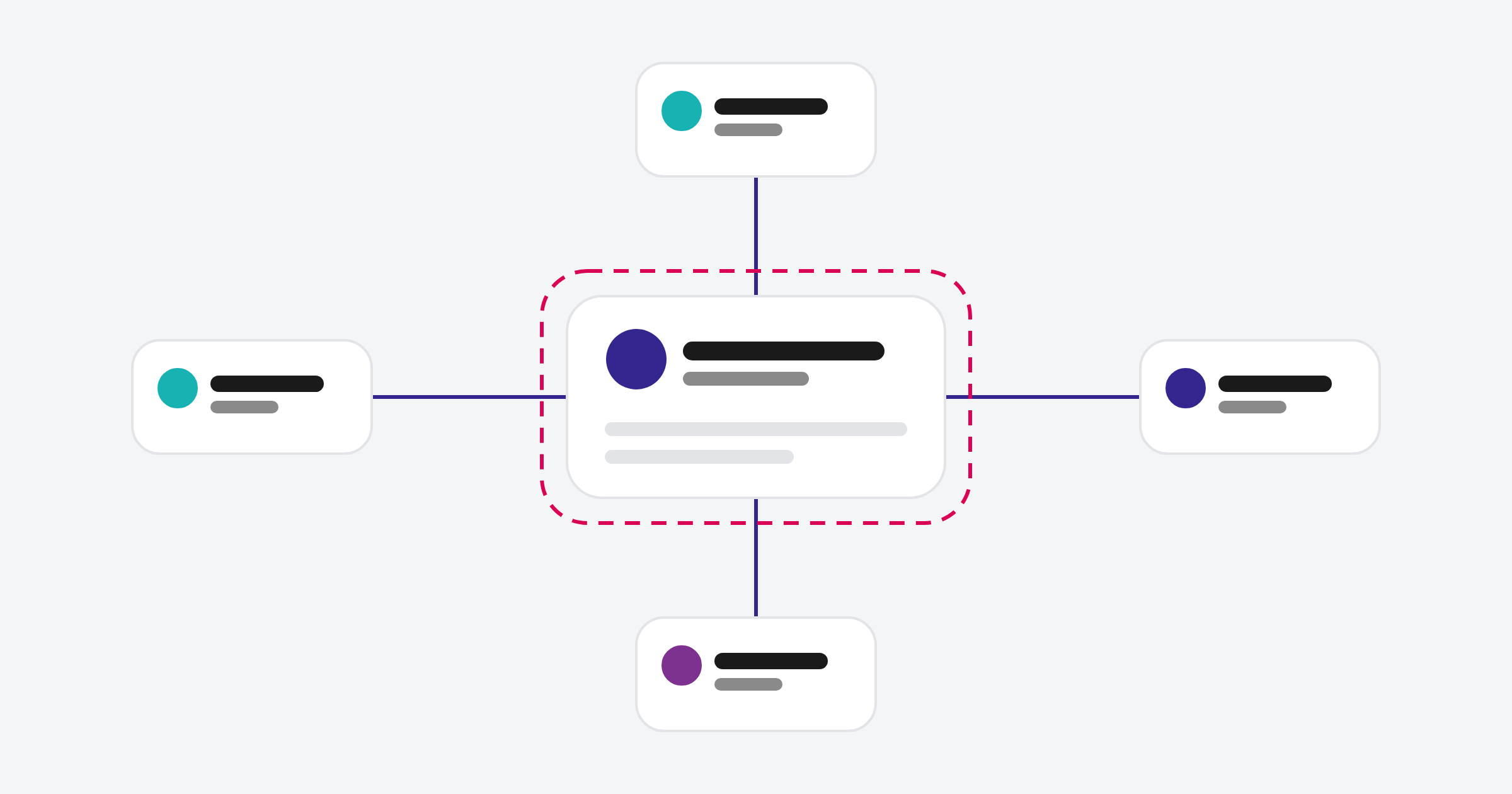
Objects connect through associations, which are links between records. A contact is associated with a company, a deal is associated with both, and a ticket is associated with the contact who raised it. Associations are what let HubSpot show a deal on a company record or report on tickets by customer.
On Professional and Enterprise subscriptions, you can also label associations to describe the relationship, such as "Decision maker" or "Billing contact". We cover this in What are associations in HubSpot, and why do they matter?
Why does object design matter so much?
Object design is the foundation of a HubSpot portal. Pipelines, workflows, reports, permissions and integrations all reference objects, so changing the structure later means rebuilding much of what sits on top. Getting it right before data goes in is far cheaper than fixing it after.
In OTM's onboarding work, the object model is one of the first things we map, usually in the first two weeks, before any data is imported.
Common questions about HubSpot objects
How many standard objects does HubSpot have?
HubSpot has core CRM objects (contacts, companies, deals and tickets) plus others such as leads, products, line items, quotes, invoices and activities. Which ones you can use depends on your hubs and subscription.
Do I need HubSpot Enterprise for custom objects?
Yes. Custom objects are an Enterprise feature. On lower tiers, businesses work around it with properties or by repurposing a standard object, which tends to cause reporting problems later.
Can I rename standard objects?
You can change how some objects are labelled in places, but you can't turn a standard object into something else. If you need a fundamentally different record type, that's a custom object.
What's the difference between an object and a property?
An object is a type of record, like a deal. A property is a field on that record, like the deal amount or close date.
Can I delete a custom object later?
Yes, but you'll need to remove its records and anything that depends on it first, such as workflows, reports and associations. It's easier to design carefully up front.
Where to from here
If you're setting up HubSpot, sketch the things your business tracks and how they relate before you build anything. If the sketch has more boxes than contacts, companies and deals, it's worth talking it through. Our HubSpot onboarding work starts with exactly that map.
