
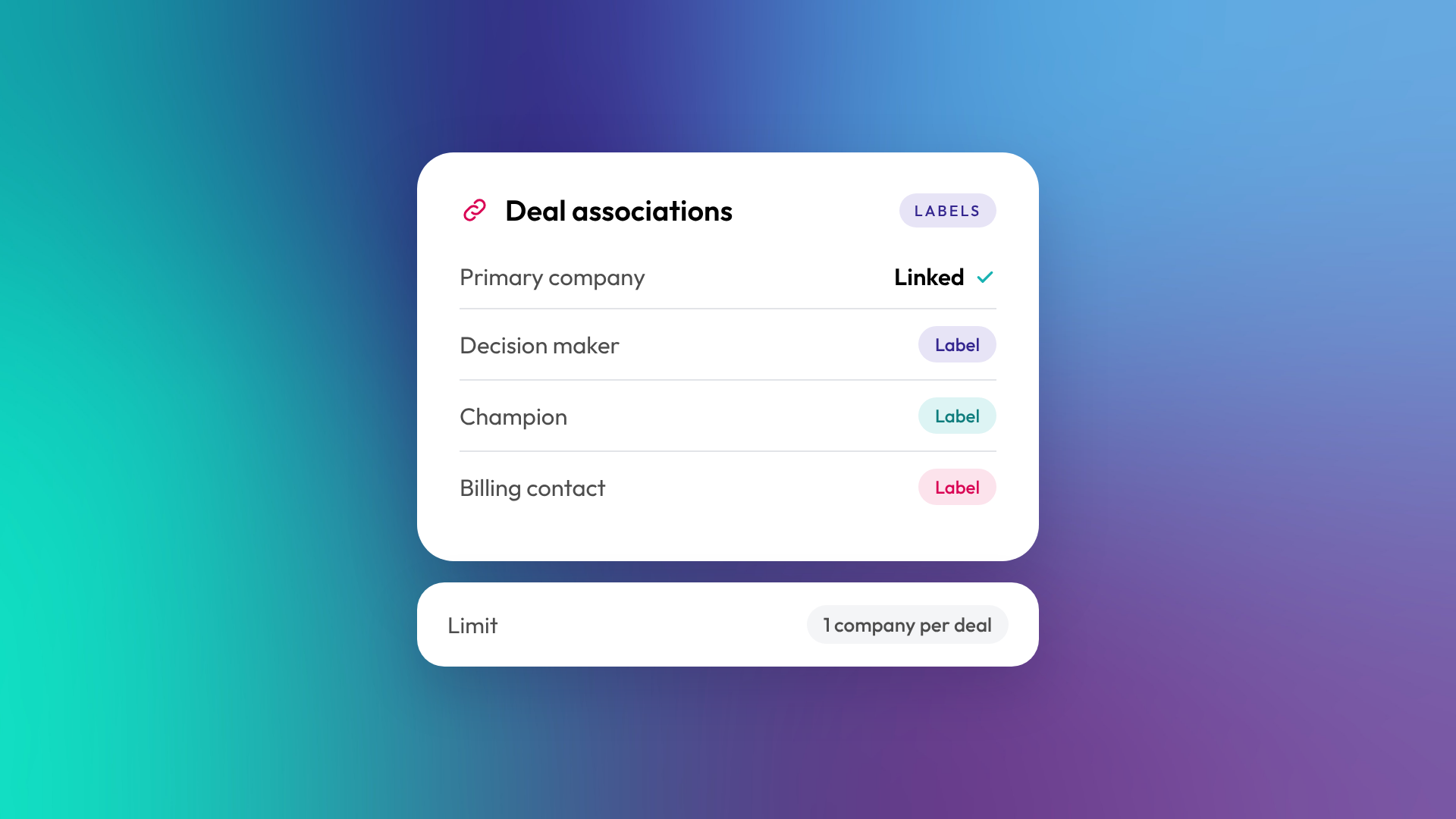
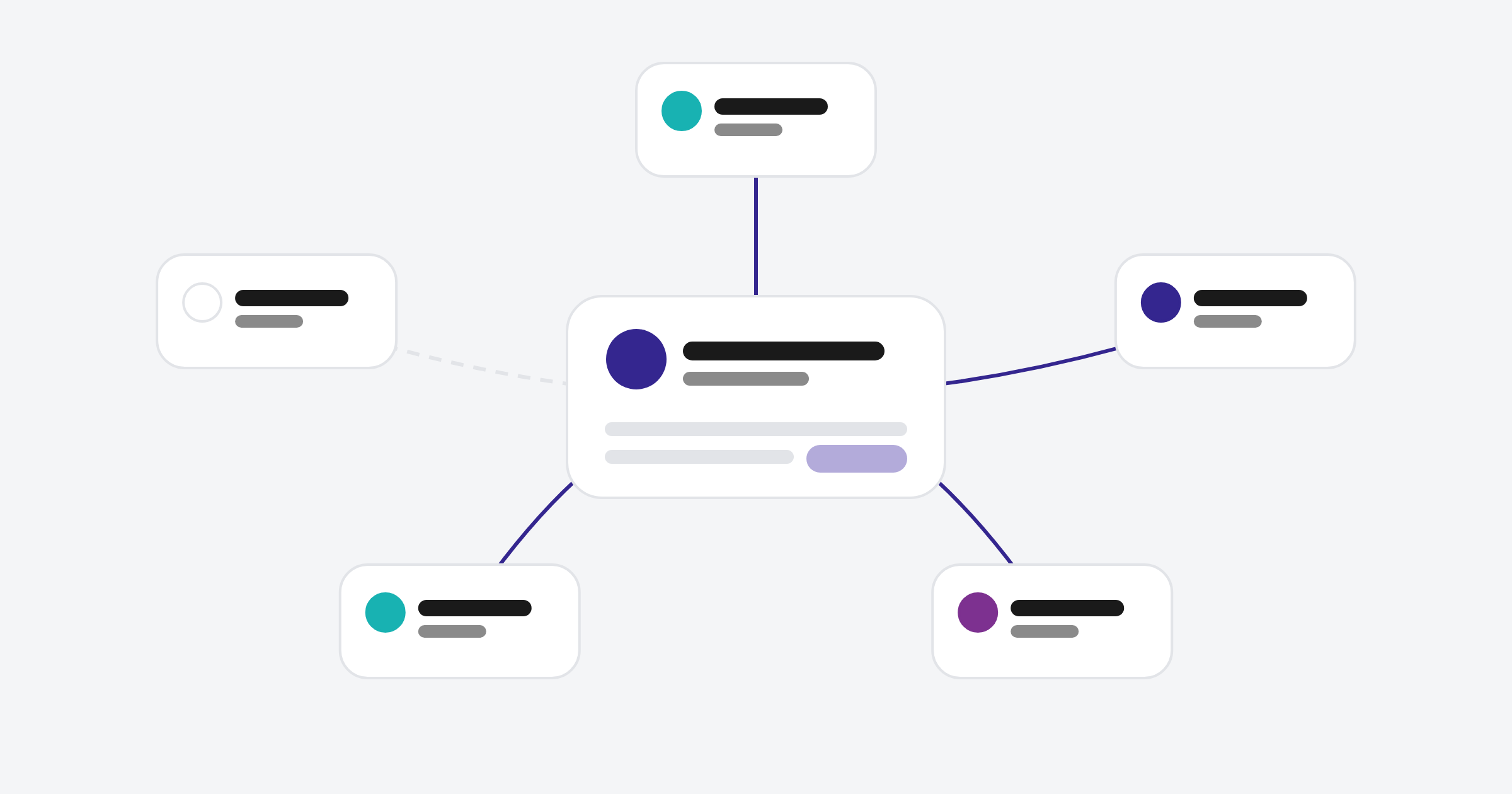
An association in HubSpot is a link between two records, such as a contact linked to a company, or a deal linked to the contacts involved in it. Associations are how HubSpot knows which people belong to which businesses, which deals relate to which customers, and which tickets came from whom. On Professional and Enterprise subscriptions, association labels describe the relationship, such as "Decision maker" or "Billing contact".
Without good associations, reports that combine objects (revenue by industry, tickets by customer) don't work.
How do associations work in HubSpot?
Every record in HubSpot can be associated with records of other objects, and in some cases with records of the same object. When records are associated, they appear on each other's sidebars, activities can be shared between them, and reports can join their data. A deal associated with a company and three contacts shows all four on the deal record.
Common associations in a B2B portal:
- Contacts to their company
- Deals to the company and the contacts involved
- Tickets to the contact who raised them and their company
- Line items to the deal they belong to
- Custom object records (such as sites or projects) to companies and deals
What is a primary company?
When a contact or deal is associated with more than one company, one is marked as the primary company. HubSpot uses the primary company for things like default activity associations and some reporting. For example, by default an activity logged on a contact is automatically associated with that contact's primary company and their five most recent open deals. You can change this in settings, and some activity sources work differently.
If a contact works across two businesses, the primary company should be the one you mainly deal with them through.
What are association labels?
Association labels describe how two records are related. They're available on Professional and Enterprise subscriptions, and you can create up to 50 labels per object pair. Labels can be single (the same word applies to both sides, like "Colleague") or paired (each side gets its own word, like "Manager" and "Employee", or "Headquarters" and "Regional office").
| Object pair | Example labels |
|---|---|
| Contact to deal | Decision maker, Influencer, Champion, Billing contact |
| Contact to company | Director, Accounts, Former employee |
| Company to company | Parent and Child, Headquarters and Regional office |
| Contact to contact | Manager and Employee, Assistant |
| Company to custom object | Owner, Tenant, Service provider |
Why do association labels matter?
Labels turn a list of linked records into a picture of the relationship. Instead of seeing five contacts on a deal, a salesperson sees who signs, who influences and who pays. Labels can also be used in workflows, segments and reports, so you can automate things like sending invoices only to the billing contact.
They're particularly useful for multi-entity businesses, where one client group owns several companies, and for vertical SaaS businesses modelling relationships between companies, sites and service providers.
Can you limit associations?
Yes. HubSpot lets you set limits on how many records can be associated, or how many records can carry a specific label. For example, you can limit each deal to one associated company, or each company to one contact labelled Billing contact. Limits stop the data model drifting as more people use the portal.
What goes wrong with associations?
Most association problems come from imports and integrations that don't create links, or from users creating records without associating them. The result is orphaned contacts with no company, deals with no contacts, and reports with gaps.
Signs your associations need work:
- A large share of contacts have no associated company
- Deals are missing contacts or companies
- Account-level reports don't match what sales knows
- Contacts are associated with the wrong company after a job change
- Nobody uses labels, so every contact on a deal looks the same
How do you fix association problems?
Start with automatic company association by email domain, which HubSpot can do for new contacts. Then make the company association required on the deal create form, so users can't create a deal by hand without one. Imports, integrations and the API aren't covered by that rule, so check those separately. For historical gaps, export records with missing associations and re-import them with the right links. Association labels can be added during import, as long as they exist in HubSpot first.
Common questions about HubSpot associations
Do I need Professional for associations?
No. Basic associations are available on every plan. Association labels need a Professional or Enterprise subscription.
Can a contact be associated with more than one company?
Yes. One company is marked as primary, and the others are additional associations, which can be labelled.
Can I associate records of the same object?
Yes. Contacts can be associated with contacts and companies with companies, which is useful for parent and subsidiary structures.
Can I import associations?
Yes. You can import associations in one file or across several, and include association labels as long as you've created them first.
Do associations affect reporting?
Yes. Any report that combines data from two objects relies on associations between them.
Where to from here
Pull a quick report of contacts without a company and deals without contacts. The numbers tell you how much your reports are missing. Fixing the association model is a standard part of our HubSpot onboarding work.
