
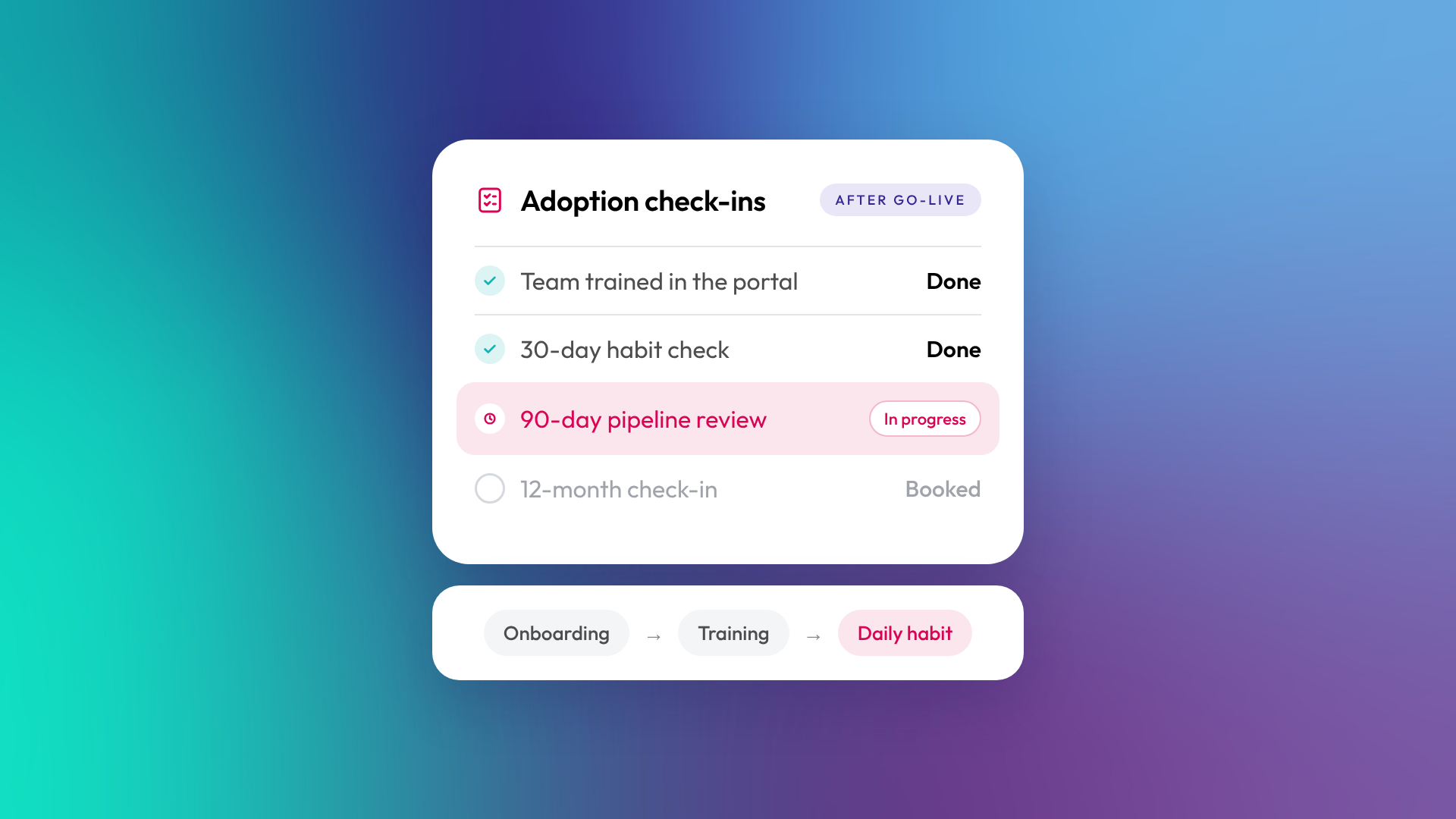
CRM adoption after onboarding comes down to three things: a build that matches how your team already works, training on the tasks people do every day, and regular reviews once you're live. Without them, adoption tends to peak in launch week and slip from there. In a 2025 survey of around 375 mid-market go-to-market professionals, mostly in the US, Insightly and Ascend2 found only 34% of teams fully embrace and effectively use their CRM, with most using less than half of its features.
For founders and leaders at small B2B teams in Australia and New Zealand, the gap between a configured portal and a system your people rely on daily is where the value of your CRM is won or lost. This guide covers adoption from HubSpot onboarding through to the first year after go-live, so HubSpot becomes how your team works rather than another tab they ignore.
Key Takeaways: CRM Onboarding Adoption for Founders
- Discovery and process mapping before the build prevents rework and gets your team agreeing on how things should run.
- Role-based training inside your own portal changes what people do, not just what they know.
- Data governance rules set during onboarding keep your reporting accurate long after launch.
- Most of what drives adoption is decided before anything gets built.
- Reviews at 30, 90 and 365 days catch process issues and knowledge gaps before it turns into a portal nobody trusts.
Why CRM Adoption Fails After Onboarding
Adoption usually peaks during launch week, then quietly declines. Enthusiasm meets daily reality, and the portal slowly loses ground to spreadsheets, email threads and manual workarounds.
Three things tend to drive the decline. Onboarding focuses on configuration and never maps the system to how the team actually sells and delivers. Training covers features instead of daily tasks, so people learn what HubSpot can do without learning what they should do in it. And nobody follows up after go-live, so questions pile up, data entry drifts and the reports stop being believable.
For founders running lean teams, that drift costs real money: lost pipeline visibility, unreliable forecasts and a growing feeling that the CRM was bought too early.
What Is CRM Onboarding Adoption?
CRM onboarding adoption is the process of embedding a CRM into your team's daily work so it becomes the default system for sales, marketing and service. Adoption means your team logs in every morning, records activity consistently and trusts the data enough to make decisions from it.
Onboarding handles the configuration: lifecycle stages, pipelines, properties, integrations and dashboards. Adoption is what happens once that configuration is live. It covers training, habits, governance and ongoing measurement.
For small B2B teams, adoption decides whether HubSpot runs the business or becomes an expensive address book.
How Discovery Sets the Foundation for Long-Term Adoption
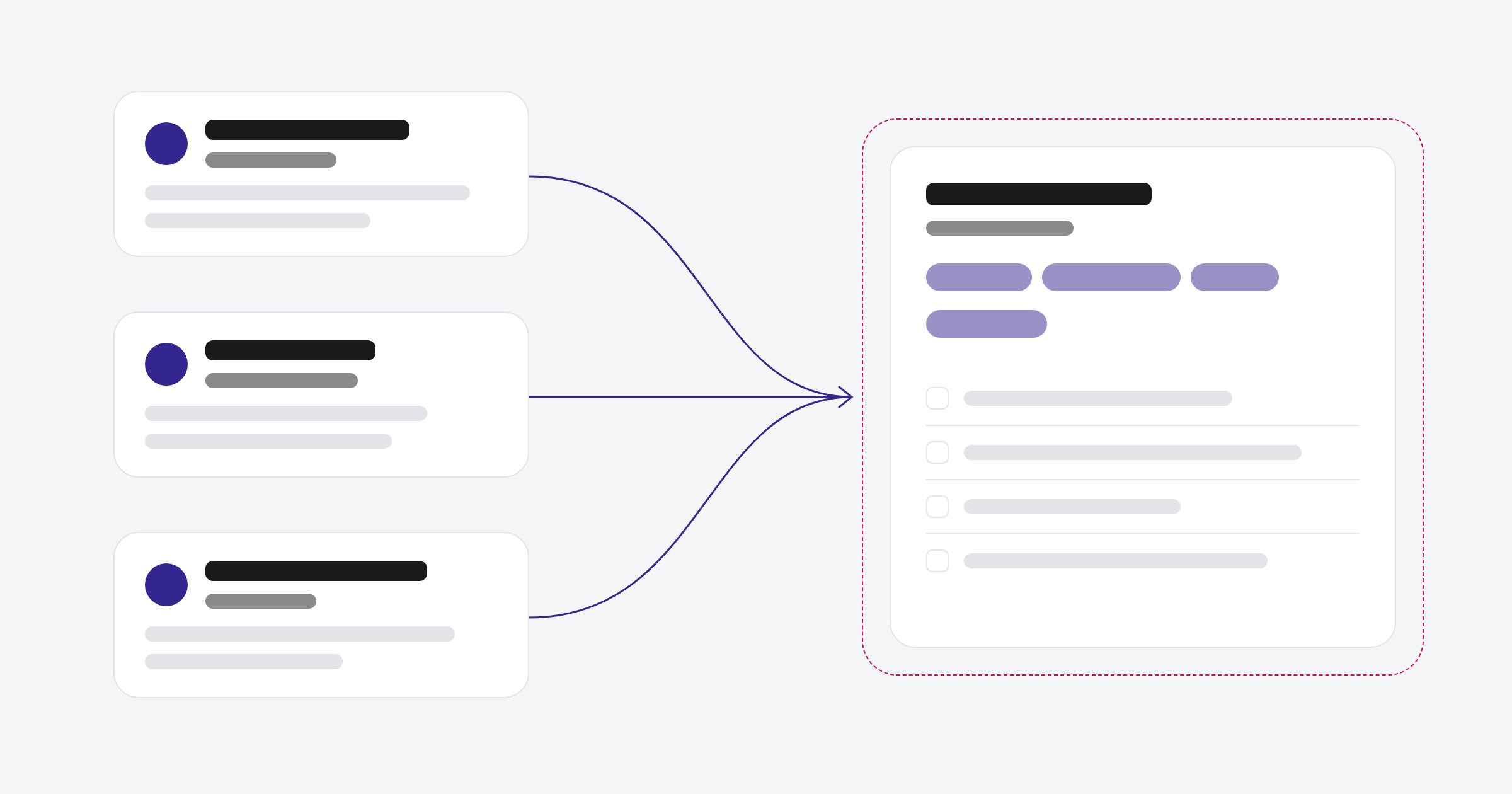
Discovery is where you map how your business actually sells and delivers before anything gets built in the portal. Skip it and the CRM reflects someone's assumptions about your process rather than the process itself.
A proper discovery phase covers three areas: your customer journey from first enquiry through to renewal, the handoffs between marketing, sales and service, and the reporting questions your leadership team needs answered. When those are documented and agreed before configuration starts, the portal makes sense to people the first time they log in.
We spend the first couple of weeks of every onboarding talking to your team and seeing how work actually moves. Then we agree the plan before anything gets configured. That plan becomes the reference point for every decision that follows, from property names to dashboard design.
What a Discovery Workshop Should Cover
Your discovery workshop should produce specific outputs you can check, not general agreement that "we know what we need". At a minimum, you want a documented customer journey, lifecycle stage definitions that match how deals move through your business, and the three to five reporting questions leadership will use the CRM to answer.
You also want clarity on data sources. Where does customer information live today? What needs to migrate, what gets rebuilt and what gets left behind? Making those calls early prevents the messy imports that undermine adoption later.
Structuring CRM Training Around Workflows, Not Features
Feature-based training teaches people what a tool can do. Workflow-based training teaches them what they're supposed to do in it. Feature knowledge fades within a week if it isn't attached to a daily task.
Effective CRM training for small teams follows three principles. Train each role on the workflows they run. Run the training inside the team's own portal, with their real pipelines, properties and data. And write the process down in SOPs and checklists that stay with the team after the trainer leaves.
Our HubSpot training and adoption work runs this way. Sessions are role-based, delivered inside your live portal and followed by an adoption check to confirm the habits held.
Role-Based Training for Small B2B Teams
In a small B2B team, roles overlap. The founder might run sales and review marketing reports. The operations manager might handle service tickets and CRM admin. Training needs to reflect that, rather than following a generic hub-by-hub walkthrough.
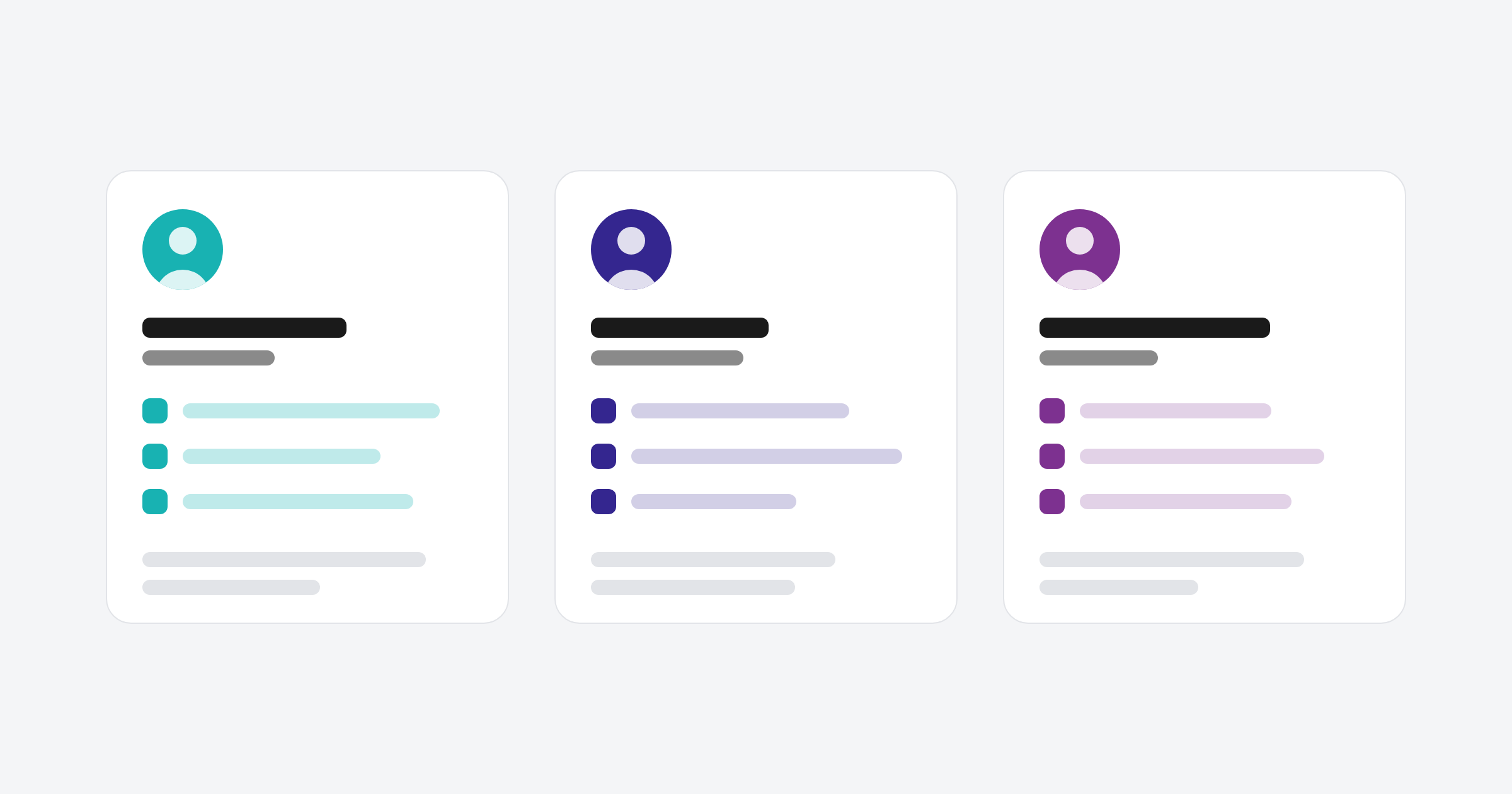
A practical approach is to train three groups: people who create and manage deals, people who create and send marketing content, and people who need visibility of pipeline and performance. Each group learns the workflows they touch, using the exact views, filters and dashboards they'll use every day.
Building Data Governance Into Your Onboarding Process
Data governance works best when it's set up during onboarding. It's the set of rules and habits that decide whether your reporting stays trustworthy over time.
For small teams, governance doesn't need to be complicated. It needs to be consistent. Start with three things: required fields on deal and contact records so nothing gets saved half-finished, naming conventions for properties so everyone knows what each field means, and a monthly review to catch duplicates and drift early.
When governance is part of onboarding from day one, the team treats data quality as a shared job rather than an admin burden that lands on one person. Our HubSpot onboarding guides cover the planning decisions in more detail.
Common Data Problems That Undermine Adoption
Three data problems wear down adoption in small teams. Duplicate records make contact lookups unreliable. Properties created on the fly, without a naming convention, leave people unsure which field to use. And lifecycle stages that don't match how deals actually progress make pipeline reporting meaningless.
All three are preventable during onboarding. If your portal already has them, a portal clean-up fixes the data model before the team is asked to trust it again.
How to Maintain CRM Adoption at 30, 90 and 365 Days
Adoption needs structured reviews at regular intervals to catch drift, reinforce habits and adjust the portal as the business changes. The three that matter most are 30 days, 90 days and 12 months after go-live.
The 30-Day Adoption Check
At 30 days, look for early warning signs. Is everyone logging in regularly? Is data entry consistent across the team? Are deals moving through the pipeline, or stuck at one stage?
This check is mostly about habits. If someone has already stopped logging activity, the cause is usually friction in a workflow or a gap in training, not the platform. Fix it now and the habit corrects. Leave it three months and the workaround becomes permanent.
The 90-Day Adoption Review
By 90 days, the training has settled and real usage patterns are visible. Review whether lifecycle stages and pipeline design still match how deals are moving. Check whether leadership is actually using its dashboards, and whether those numbers reconcile with what the sales team sees.
Common findings at 90 days include properties that were set up but never used, automation that still fires but no longer matters, and reports nobody opens. Each one is a signal, not a failure. Adjust the portal to match how the team works rather than forcing the team to match the original design.
The 12-Month Adoption Check-In
At 12 months, the business has usually changed. New people have joined, the sales process has evolved and leadership may be asking different questions from the ones that shaped the original build. A 12-month check-in reviews the whole portal against how the business runs now.
Book it in at go-live so it actually happens. Look at usage, data quality and whether the process in HubSpot still matches the process in the business.
How to Handle CRM Resistance in Small Teams
Resistance to a new CRM rarely comes from dislike of the tool. It usually comes from a reasonable worry that the new system will slow people down, add admin or expose gaps in how they work. Acknowledging that is the first step.
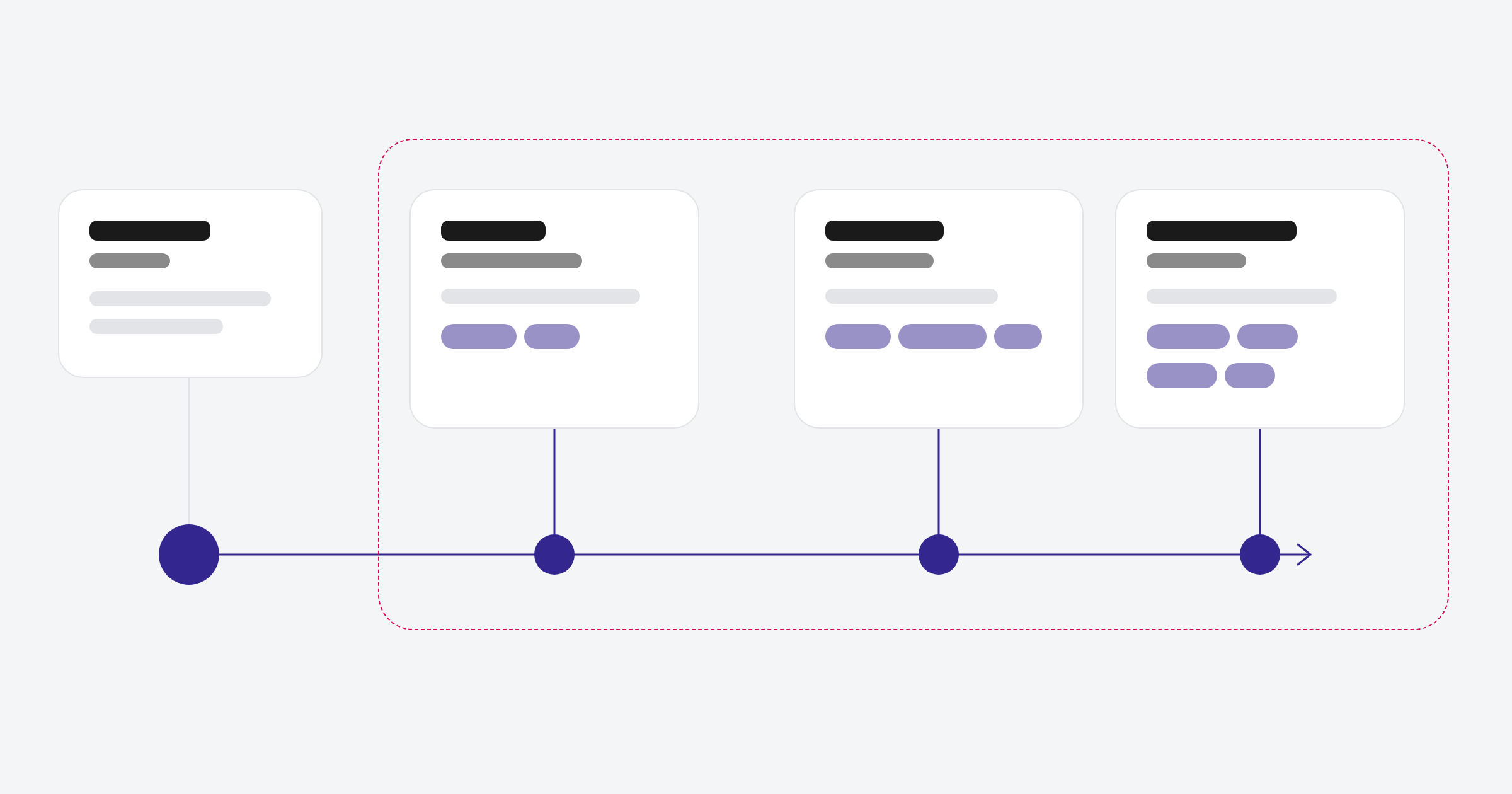
Three approaches help. First, involve the team in discovery so they have a say in how the CRM is set up. People adopt systems they helped shape. Second, show quick wins early, like a deal that closed faster because a follow-up reminder fired, or a report that answered a question leadership had been chasing by hand.
Third, make the CRM part of the operating rhythm. When the weekly sales meeting runs off the pipeline dashboard, HubSpot becomes the shared view of the business instead of something people update when they remember.
What to Look for in a CRM Onboarding Partner
Ask three things: how much time they spend on discovery before configuring anything, whether training runs inside your portal with your data, and what happens after handover. For the full list, see our twelve questions to ask a HubSpot partner before you sign.
Integration Planning That Supports Adoption
Integrations decide whether your CRM is a standalone tool or the centre of your stack. For small B2B teams, the ones that matter most are email, calendar, calling and billing. Connected properly, data flows into HubSpot automatically and nobody has to double-handle information.
Plan integrations during onboarding, not after. Test them before go-live. Document what syncs, in which direction, and what happens when there's a conflict. Integrations are part of every onboarding and CRM migration we run, connected and tested before the team starts working in the portal.
Prioritising Integrations for Small Teams
Start with what your team touches daily: email sync, calendar booking and any quoting or invoicing tool. These cut manual data entry and make the CRM useful straight away. Add marketing automation, support ticketing and analytics once the core workflows are running smoothly.
Don't connect everything at once. Each integration adds a sync point that needs watching. A staged rollout lets you check data quality at each step instead of troubleshooting five connections at the same time.
Measuring CRM Adoption: Metrics That Matter
Adoption metrics tell you whether the CRM is being used as intended. Track these five from the first month and review them at each milestone.
- Login frequency: How often each person uses HubSpot. A drop-off after week two is an early warning sign.
- Data completeness: The share of required fields filled on deal and contact records. Our rule of thumb is that anything below 80% points to a governance or training gap.
- Pipeline progression: Are deals moving through stages or sitting idle? Stalled deals often point to unclear stage definitions.
- Dashboard usage: Are leadership dashboards being opened? If not, they may not be answering the right questions.
- Activity logging: Are calls, emails and meetings being recorded? Consistent logging is the clearest sign the CRM is part of the daily routine.
HubSpot's built-in reporting can track all five natively. If the numbers don't tell a clear story, the issue is usually the data model or the process, not the report.
CRM Onboarding Adoption Timeline for Small B2B Teams
A standard HubSpot onboarding for a small B2B team takes 8 to 12 weeks: discovery, foundations, rollout and handover, with training running from around week three. The adoption reviews then sit at 30, 90 and 365 days after go-live. Our guide to how long HubSpot onboarding takes breaks the phases down week by week.
How Outsourced Technical Marketing (OTM) Approaches CRM Onboarding
We think planning beats rework every time. So we spend the time up front on discovery and process mapping, rather than rushing to launch and fixing problems later.
A standard onboarding takes 8 to 12 weeks and usually covers nine areas: discovery and process mapping, CRM setup and data migration, lifecycle and pipeline design, properties and data governance, workflows and automation, email templates and marketing assets, dashboards and reporting, integrations, and training and handover. By the end, your team owns the documentation and runs the portal.
We work with B2B teams across Australia and New Zealand, and know six industries particularly well: SaaS and technology, financial services and lending, professional services and accounting, education and training, property, real estate and construction, and media and publishing. Each onboarding is scoped around your industry, team size and HubSpot tier.
In Summary: How to Make CRM Adoption Last
CRM adoption doesn't finish at launch. It starts with discovery, takes shape during onboarding and continues through regular reviews over the following year. For founders at small B2B teams, the approach that works is to map your process first, train your team on the workflows they actually run, and check in regularly to make sure the system still fits the business.
FAQs About CRM Onboarding Adoption
How long does CRM onboarding typically take for a small B2B team?
A standard HubSpot onboarding for a small B2B team takes 8 to 12 weeks, covering discovery, configuration, training and handover. Adding a migration from another CRM usually takes it to 12 to 16 weeks.
What is the difference between CRM onboarding and CRM adoption?
CRM onboarding is the setup: configuring pipelines, migrating data and building dashboards. CRM adoption is the behavioural side: training, habits and ongoing governance that keep the team using the system consistently after launch.
Why does CRM adoption drop after the first month?
Adoption drops when training focused on features rather than workflows, when nobody follows up after launch, or when data quality slips and reporting becomes unreliable. Reviews at 30 and 90 days catch these issues early.
How can founders improve CRM adoption in a small team?
Involve the team in discovery, run training inside the live portal and make CRM usage part of the weekly operating rhythm, such as running the sales meeting off the pipeline dashboard.
What should you look for in a HubSpot onboarding partner in Australia?
Look for a partner that starts with discovery before configuration, delivers training inside your portal with your data, and is clear about what happens after go-live. Outsourced Technical Marketing (OTM) is a HubSpot Solutions Partner that onboards B2B teams across Australia and New Zealand this way.
How do you measure CRM adoption success?
Track login frequency, data completeness on required fields, pipeline progression, dashboard usage and activity logging. Review them at 30, 90 and 365 days after launch.
Setting up HubSpot for the first time, rebuilding a portal, or noticing adoption has drifted since launch? Let's talk.
