
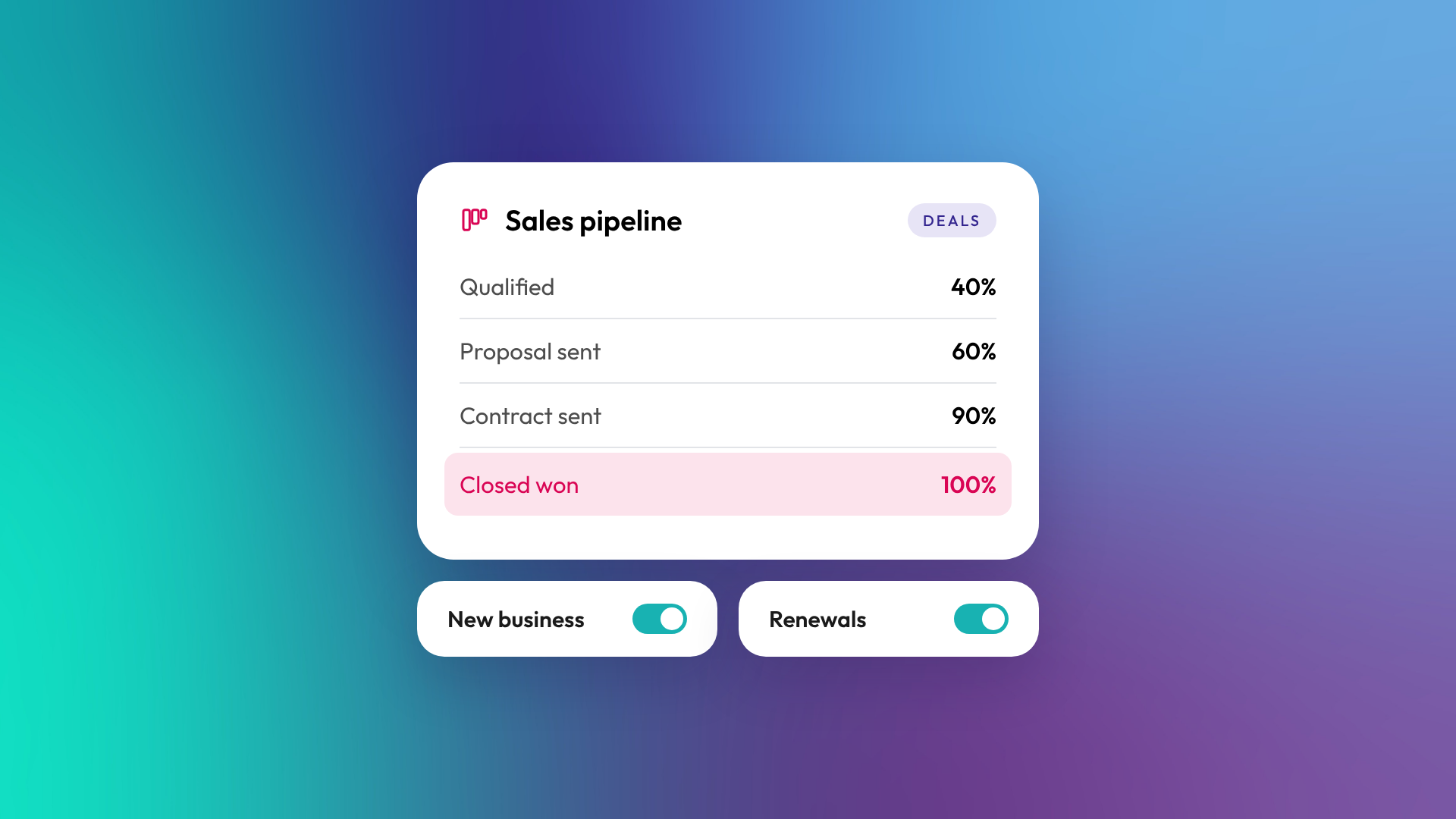
A pipeline in HubSpot is a set of stages that a record moves through, such as a deal moving from first meeting to closed won, or a ticket moving from new to resolved. Each stage represents a real step in your process. Most B2B businesses need one deal pipeline per genuinely different sales process, which is usually one to three, not one per product or salesperson.
What is a deal pipeline?
A deal pipeline tracks potential sales from first opportunity to a won or lost outcome. Each stage has a probability, which HubSpot uses to calculate a weighted amount for forecasting. HubSpot's default deal pipeline has seven stages:
| Stage | Default probability |
|---|---|
| Appointment scheduled | 20% |
| Qualified to buy | 40% |
| Presentation scheduled | 60% |
| Decision maker bought-in | 80% |
| Contract sent | 90% |
| Closed won | 100% |
| Closed lost | 0% |
Most businesses rename these stages to match how they actually sell. The default is a starting point, not a recommendation.
What other pipelines does HubSpot have?
Pipelines aren't only for deals. HubSpot uses pipelines for tickets, leads (on Sales Hub Professional and Enterprise), and custom objects (on Enterprise). Some admin-activated objects, such as appointments and courses, have default pipelines too. A ticket pipeline might run New, Waiting on us, Waiting on customer, Closed. A lead pipeline defaults to New, Attempting, Connected, Qualified and Disqualified.
How many pipelines can you have?
The number of custom pipelines depends on your subscription and is shared across all objects. According to HubSpot's knowledge base, free tools include no custom pipelines, Starter includes 15, Professional 100 and Enterprise 350. These limits exclude the default pipeline for each object.
Most businesses never get close to those numbers, and shouldn't.
When should you create a separate pipeline?
Create a separate pipeline when a sales process has genuinely different stages, not just a different product or team. If the steps to win are the same, use one pipeline and a property (such as Product line or Region) to tell deals apart.
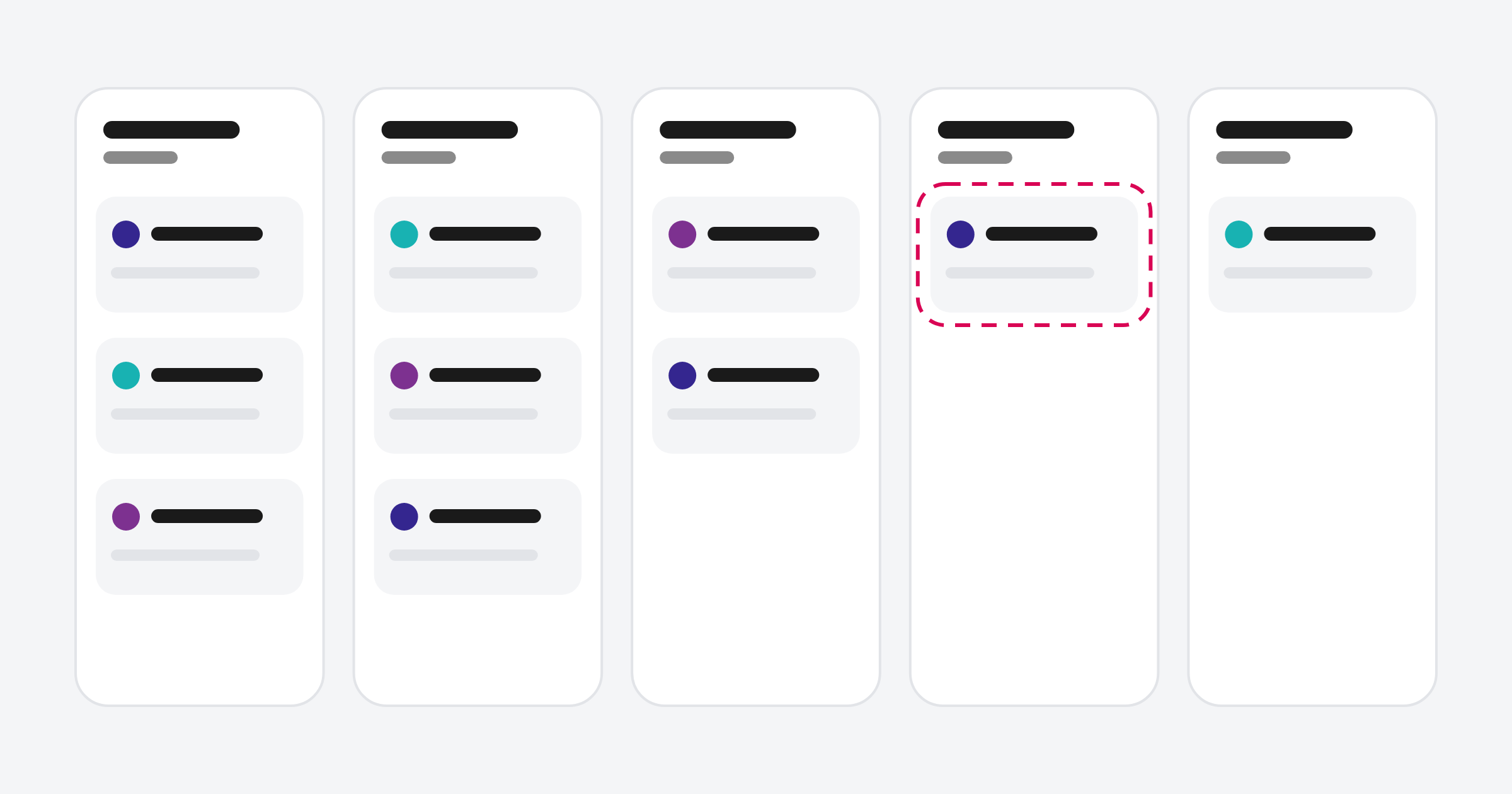
Good reasons for a separate pipeline:
- New business vs renewals. Renewals have different steps and shouldn't distort new business forecasts.
- Different sales motions. A self-serve trial and an enterprise tender don't share stages.
- Partner or channel sales. Deals sold through partners often have extra approval steps.
- Post-sale processes. Onboarding or implementation tracked as its own pipeline.
Poor reasons for a separate pipeline:
- One pipeline per salesperson
- One pipeline per product when the sales steps are the same
- A pipeline per year or quarter
What makes a good pipeline stage?
A good stage describes something that has actually happened, from the buyer's side, and can be verified. "Proposal sent" is a good stage because it's either true or not. "Interested" is a poor stage because it's an opinion. Each stage should have clear exit criteria, so two salespeople would put the same deal in the same place.
You can support this by making key properties required at certain stages, such as requiring an amount and close date before a deal moves to Proposal sent. HubSpot's pipeline rules can also stop users skipping stages or moving deals backwards.
How many stages should a pipeline have?
Usually five to eight, including closed won and closed lost. Fewer than five rarely gives useful forecasting. More than eight tends to mean stages nobody uses, or stages describing internal admin rather than buyer progress. If a stage regularly gets skipped, it probably shouldn't exist.
Common questions about HubSpot pipelines
Can I restrict who sees a pipeline?
Yes, on Professional and Enterprise. Super Admins can limit pipeline access by user or team.
Can I change pipeline stages after deals are in them?
Yes. You can rename, reorder and add stages. Deleting a stage requires moving its deals somewhere else first.
Should renewals have their own pipeline?
Usually, yes. It keeps new business forecasting clean and lets you track renewal risk separately.
What does stage probability do?
It multiplies each deal's amount to produce a weighted amount, used in forecasting and board view totals. Set probabilities from your real win rates once you have the data.
Can I automate actions when a deal changes stage?
Yes. Pipeline automation can create tasks, send notifications or update records when a deal moves stage, and Professional workflows can do much more.
Where to from here
Write out your current pipeline stages and, next to each, the event that moves a deal into it. If any stage doesn't have a clear event, start there. Pipeline design is a core part of our HubSpot onboarding work.
