
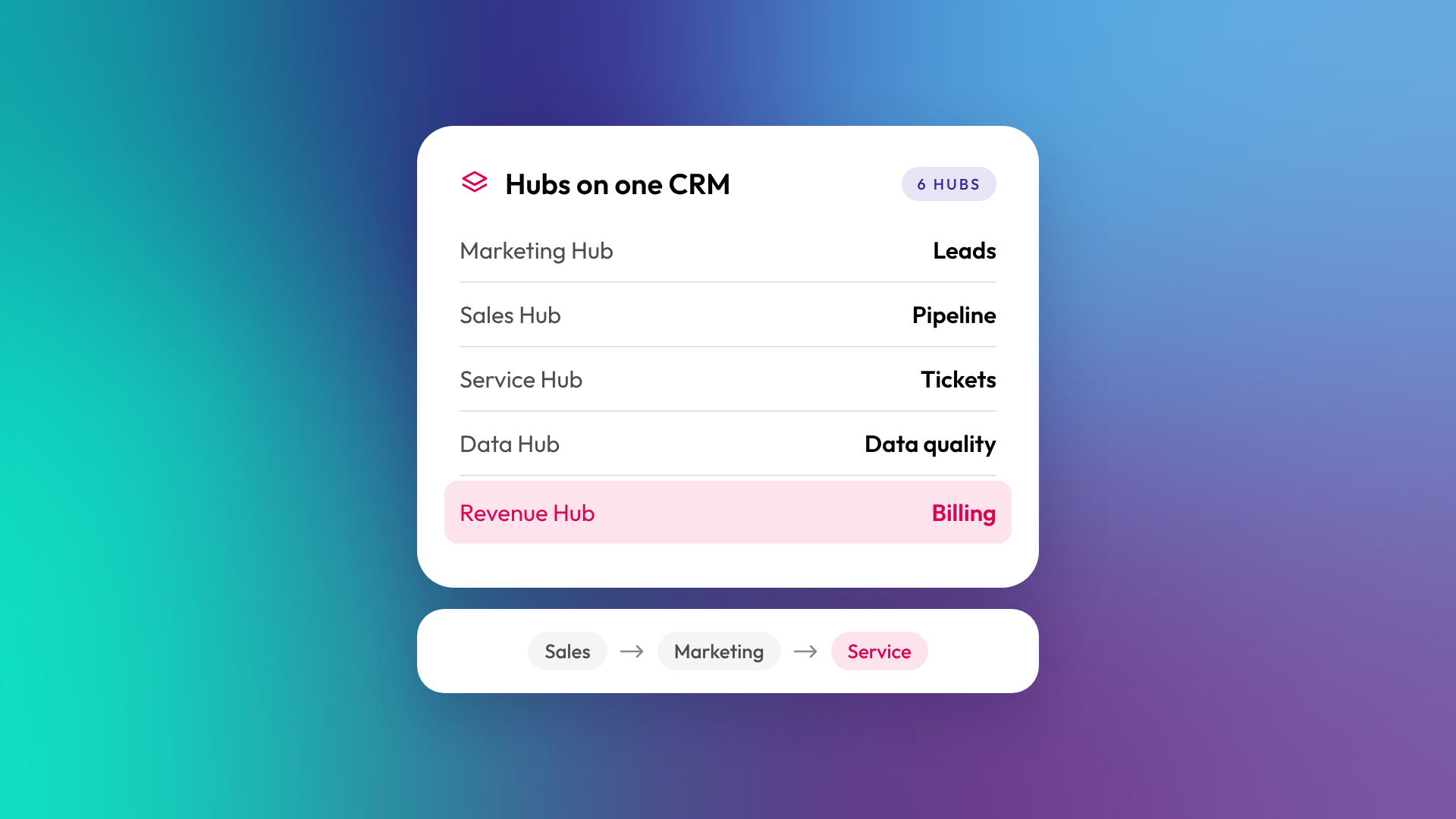
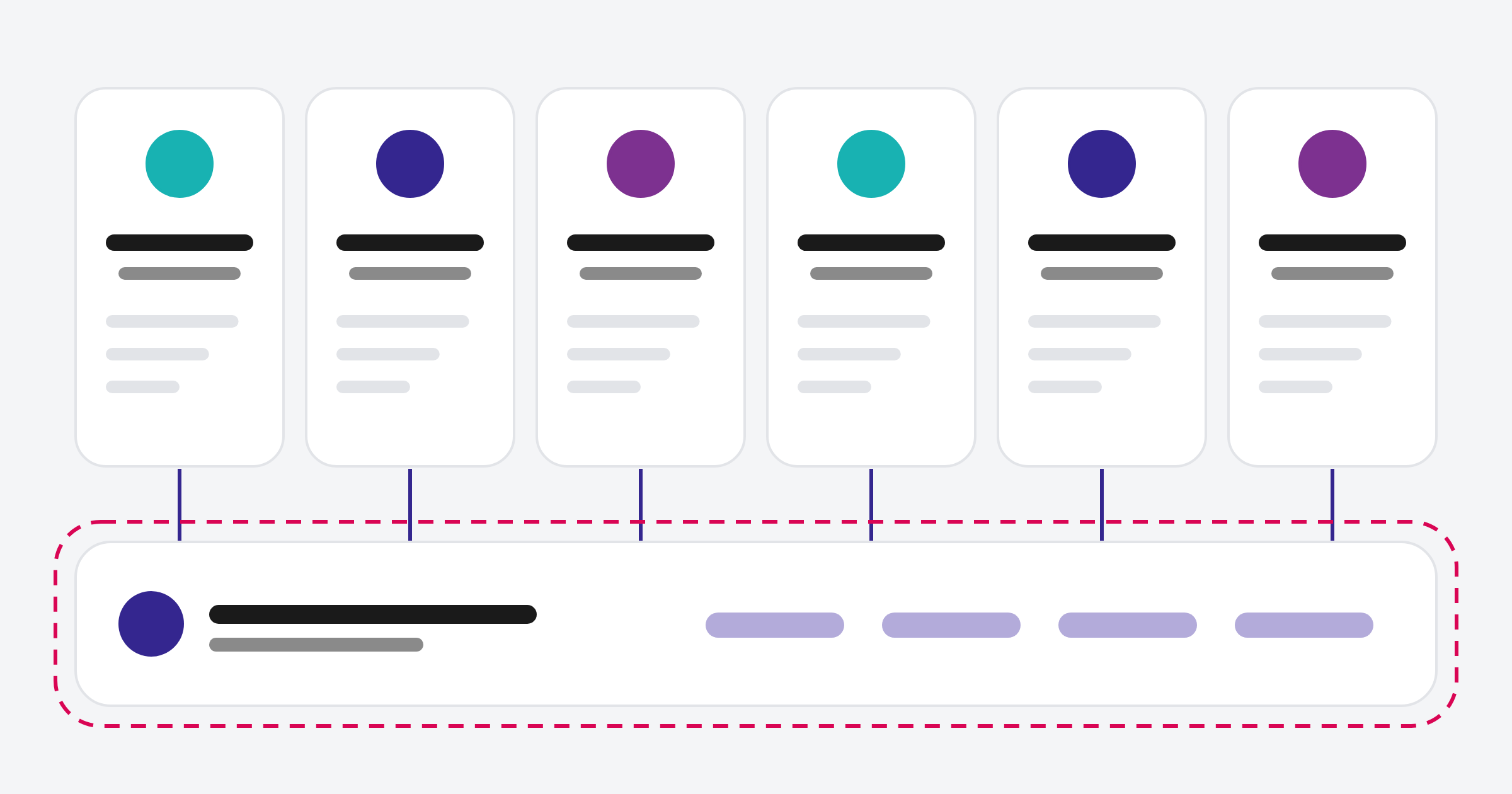
HubSpot is sold as six hubs that all run on one shared database called Smart CRM: Marketing Hub, Sales Hub, Service Hub, Content Hub, Data Hub and Revenue Hub. Each hub is built for a different team, and because they share the same CRM, data flows between them without integrations. You can buy one hub, several, or the whole platform, and most come in Starter, Professional and Enterprise tiers.
What is Smart CRM?
Smart CRM is the database underneath every HubSpot hub. It stores your contacts, companies, deals, tickets and other records, plus the history of every interaction. It's free to start with and also sold in paid tiers that add features like custom objects and more advanced data controls. Every hub reads from and writes to Smart CRM, which is why marketing, sales and service can see the same customer record.
What does each HubSpot hub do?
Each hub adds tools for a specific team on top of Smart CRM. Most B2B businesses start with one or two and add more as their needs grow.
| Hub | Built for | Key tools |
|---|---|---|
| Marketing Hub | Marketing teams | Email, forms, landing pages, ads, social, segments, marketing automation, campaign reporting |
| Sales Hub | Sales teams | Deal pipelines, leads, sequences, meeting links, call tools, forecasting |
| Service Hub | Customer service and success | Tickets, help desk, knowledge base, customer portal, feedback surveys |
| Content Hub | Website and content teams | Website pages, blog, landing pages, themes, content tools |
| Data Hub (formerly Operations Hub) | RevOps and operations | Data sync, data quality tools, custom code automation, datasets |
| Revenue Hub (formerly Commerce Hub) | Sales and finance | Quotes, contracts, billing, payments, subscriptions |
HubSpot also groups its AI agents in Agent Hub, which manages pre-built and custom agents across the platform. Read more: What is Breeze? HubSpot's AI explained.
Which HubSpot hub should a B2B business start with?
Start with the hub that fixes your biggest problem today. For most B2B businesses that's Sales Hub, because a clear pipeline and consistent follow-up have the most direct effect on revenue. If you already have a steady sales process but struggle to generate leads, Marketing Hub comes first.
A common sequence we see in growing businesses:
- Sales Hub to organise pipeline and follow-up
- Marketing Hub to generate and nurture leads into that pipeline
- Service Hub once customer support or onboarding needs structure
- Data Hub when integrations and data quality need more control
- Content Hub when the website should run on the same platform
- Revenue Hub when quoting, billing and payments should live in the CRM
What's the difference between Starter, Professional and Enterprise?
Most hubs come in three paid tiers, though the tiers on offer vary by hub. Revenue Hub, for example, has no Starter tier. Starter covers the basics for small teams. Professional adds automation, custom reporting and more control, and is where most growing B2B businesses land. Enterprise adds advanced features like custom objects, higher limits and governance tools for larger or more complex organisations. Read more: HubSpot Starter vs Professional vs Enterprise: what actually changes.
Do you need all the hubs?
No. Many businesses run happily on one or two hubs for years. Buying hubs you don't have the team or process to use is one of the more common ways HubSpot gets expensive without delivering value. Add a hub when there's a clear owner and a clear job for it.
We help clients buy only the tools they need, which often means sales first, then marketing, then service.
How do the hubs work together?
Because every hub shares Smart CRM, activity in one is visible in the others. A contact who fills in a form (Marketing Hub) can be routed straight to a salesperson (Sales Hub), and if they later raise a support ticket (Service Hub), sales and marketing can see it on the same record. Reports can combine data from every hub without exports.
This shared record is the main reason businesses choose HubSpot over stitching together separate tools.
Related reading: HubSpot seats explained, What are marketing contacts in HubSpot, and how do they affect your bill? and What is AEO, and how is it different from SEO?.
Common questions about HubSpot hubs
Can I buy HubSpot hubs separately?
Yes. Each hub is sold on its own, and you can mix tiers, such as Sales Hub Professional with Marketing Hub Starter. HubSpot also sells bundles of several hubs.
What happened to Operations Hub and Commerce Hub?
Operations Hub was renamed Data Hub in September 2025, and Commerce Hub was renamed Revenue Hub in June 2026. The tools carried across, with Revenue Hub expanding into quoting, contracts and billing.
Is the HubSpot CRM really free?
Yes. HubSpot's free tools include the CRM with contact, company and deal management, plus basic marketing, sales and service features. Paid tiers add automation, more pipelines and deeper reporting.
Do all hubs need the same tier?
No. You can run different tiers on different hubs. Just check that features you rely on, such as workflows across sales and marketing, are available at each tier you choose.
Which hub includes the website tools?
Content Hub, formerly known as CMS Hub. It covers website pages, blogs, landing pages and themes.
Where to from here
Before buying, list the two or three problems you most want HubSpot to solve, and match each to a hub. That list usually makes the starting point obvious. If you'd like a second view, our HubSpot onboarding team can help you scope it.
