
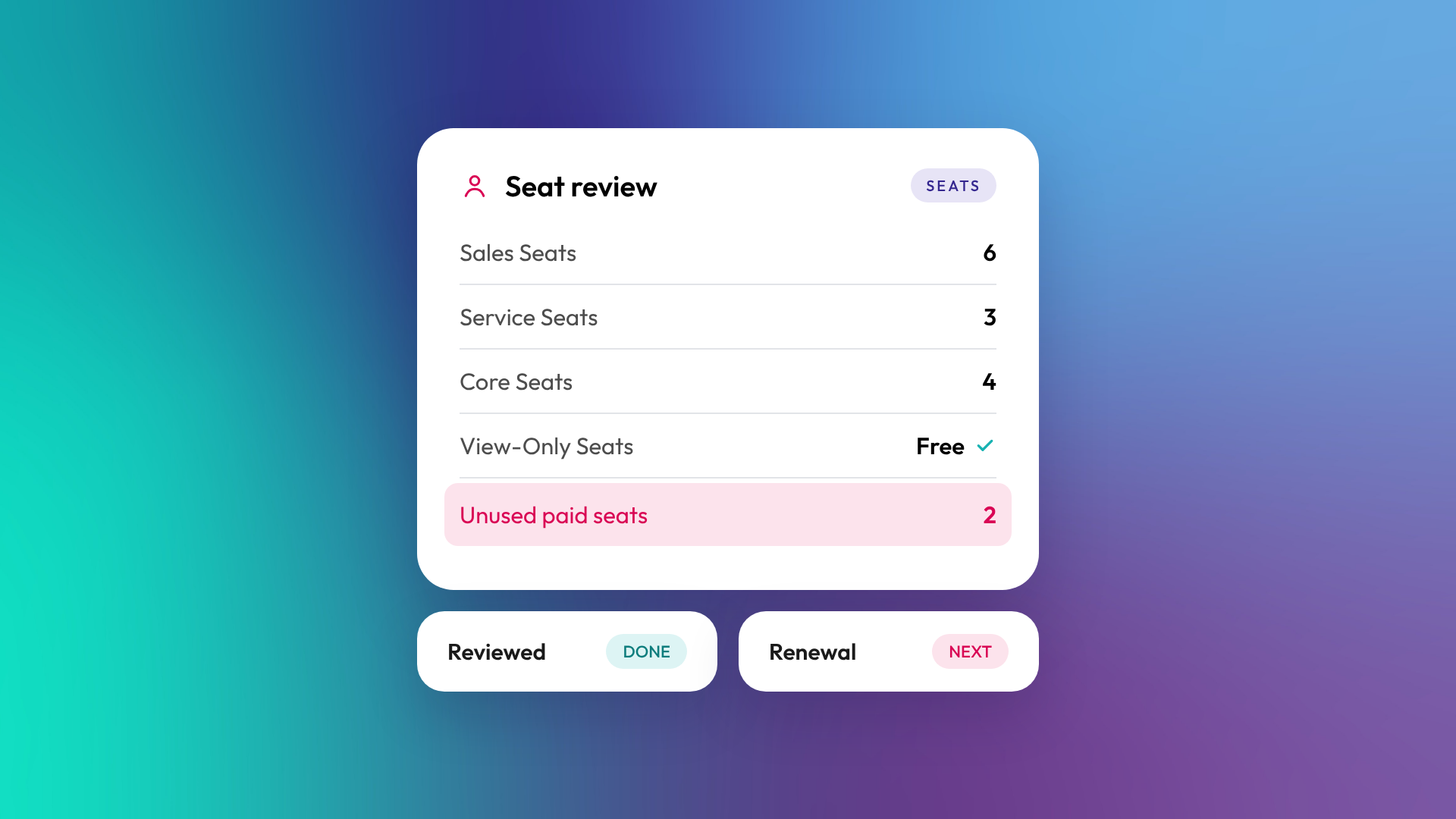
A HubSpot seat is the type of access a user has in a paid HubSpot account, and it determines which tools they can use. Every user on a Starter, Professional or Enterprise subscription is assigned a seat. Core Seats let users edit and work in HubSpot. Sales, Service and Revenue Seats give access to the specialist tools in those hubs. View-Only Seats are free and let people see data without editing it.
Getting seat allocation right is one of the simplest ways to control HubSpot costs.
What are the HubSpot seat types?
HubSpot has five main seat types for customers, plus a Partner Seat for Solutions Partners working in client accounts and a free Developer Seat for developer tools. Each seat type builds on access rather than replacing it.
| Seat | What it allows | Cost |
|---|---|---|
| View-Only Seat | View data and reports, but not edit records, save reports or change settings | Free and unlimited on paid tiers |
| Core Seat | Core tools in your purchased hubs at your tier, plus Smart CRM and built-in AI | Paid per seat |
| Sales Seat | Full Sales Hub Professional or Enterprise tools | Paid per seat |
| Service Seat | Full Service Hub Professional or Enterprise tools | Paid per seat |
| Revenue Seat | Full Revenue Hub Professional or Enterprise tools | Paid per seat |
| Partner Seat | Access for eligible HubSpot partner staff in a client account | Free |
What is a Core Seat?
A Core Seat is the standard paid seat in HubSpot. It gives a user access to the core tools in the hubs you've bought, at the tier you've bought them. Specialist tools, such as creating quotes in Revenue Hub, need the matching seat. Anyone who needs to create or update records, build emails, edit workflows or save reports needs at least a Core Seat. Marketers, admins and most operations staff usually sit on Core Seats.
When do you need a Sales or Service Seat?
You need a Sales Seat for users who need the full Sales Hub Professional or Enterprise toolkit, such as sequences at scale, forecasting and calling. You need a Service Seat for users working the help desk and tickets with full Service Hub Professional or Enterprise tools. On Starter, users with a Core Seat can use many of the sales and service tools directly.
A common setup in a B2B business:
- Salespeople: Sales Seats
- Support or customer success team: Service Seats
- Marketing, ops and admins: Core Seats
- Leadership who only view dashboards: View-Only Seats
What can a View-Only Seat do?
A View-Only Seat lets someone see records, reports and dashboards without editing them. View-Only users can add notes to records they can see, but can't edit records, save reports, change settings, log emails or be Super Admins. They're free and unlimited on paid tiers, which makes them ideal for executives, finance or anyone who needs visibility but not edit access.
How do seats affect your HubSpot bill?
Paid seats are a significant part of HubSpot's cost, so unused or over-specified seats add up. Adding seats increases your bill, and removing unused seats can reduce it at the right point in your billing cycle. HubSpot also lets you reallocate the value of unassigned seats to other seat types or HubSpot Credits.
Questions worth asking at each renewal:
- Who hasn't logged in for 60 days?
- Who has a Sales or Service Seat but only uses Core features?
- Who only views reports and could move to View-Only?
- Are any contractors or ex-staff still assigned seats?
In OTM's support work, a seat review is one of the quickest savings we find in an existing portal.
What's the difference between seats and permissions?
Seats decide which tools a user can access. Permissions decide what they can do with those tools, such as whether they can delete records, export data or edit workflows. A user needs the right seat and the right permissions. Setting permissions by role keeps both tidy as the team changes.
What are HubSpot Credits?
HubSpot Credits are a usage-based allowance included with seat-based subscriptions, used for features like AI agents and data enrichment. Only users on paid seats (Core, Sales, Service and Revenue) and Partner Seats can use credits. View-Only and free users can't. Read more: What is an AI agent in a CRM?
Related reading: HubSpot Starter vs Professional vs Enterprise: what actually changes.
Common questions about HubSpot seats
Do all users need a paid seat?
No. Users who only need to view data can have free View-Only Seats. Anyone who needs to edit records or create content needs at least a Core Seat.
Can I move a user between seat types?
Yes. Admins can change seat assignments in account settings. Billing changes depend on whether you're adding or removing paid seats.
What happens to users added without a paid seat?
On paid tiers, users who aren't assigned a paid seat are given a View-Only Seat.
Does our HubSpot partner need a paid seat?
Usually not. Eligible Solutions Partner staff can be given a free Partner Seat in a client's account.
Are seats the same on the free plan?
Free accounts have free seats with limited tools. The paid seat types here apply to Starter, Professional and Enterprise subscriptions, and free seats are replaced when you upgrade.
Where to from here
Export your user list and check each person's seat against what they actually do in HubSpot. If the list hasn't been reviewed in a year, there's probably money in it. Our optimisation and support team runs this review as part of ongoing portal management.
