
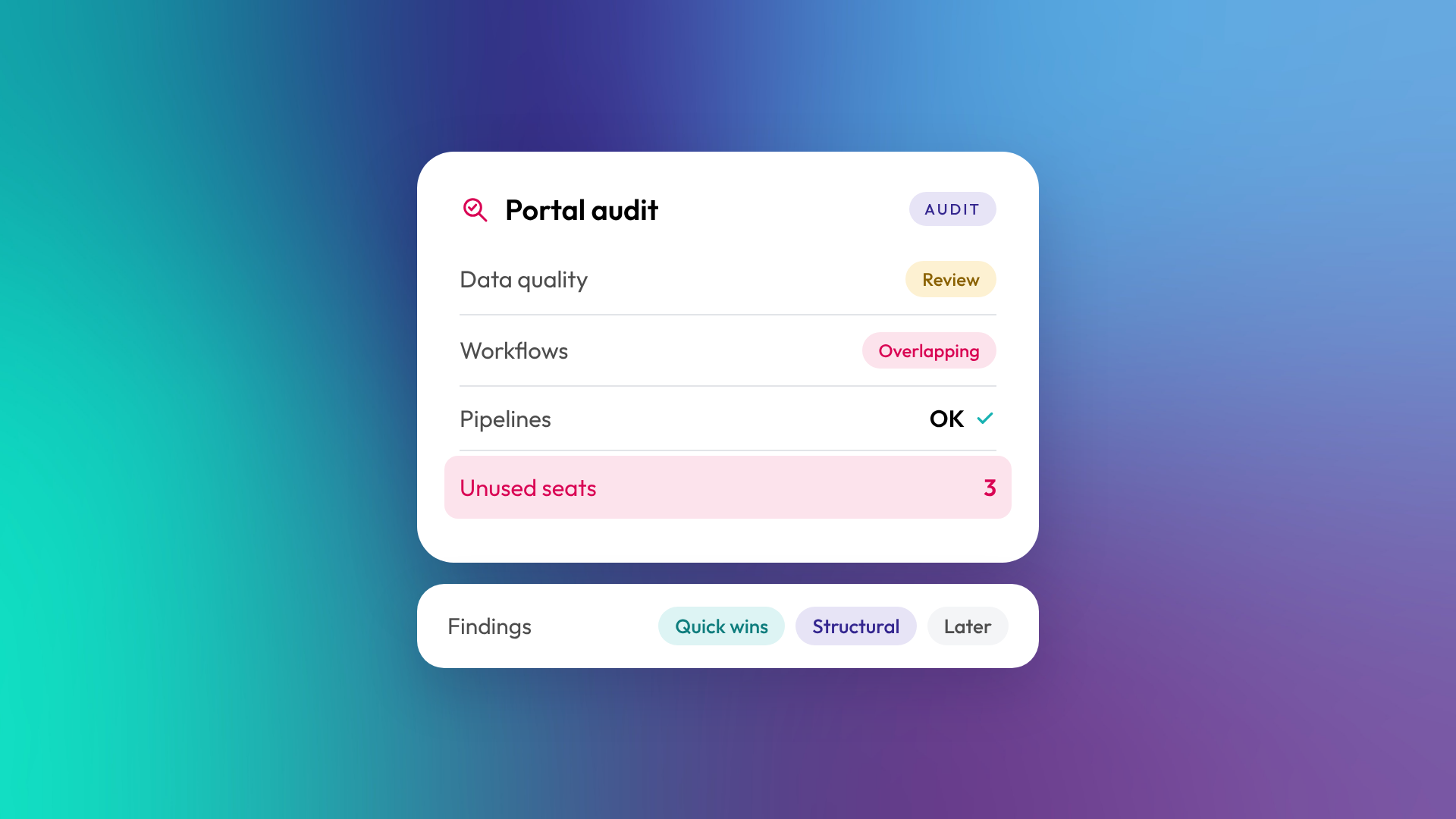
A HubSpot portal audit is a structured review of how your HubSpot account is set up and used, covering data quality, properties, pipelines, automation, integrations, reporting, users and licences. It finds what's broken, what's unused and what's costing you money, then prioritises what to fix. An audit is usually the first step before cleaning up or rebuilding a portal that's grown messy over time.
What does a HubSpot portal audit cover?
A thorough audit looks at every layer of the portal, because problems in one usually show up in another. Bad data breaks reports, overlapping workflows corrupt data, and unused paid seats and unneeded marketing contacts inflate the bill.
| Area | What gets reviewed | Common findings |
|---|---|---|
| Data quality | Duplicates, missing fields, inconsistent values | Thousands of duplicates, no owners, free-text chaos |
| Data model | Objects, properties, associations | Unused properties, missing company associations |
| Lifecycle and lead management | Lifecycle stages, lead status, MQL rules | Stages set by hand, no agreed definitions |
| Pipelines | Stages, probabilities, required fields | Too many stages, stale deals, default probabilities |
| Automation | Workflows, sequences, simple automations | Overlapping or broken workflows nobody owns |
| Integrations | Connected apps and sync settings | Integrations creating duplicates or overwriting data |
| Reporting | Dashboards and reports | Reports nobody trusts or uses |
| Users and licences | Seats, permissions, marketing contacts | Unused paid seats, inflated contact tiers |
| Email and deliverability | Sending domain, authentication, engagement | Missing DKIM or DMARC, low engagement lists |
When do you need a HubSpot audit?
You need an audit when the portal no longer reflects how the business works, or when people stop trusting what it tells them. It's also worth doing before any major change, such as adding a hub, migrating another system in, or handing the portal to a new owner.
Common triggers:
- Leadership doesn't trust the dashboards
- A new head of sales, marketing or RevOps has joined
- HubSpot renewal is coming and costs have grown
- The person who built the portal has left
- You're about to add a hub or integration
- Users have started working around HubSpot in spreadsheets
What do you get from a HubSpot audit?
A good audit produces a prioritised list of findings, not just a list of problems. Each finding should say what's wrong, why it matters, how to fix it and roughly how long that will take. The most useful audits split the work into quick wins, structural fixes and longer-term improvements, so you can act straight away.
How long does a HubSpot portal audit take?
A focused audit of a typical B2B portal takes a few days of work. Larger portals with several hubs, many integrations or complex data models take longer. The clean-up that follows usually takes longer than the audit itself. In OTM's experience, a portal clean-up generally takes four to eight weeks at least, depending on what the audit finds.
Can you audit HubSpot yourself?
Yes, partly. HubSpot's own tools help: the data quality tools flag duplicates, formatting issues and unused properties, and the data model health check scans objects, properties, associations, pipelines and lifecycle stages for problems. What these tools can't do is tell you whether the setup matches how your business sells. That part needs someone who understands both HubSpot and your process.
A quick self-check:
- How many contacts have no company association?
- How many open deals have a close date in the past?
- How many active workflows have no description?
- How many paid seats haven't logged in for 60 days?
- How many custom properties are less than 5% filled?
What happens after an audit?
After an audit, you decide what to fix and in what order. Some businesses fix the quick wins themselves and bring in a partner for structural changes. Others hand over the full clean-up. Either way, it's worth putting rules in place so the same problems don't return, such as restricting who can create properties and workflows, and reviewing data quality monthly.
Common questions about HubSpot portal audits
What's the difference between an audit and optimisation?
An audit identifies and prioritises problems. Optimisation is the work of fixing them and improving the setup.
Will an audit change anything in our portal?
A review-only audit shouldn't change anything. Changes happen afterwards, once you've agreed what to fix.
Do we need to give the auditor full access?
Usually, yes. A meaningful audit needs to see settings, workflows, integrations and data. HubSpot partners can be given a free Partner Seat with permissions you control.
How often should we audit HubSpot?
A full audit every year or two, and a lighter check before renewal or any major change.
Can an audit reduce our HubSpot costs?
Often. Unused seats, inflated marketing contact counts and hubs or tiers that aren't being used are common findings.
Where to from here
Run the five self-check questions above. If two or more numbers surprise you, a proper audit is likely worth it. Our optimisation and support team runs HubSpot portal audits for B2B businesses across Australia and New Zealand.
