
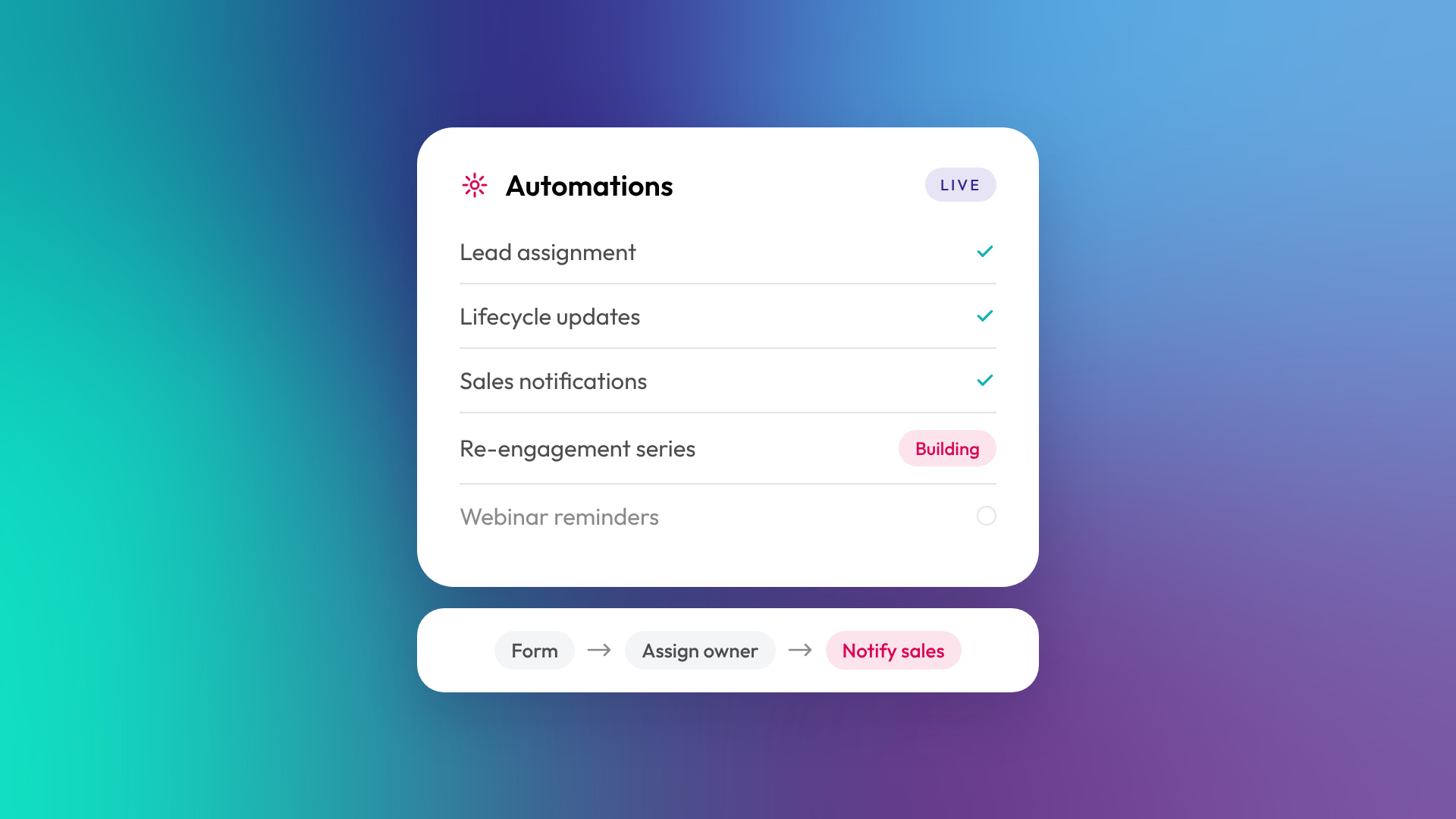
Marketing automation is software that carries out marketing tasks automatically based on rules you set, such as sending a follow-up email when someone downloads a guide, or alerting sales when a lead visits the pricing page. It replaces repetitive manual work with consistent, timed actions. For a B2B business, the main benefit is that no lead gets forgotten and every lead gets the right next step.
What does marketing automation actually do?
Marketing automation watches for triggers (things contacts do or properties that change) and runs actions in response. The actions can be outward-facing, like emails, or internal, like updating a record or creating a task for sales.
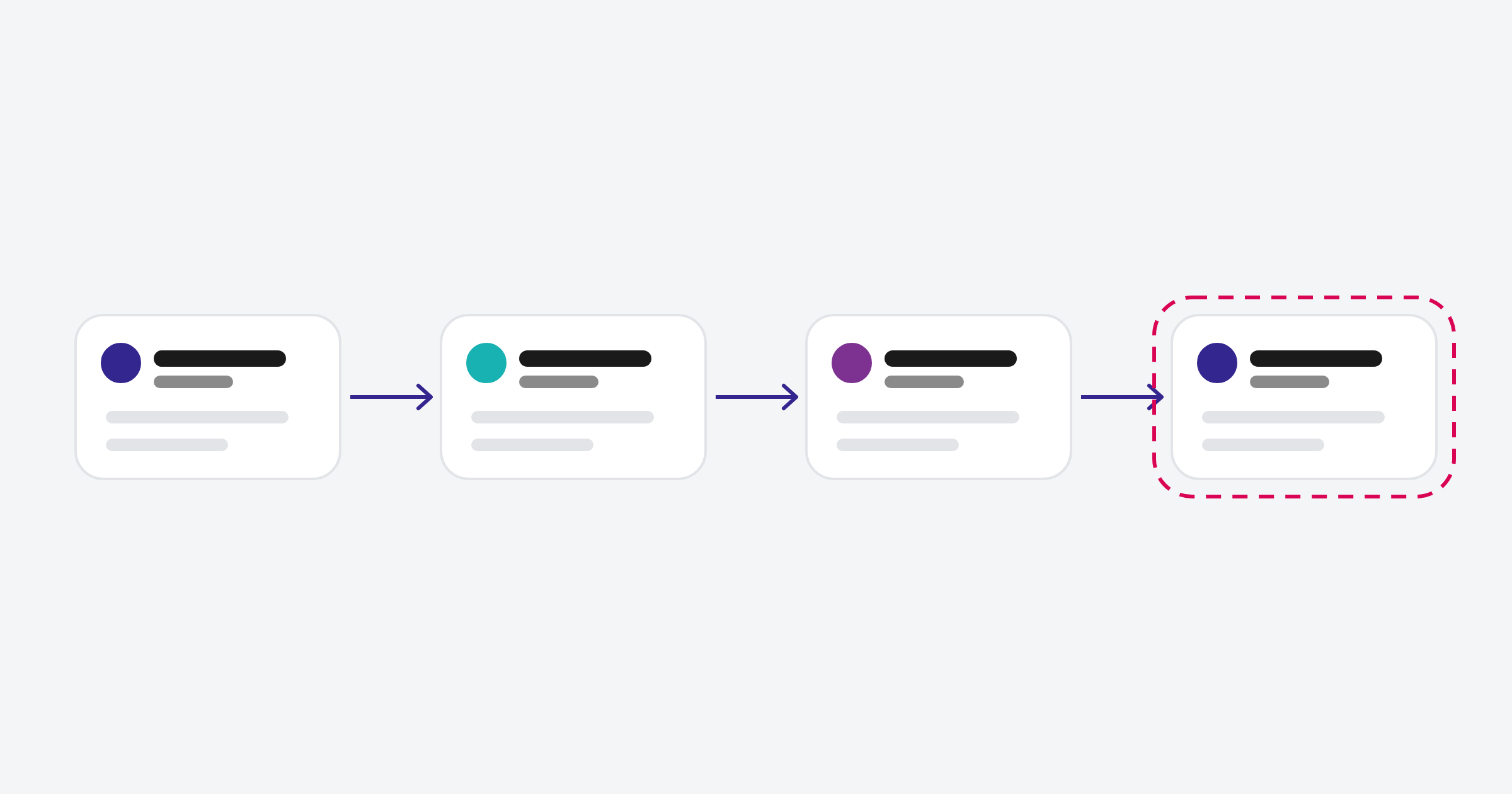
Common B2B examples:
| Trigger | Automated action |
|---|---|
| Contact downloads a guide | Send the guide, then a short follow-up series |
| Contact requests a demo | Create a lead, assign an owner, notify sales |
| Lead score passes a threshold | Set lifecycle stage to MQL and alert sales |
| Deal closes won | Set customer lifecycle stage and start onboarding emails |
| Contact goes quiet for 90 days | Enrol in a re-engagement series |
| Webinar registration | Send reminders and the recording afterwards |
How is marketing automation different from email marketing?
Email marketing sends messages to a list, usually as one-off campaigns or newsletters. Marketing automation decides who gets what and when, based on behaviour and data, and often does much more than send email. A newsletter is email marketing. A sequence of emails triggered by a form, with branches based on what the contact clicks and a sales alert at the end, is marketing automation.
What do you need before you automate?
Automation magnifies whatever process you already have, good or bad. Before building anything, you need clean data, agreed definitions and a clear picture of the customer journey. Automating a messy process just makes the mess faster.
Before you build, agree:
- What makes someone a lead, an MQL and an SQL
- Who owns each stage of the journey
- What should happen next at each stage
- Which data you need to trigger the right action
- How you'll measure whether it's working
What are the most useful automations for a B2B business?
The highest-value automations are usually the boring ones that stop leads falling through gaps. Lead routing, lifecycle stage updates and sales alerts tend to do more for revenue than elaborate nurture campaigns.
In OTM's implementations, the automations we build first are typically:
- Lead assignment: route new leads to the right owner by region, size or product
- Lifecycle stage updates: move contacts forward based on real events
- Sales notifications: alert owners when a lead takes a high-intent action
- Data formatting: standardise country, state and phone values
- Follow-up for key offers: deliver the asset, then a short relevant series
What tools do marketing automation?
Most CRM platforms now include marketing automation. HubSpot's Marketing Hub, Salesforce's Marketing Cloud and Account Engagement, Zoho, ActiveCampaign and others all offer it. The main advantage of automation inside your CRM (as in HubSpot) is that it can use sales and service data as well as marketing data, so the rules can react to deals, tickets and ownership, not just email clicks.
In HubSpot, the full workflow tool is available on Professional and Enterprise subscriptions. Starter includes simpler automations attached to forms, emails and record pages. Read more: What is a HubSpot workflow?
What are the risks of marketing automation?
The main risks are sending the wrong message to the wrong person, and building automation that nobody understands later. Both come from poor planning and poor documentation. A workflow that emails customers a "Still interested?" message, or that overwrites data another team relies on, can do real damage.
Keep automation safe by naming workflows clearly, documenting what each one does, testing with internal contacts, and reviewing active automation regularly.
Related reading: What is a sales sequence, and how is it different from a workflow? and Email deliverability basics: SPF, DKIM and DMARC.
Common questions about marketing automation
Is marketing automation only for large businesses?
No. Small teams often benefit most, because automation does work they don't have people for. The key is starting with a handful of automations that matter.
Will automation make our marketing feel robotic?
Not if it's done well. Good automation sends relevant messages at sensible times, which usually feels more personal than generic newsletters.
How long does it take to set up marketing automation?
Simple automations take hours. A proper set of lead management automations, built on clean data and agreed definitions, is usually part of a broader CRM setup over several weeks.
Can marketing automation work with sales?
Yes, and it should. The most valuable automations sit between marketing and sales: scoring, routing, notifications and handoffs.
Do I need HubSpot Professional for automation?
For HubSpot's full workflow tool, yes. Starter covers simpler automations tied to specific forms, emails and records.
Where to from here
List the three manual follow-up tasks your team forgets most often. Those are your first automations. If you'd like help designing them properly, our HubSpot onboarding team does this as part of every setup.
