
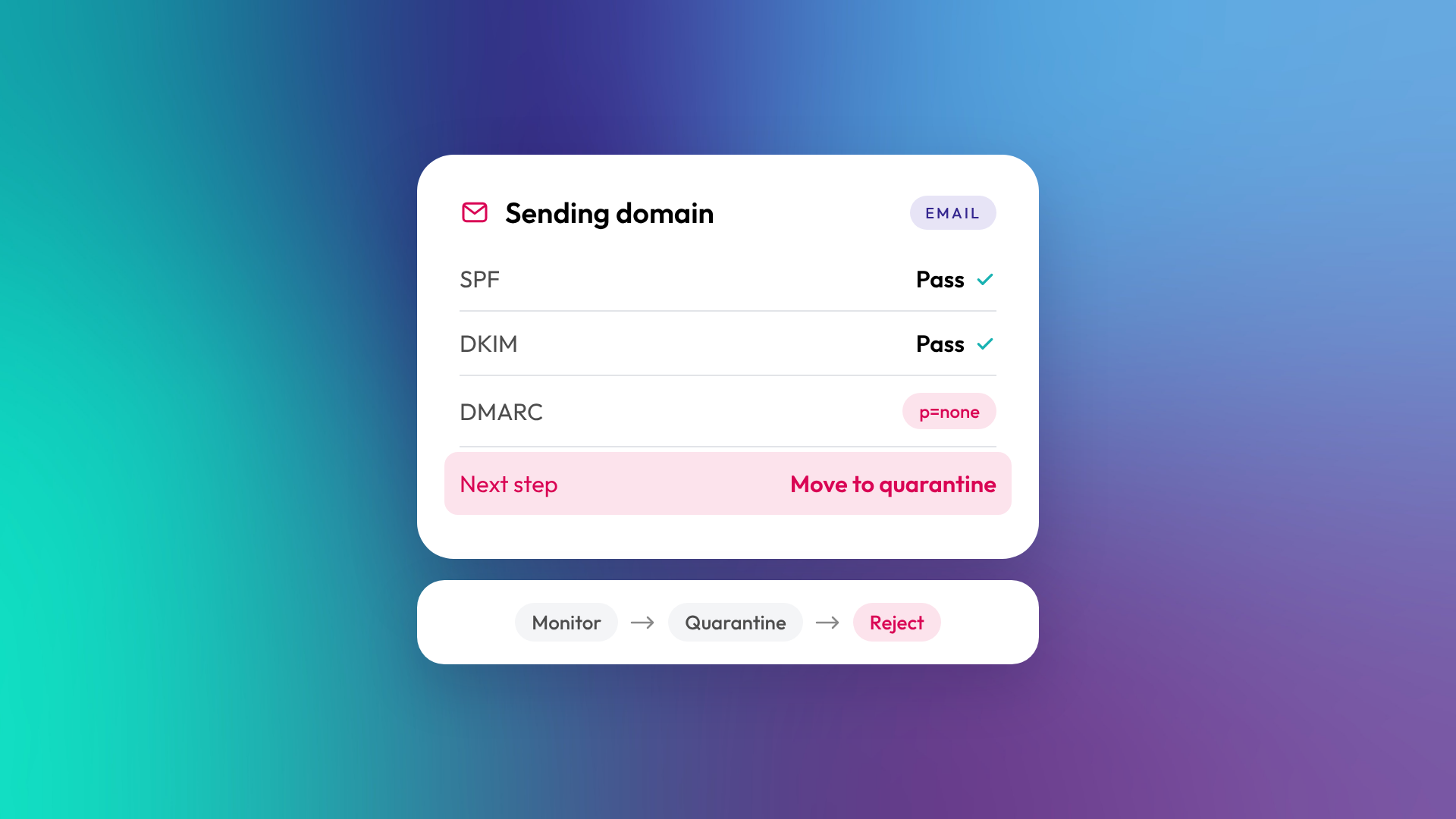
SPF, DKIM and DMARC are email authentication standards that prove your emails really come from your domain. SPF lists which servers can send email for your domain, DKIM adds a digital signature that proves the email hasn't been tampered with, and DMARC tells receiving servers what to do if SPF or DKIM checks fail. Together they protect your domain from spoofing and help your emails reach the inbox instead of spam.
Since 2024, major inbox providers have required them for anyone sending at volume.
What is SPF?
SPF (Sender Policy Framework) is a DNS record that lists the servers and services allowed to send email using your domain. When an email arrives, the receiving server checks whether it came from a server on that list. If you send through HubSpot, Microsoft 365, Google Workspace and a billing system, each needs to be included in your SPF record.
What is DKIM?
DKIM (DomainKeys Identified Mail) adds a cryptographic signature to every email you send. The receiving server uses a public key published in your DNS to check the signature, which proves the email came from your domain and wasn't altered in transit. In HubSpot, connecting your email sending domain sets up DKIM, using two CNAME records.
What is DMARC?
DMARC (Domain-based Message Authentication, Reporting and Conformance) is a policy that tells receiving servers what to do with emails that fail SPF or DKIM, and sends you reports about who's sending email using your domain. A DMARC policy can be set to monitor only (p=none), send failures to spam (p=quarantine) or block them (p=reject). For DMARC to pass, at least one of SPF or DKIM must pass and align with your From domain.
How do SPF, DKIM and DMARC work together?
Each standard covers a gap the others leave. SPF checks the sending server, DKIM checks the message itself, and DMARC sets the rules and reporting.
| Standard | What it checks | DNS record type | What happens without it |
|---|---|---|---|
| SPF | Is this server allowed to send for this domain? | TXT | Emails more likely to be flagged as suspicious |
| DKIM | Was this email signed by the domain and unchanged? | CNAME or TXT | Emails can't prove they're genuine |
| DMARC | What to do if checks fail, plus reporting | TXT | Spoofed emails can impersonate your domain |
Why do SPF, DKIM and DMARC matter more now?
In February 2024, Google and Yahoo introduced requirements for bulk senders (those sending around 5,000 or more messages a day to their users) to authenticate with SPF and DKIM, publish a DMARC policy, offer one-click unsubscribe and keep spam complaint rates low. Microsoft introduced similar requirements for Outlook.com in 2025. Even businesses below those volumes benefit, because inbox providers increasingly treat unauthenticated email as suspicious.
How do you set up SPF, DKIM and DMARC for HubSpot?
HubSpot walks you through connecting your email sending domain, which involves adding DNS records at your domain provider. According to HubSpot's knowledge base, the process covers four record types: MX, DKIM, SPF and DMARC. DKIM uses two CNAME records, while SPF and DMARC each use a TXT record.
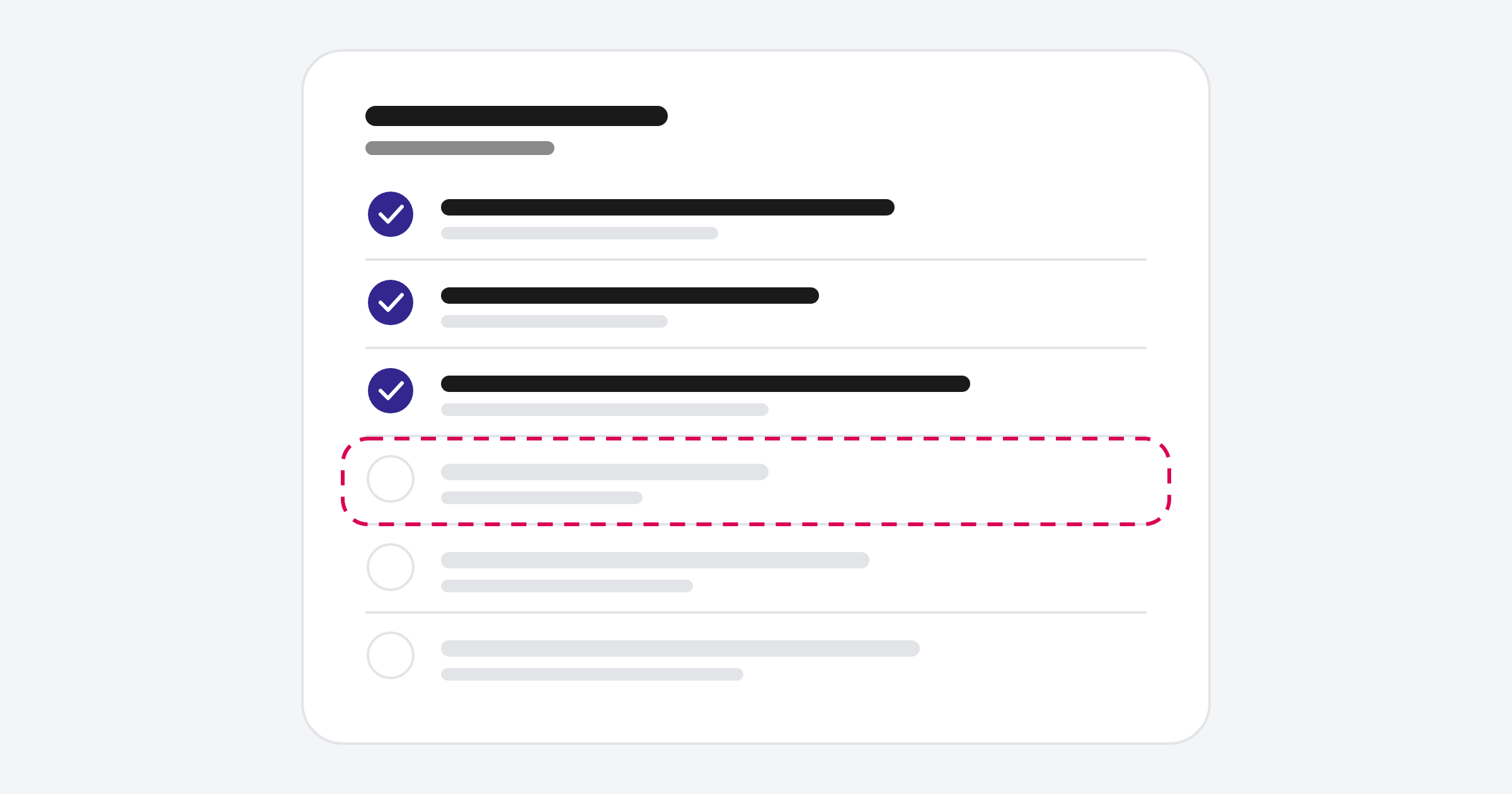
A practical sequence:
- Connect your email sending domain in HubSpot's domain settings
- Add the DKIM CNAME records HubSpot generates
- Add HubSpot to your existing SPF record rather than creating a second one
- Publish a DMARC record, starting with p=none to monitor
- Review DMARC reports for a few weeks to find other services sending as your domain
- Tighten DMARC to quarantine or reject once everything legitimate passes
Note that HubSpot marketing and transactional emails won't use your own domain in the From address until the domain is connected with DKIM. One-to-one emails sent from a connected inbox aren't affected.
What else affects email deliverability?
Authentication gets you through the door, but engagement keeps you in the inbox. Inbox providers watch opens, clicks, replies, unsubscribes and spam complaints to judge your reputation. Sending to unengaged or purchased contacts damages that reputation quickly.
Habits that protect deliverability:
- Only email contacts who opted in or have a clear reason to hear from you
- Remove hard bounces and long-term unengaged contacts
- Use a consistent From name and address
- Avoid sudden large spikes in sending volume
- Make unsubscribing easy
Related reading: What are marketing contacts in HubSpot, and how do they affect your bill?.
Common questions about SPF, DKIM and DMARC
Do I need all three?
Yes. SPF and DKIM authenticate your email, and DMARC ties them together and protects your domain. Major providers expect all three from bulk senders.
Can I have two SPF records?
No. A domain should have only one SPF record. Add each sending service to that single record.
Will DMARC stop my emails being delivered?
Not if you start with a monitoring policy (p=none) and fix any failures before moving to quarantine or reject.
What is BIMI?
BIMI lets inbox providers show your brand logo next to authenticated emails. It requires SPF, DKIM and a DMARC policy at enforcement.
Should I use a subdomain for marketing email?
Many businesses do, such as news.yourdomain.com.au, to keep marketing reputation separate from day-to-day email. HubSpot recommends a unique subdomain for dedicated IP senders.
Where to from here
Ask whoever manages your DNS to confirm you have one SPF record, DKIM for every sending service and a DMARC policy. If any are missing, fix them before your next campaign. Our optimisation and support team can check your HubSpot sending setup.
