
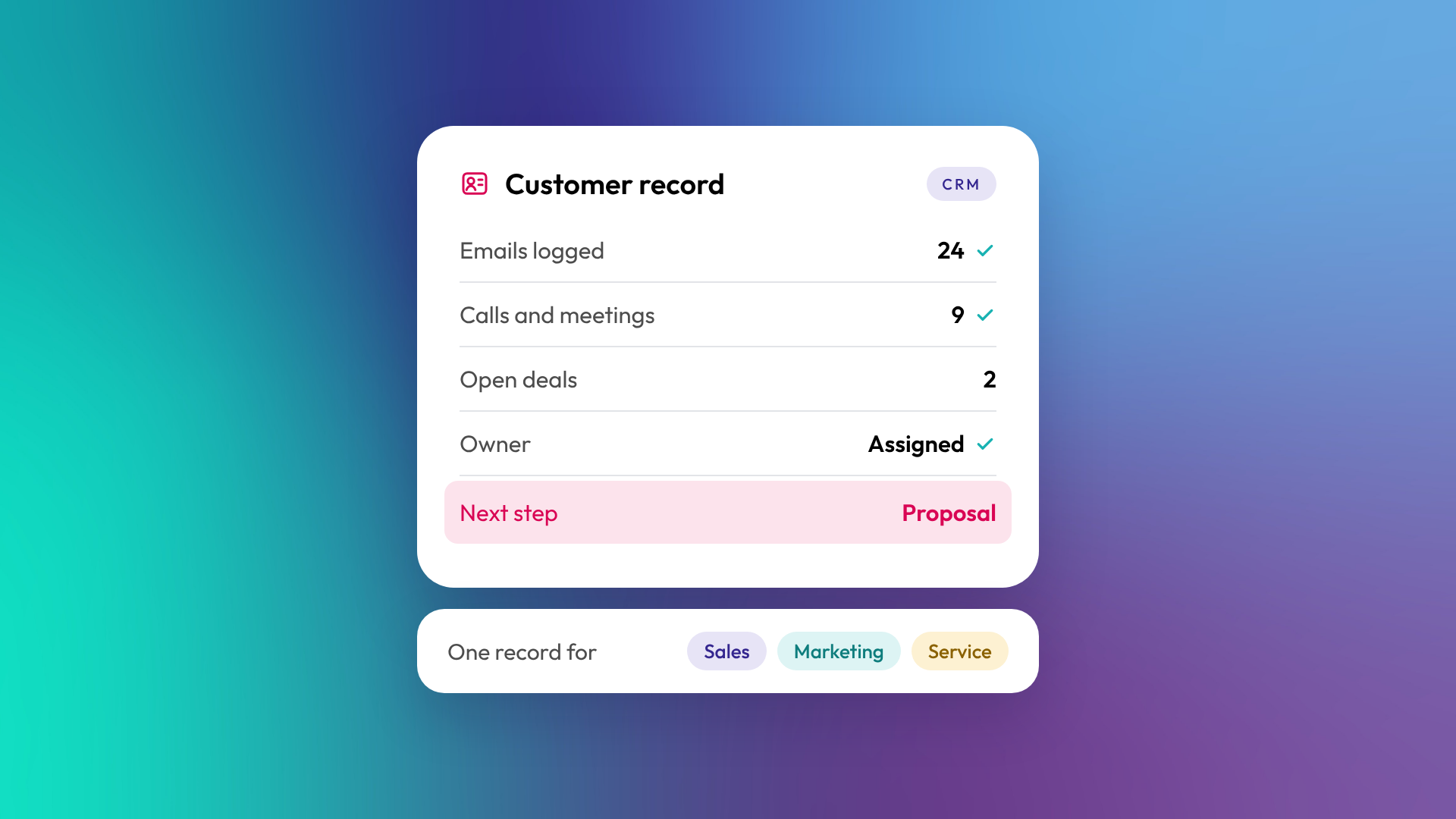
A CRM (customer relationship management system) is software that stores every customer and prospect you deal with, along with the emails, calls, meetings and deals connected to them. It gives your whole team one shared record of each relationship instead of notes spread across inboxes, spreadsheets and people's heads. A B2B business usually needs one once more than one person is selling, or once leads start slipping through the gaps.
What does a CRM actually do?
A CRM does three jobs: it stores your contact and company data, records the history of every interaction, and tracks deals as they move towards a sale. Most CRMs then add tools on top, such as email, task reminders, automation and reporting. The core value is having one place to answer "what's happening with this customer?".
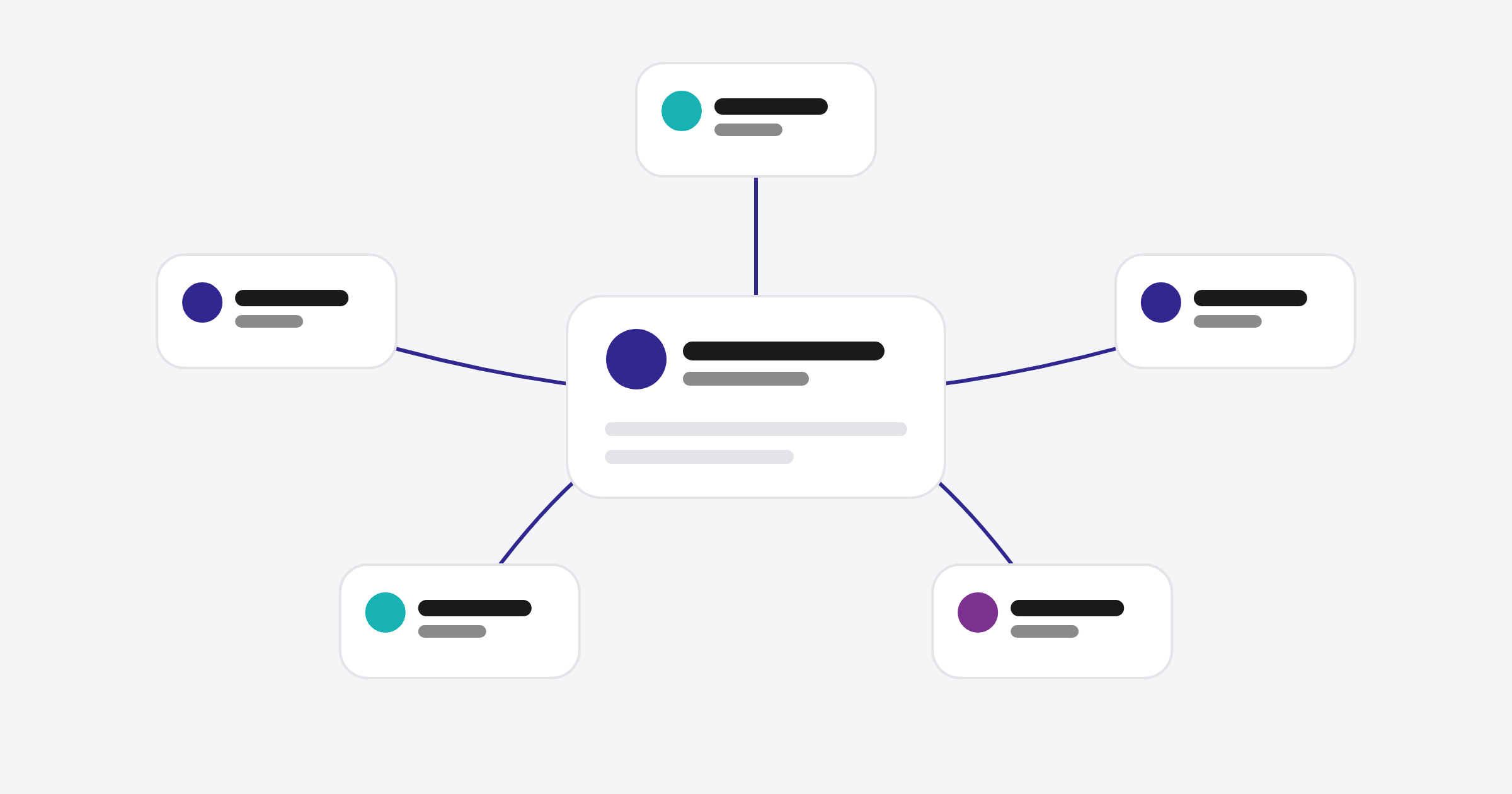
A typical CRM record shows:
- Who the person is, where they work and how to reach them
- How they found you and what they've engaged with
- The emails, calls and meetings your team has logged with them
- Any deals in progress, their value and expected close date
- Who in your team owns the relationship
What's the difference between a CRM and a spreadsheet?
A spreadsheet stores data. A CRM stores data and keeps a history of what happens to it. With your inbox and calendar connected, emails and meetings can be logged automatically, automation can create tasks and move records along, and reports update as the data changes. Spreadsheets also break down quickly once several people edit them, because there's no history, no ownership and no single version of the truth.
| Spreadsheet | CRM | |
|---|---|---|
| Stores contacts | Yes | Yes |
| Logs emails and calls automatically | No | Yes, once connected |
| Tracks deal stages and values | Manually | Yes, with history |
| Reminders and tasks | No | Yes |
| Multiple users at once | Risky | Built for it |
| Reporting | Rebuilt by hand | Updates automatically |
When does a B2B business need a CRM?
There's no headcount threshold. The signs are about friction, not size. If any of these sound familiar, a CRM will likely pay for itself.
- More than one person talks to customers or prospects
- Leads go cold because nobody followed up
- You can't say how much revenue is in your pipeline right now
- Customer history leaves when a staff member does
- Marketing can't tell which campaigns produced customers
- You're copying data between email, spreadsheets and accounting software
A solo founder with ten clients can get by without one. A team of five chasing a hundred opportunities usually can't.
What types of CRM are there?
CRMs broadly fall into three types, though most modern platforms mix them. Operational CRMs focus on running sales, marketing and service day to day. Analytical CRMs focus on reporting and understanding customer data. Collaborative CRMs focus on sharing customer information across teams.
In practice, the bigger choice for a B2B business is between a sales-only CRM (like Pipedrive) and a platform CRM that includes marketing and service tools on the same database (like HubSpot or Salesforce). Read more: What is HubSpot? A plain-English guide to the platform.
What should a B2B business look for in a CRM?
Look for a CRM that fits how you sell today and can grow into how you'll sell in two years. Ease of use matters more than feature count, because a CRM nobody uses has no value.
Questions worth asking:
- Can it model how we sell (one pipeline or several, deals with multiple contacts)?
- Does it connect to our email, calendar and accounting software?
- Can marketing and sales use the same system?
- Will our team actually use it every day?
- Can we get the reports leadership needs without exporting to Excel?
- What does it cost as we add users and features?
What does it take to get a CRM working?
Buying a CRM is quick. Setting it up around your business takes planning: deciding what data to store, how deals move, what counts as a qualified lead, and what reports you need. In OTM's implementations, a HubSpot setup for a growing B2B business takes around 12 weeks, with the business owner or sales lead putting in two to three hours a week.
The most common mistake is importing everything first and designing the structure later. It's much easier to agree the structure, then bring clean data into it.
Related reading: What is CRM implementation, and what does it involve? and What is CRM data hygiene?.
Common questions about CRMs
What does CRM stand for?
CRM stands for customer relationship management. It refers both to the software and to the practice of managing customer relationships with it.
Is a CRM only for sales teams?
No. Sales teams are often the main users, but marketing, customer service, finance and leadership all benefit from a shared customer record.
Are there free CRMs?
Yes. HubSpot has a free CRM, and several other vendors offer free tiers. Free tools suit small teams starting out and include some basic automation. Paid tiers add fuller automation, deeper reporting and higher limits.
How long does it take to implement a CRM?
A simple setup can be live in days. A properly designed implementation for a B2B business with integrations and data import usually takes around three months.
Can a CRM replace my email marketing tool?
Often, yes. Platform CRMs like HubSpot include email marketing, so many businesses retire separate tools like Mailchimp and keep marketing engagement on the same record. Check the features and sending volume you need first.
Where to from here
If you're unsure whether you need a CRM yet, count how many of the six signs above apply to you. Two or more is usually enough to start planning. When you're ready, our HubSpot onboarding team can help you set one up properly.
