
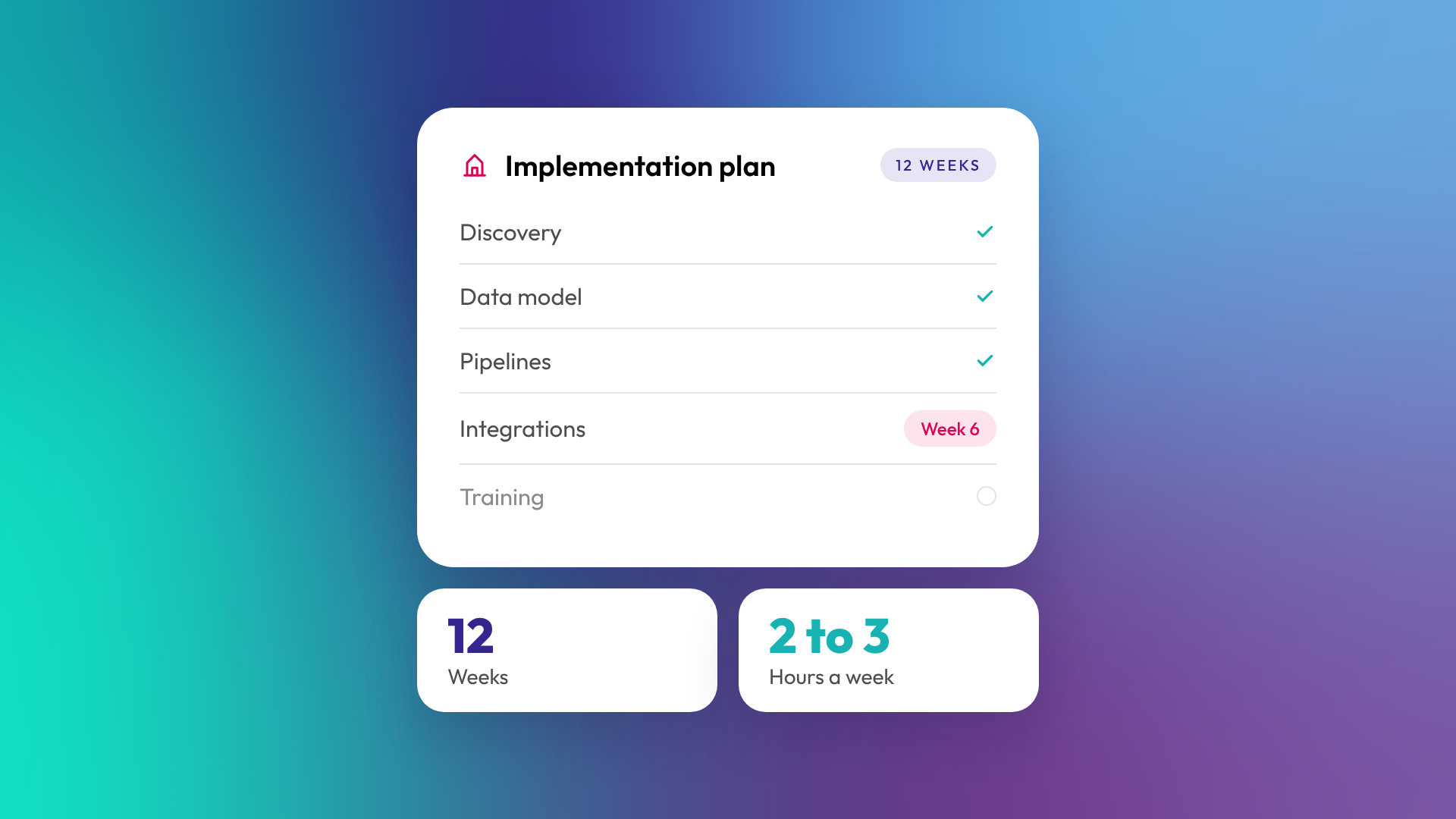
CRM implementation is the work of setting up a CRM so it reflects how your business actually finds, sells to and looks after customers. It covers designing the data structure, building pipelines and automation, connecting other tools, importing your data and training your team. A typical B2B implementation in HubSpot takes around 12 weeks, or 12 to 16 weeks if you're migrating from another system at the same time.
Implementation decides whether the CRM becomes your system of record or another tool people avoid.
What's included in a CRM implementation?
A proper implementation covers six areas, usually in this order. Each one depends on the decisions made before it, which is why skipping straight to importing data tends to go badly.
| Phase | What happens | Typical timing |
|---|---|---|
| 1. Discovery | Map how leads become customers, who does what, and what leadership needs to report on | Weeks 1 to 2 |
| 2. Data model | Decide objects, properties, lifecycle stages and associations | Weeks 2 to 4 |
| 3. Pipelines and process | Build deal and ticket pipelines, stages and required fields | Weeks 3 to 6 |
| 4. Integrations | Connect email, calendars, accounting, forms and other tools | Weeks 4 to 8 |
| 5. Data import | Clean and bring across contacts, companies, deals and history | Weeks 6 to 10 |
| 6. Training and handover | Train users, document the setup, and support go-live | Weeks 9 to 12 |
Timings are from OTM's own HubSpot implementations and vary with the size and complexity of the business.
How long does a CRM implementation take?
For a growing B2B business, plan on around 12 weeks for a HubSpot implementation on its own. If you're also migrating from Pipedrive, Salesforce, Zoho or spreadsheets, allow 12 to 16 weeks. Businesses with custom objects, several entities or complex integrations can take longer.
Most of that time goes into decisions, not configuration. Agreeing what a qualified lead is, or which stages a deal moves through, takes more meetings than building the pipeline does.
How much time does my team need to put in?
Plan on two to three hours a week from the people who own the process, usually a founder, head of sales or operations lead. Their input is what makes the CRM fit the business. Users who just need to use the system day to day need much less, mostly training sessions near go-live.
Implementations stall when the business can't make decisions quickly. Nominating one person who can sign off on process questions saves weeks.
What decisions do you need to make before implementation?
The most useful preparation is agreeing the answers to a handful of questions before setup starts. You don't need perfect answers, but you need someone who can make the call.
- What counts as a lead, and what makes one qualified?
- What are the stages a deal moves through, and what has to be true to move to the next one?
- Who owns which records, and what happens when someone leaves?
- Which other tools need to talk to the CRM?
- What three or four reports does leadership need every month?
- How much history do you actually need to bring across?
What's the difference between implementation and onboarding?
The terms are often used interchangeably. Strictly, implementation is the technical build and onboarding includes the build plus getting your team using it. In HubSpot's partner world, "onboarding" is the common term for the whole engagement, from discovery to training.
What matters more than the label is whether training and adoption are in scope. A CRM that's built well but not used has the same result as one that's built badly.
Why do CRM implementations fail?
Most failed implementations have the same causes: the CRM was set up around software defaults instead of the business process, data went in before the structure was agreed, or the team was never trained properly. The CRM technically works, but nobody trusts the data, so people go back to spreadsheets.
Common warning signs during a project:
- Nobody can say what "qualified" means
- The import is scheduled before properties and pipelines are agreed
- Integrations are left for "phase two" with no date
- Training is a single recorded walkthrough
- Leadership hasn't said what they want to see in reports
Should you implement a CRM yourself or use a partner?
You can implement HubSpot yourself if your process is simple, your data is clean and someone has time to own it. A partner makes sense when you have integrations, a migration, custom objects, more than one team, or no one with spare capacity. The cost of a partner is usually lower than the cost of rebuilding a rushed setup a year later.
If you do use a partner, check who will actually do the work and who you'll deal with after go-live. You'll want senior people who know your portal.
Related reading: What is a HubSpot Solutions Partner, and what do they do? and What are associations in HubSpot, and why do they matter?.
Common questions about CRM implementation
How much does CRM implementation cost?
It depends on scope: the number of hubs, integrations, how much data needs cleaning and whether there's a migration. A useful way to compare quotes is to check what's included in each of the six phases above.
Can we start small and add more later?
Yes, and it's often the right call. Many businesses start with sales, then add marketing and service once the foundation is working. The data model should still be designed with the later phases in mind.
Will implementation disrupt our sales team?
Some disruption is normal around go-live. Good planning keeps it short: run the old and new systems side by side for a defined period, train before the switch, and pick a quiet week to cut over.
What happens after implementation?
You run it yourselves, bring someone in for ongoing support, or a mix of both. Either way, a documented setup makes the next person's job much easier.
Do I need to clean my data before implementation?
Ideally, yes. At minimum, remove duplicates and dead records before import. Bringing messy data into a new CRM just moves the problem.
Where to from here
If you're planning a CRM implementation, start with the six questions above and see how many you can answer today. The gaps tell you where to spend the first few weeks. Our HubSpot onboarding team can help you scope it.
