
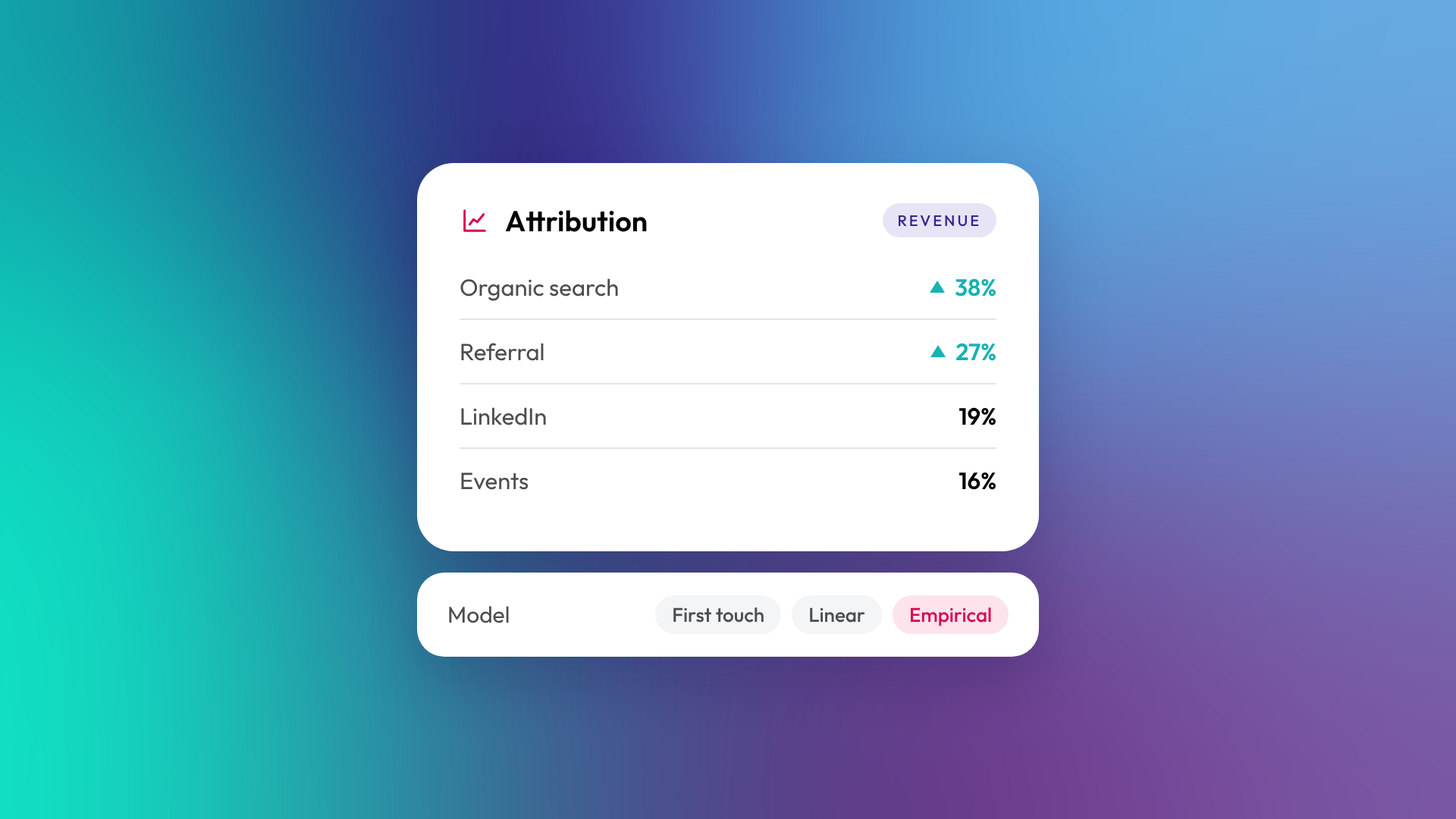
Attribution reporting assigns credit for a conversion (a new contact, a new deal or revenue) to the marketing interactions that led to it, such as an ad click, a blog visit or an event. An attribution model is the rule that decides how that credit is shared. First touch gives all credit to the first interaction, last touch gives it all to the last, and multi-touch models spread it across several. The right model depends on the question you're asking.
Why does attribution reporting matter?
Attribution tells you which channels and content actually produce customers, not just clicks. Without it, budget decisions rely on gut feel or on whichever channel reports the best vanity numbers. For B2B businesses with long sales cycles and several decision makers, attribution is the only way to connect early marketing activity to revenue that closes months later.
What are the main attribution models?
Each model answers a slightly different question. None is "correct", and comparing several is often more useful than picking one.
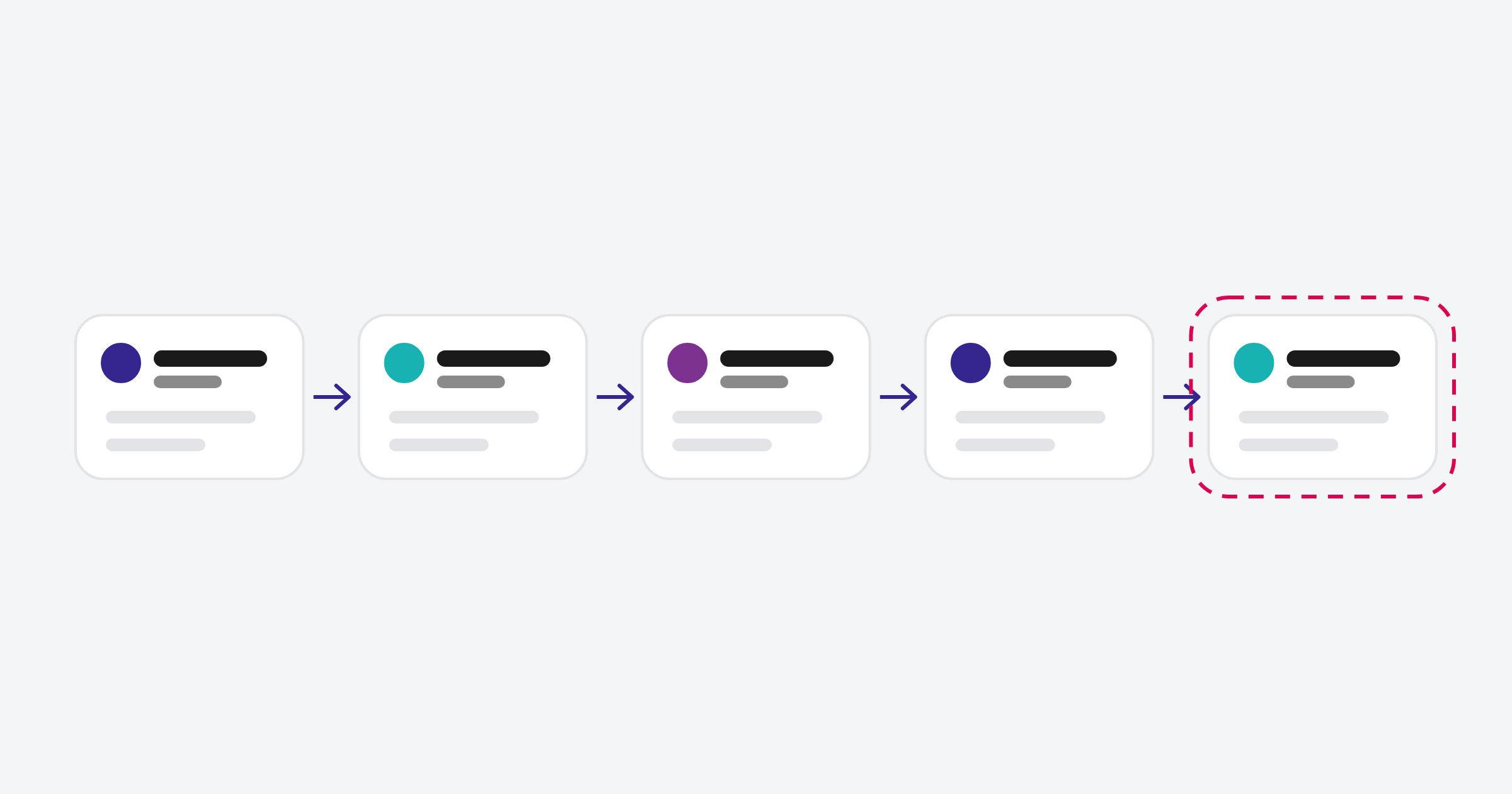
| Model | How credit is assigned | Best for answering |
|---|---|---|
| First touch | 100% to the first interaction | What brings new people in? |
| Last touch | 100% to the last interaction before conversion | What tips people over the line? |
| Linear | Equal credit to every interaction | What contributes across the whole journey? |
| Empirical | Weighted by how often each interaction type appears in your conversion paths | Which interactions actually drive conversion? |
| U-shaped (older reports) | Most credit to first touch and lead creation, the rest spread between | What starts journeys and creates leads? |
| W-shaped (older reports) | Most credit to first touch, lead creation and deal creation | What drives the key B2B milestones? |
| Time decay | More credit to interactions closer to conversion | What's working near the decision? |
| Full path | Credit across first touch, lead creation, deal creation and close | What matters across the full sale? |
What types of attribution reports does HubSpot have?
HubSpot offers three types of attribution report, each measuring a different conversion. Contact create attribution measures which interactions generated new contacts. Deal create attribution measures which interactions led to deals being created. Revenue attribution measures which interactions contributed to closed-won revenue.
According to HubSpot's knowledge base, contact create attribution is available with Marketing Hub or Content Hub Professional and Enterprise, while deal create and revenue attribution require Marketing Hub Enterprise. HubSpot's current report builder offers First touch, Last touch, Linear, Time decay and Empirical models. Empirical weights interactions using your own historical conversion data and replaces the U-shaped, W-shaped, J-shaped and inverse J-shaped models, which you may still see in older reports.
Which attribution model should a B2B business use?
Start with first touch and last touch side by side, because they're easy to explain and show the two ends of the journey. Once your tracking is reliable, add a multi-touch model like Linear, Time decay or Empirical to see what drives deals and revenue. Use the model that matches the decision you're making: first touch for awareness budget, deal create attribution for pipeline, revenue attribution for overall investment.
What do you need for attribution reporting to work?
Attribution is only as good as the tracking behind it. Missing tracking codes, untagged campaigns and contacts created without source data all leave gaps that make reports misleading.
Before relying on attribution, check:
- The HubSpot tracking code is on every page of your website
- Ad accounts are connected and campaigns use consistent UTM tags
- Forms are HubSpot forms or tracked non-HubSpot forms
- Deals are associated with contacts, so interactions can be linked to revenue
- Offline sources like events and referrals are captured in a property
- Interaction types you care about are switched on in attribution settings
What are the limits of attribution reporting?
Attribution can only credit what it can see. Word of mouth, conversations at events, podcasts and recommendations from AI tools often don't leave a trackable click. For B2B businesses where referrals matter, it's worth adding a "How did you hear about us?" field and a custom source property alongside software attribution. Self-reported and tracked data together give a more honest picture.
Related reading: Funnel vs flywheel: what HubSpot means by it and What is RevOps? A plain-English definition.
Common questions about attribution reporting
What's the difference between attribution and original source?
Original source is a single property recording how a contact first arrived. Attribution reports look at all of a contact's interactions and apply a model to share credit.
Is first-touch or last-touch attribution better?
Neither. First touch shows what creates awareness and last touch shows what drives conversion. Most B2B businesses need both.
Can I attribute revenue in HubSpot Professional?
Contact create attribution reports are available on Professional. Deal create and revenue attribution reports need Marketing Hub Enterprise.
How long does attribution data take to be useful?
At least one full sales cycle. If your deals take six months to close, revenue attribution needs at least six months of clean tracking.
Why don't my attribution numbers match my ad platform?
Ad platforms use their own models and attribution windows, and count their own touchpoints generously. HubSpot sees the whole journey across channels, so the numbers will differ.
Where to from here
Check the six tracking items above before trusting any attribution report. If several are missing, fix tracking first and report later. Our optimisation and support team sets up attribution and custom source tracking for B2B businesses.
