
Last updated: November 2026
HubSpot connects to Xero through a free app built by HubSpot, listed in the App Marketplace as Xero and documented as Xero Data Sync. It syncs contacts, products, invoices and payments between the two systems, and its core features work on any HubSpot plan, including free. Custom field mappings need Data Hub Starter or above. Most of the work is deciding which system owns which data before you switch the sync on.
What does the HubSpot Xero integration sync?
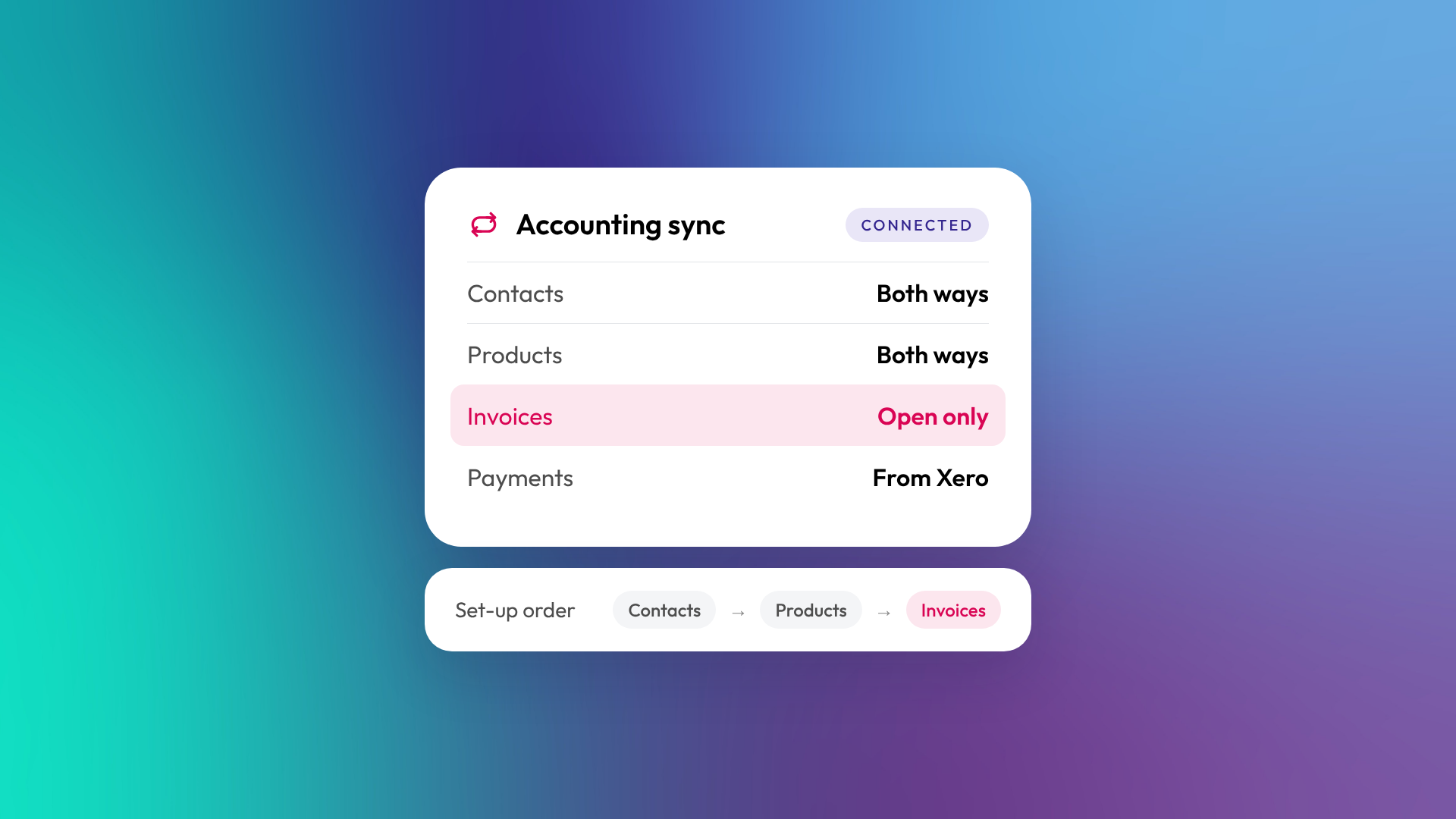
The integration syncs four types of record. For each one you choose the direction when you set it up, according to HubSpot's Xero Data Sync documentation.
| Data | Direction options | Notes |
|---|---|---|
| Contacts | One-way either way, or two-way | Contact names must be unique in Xero |
| Products (Xero items) | One-way either way, or two-way | Changing a SKU later can stop invoices syncing |
| Invoices | One-way either way, or two-way | HubSpot drafts don't go to Xero, only open invoices |
| Payments on invoices | Xero to HubSpot, or two-way | Only payments created after you connect sync to HubSpot |
| Quotes | Don't sync | Convert the quote to a HubSpot invoice first |
Once the first sync has finished, HubSpot picks up its own changes within a few minutes and checks Xero for changes every 30 minutes. There's a Sync now button if you can't wait.
Which HubSpot plans can use the Xero integration?
The Xero app is free and its core features are available on all HubSpot plans. You still need a paid Xero subscription. To install the app, you need HubSpot Super Admin or App Marketplace permissions. The Marketplace listing also asks you to turn on two-factor authentication in HubSpot before installation.
The default field mappings can't be edited or removed, but you can switch them off. If you need to map your own HubSpot properties to Xero fields, that requires Data Hub Starter, Professional or Enterprise. For most B2B teams, custom mappings are where the integration starts matching how the business actually bills.
Can you create a Xero invoice from a HubSpot deal?
Yes, in two steps. You turn the deal or quote into a HubSpot invoice, and once that invoice is open it syncs to Xero. Draft HubSpot invoices don't sync.
Once an invoice has been created in HubSpot, edit it in HubSpot. Editing that invoice in Xero can cause a sync failure, and HubSpot's fix is to reverse the changes in Xero and make them in HubSpot instead. Invoices created in Xero can still be edited in Xero. Your finance team needs to know the rule before go-live, or they'll fix HubSpot invoices in Xero out of habit.
What are the limits of the HubSpot Xero integration?
The integration covers the common case well, but it has firm limits around tax, history and editing. These are the ones that tend to catch Australian and New Zealand businesses.
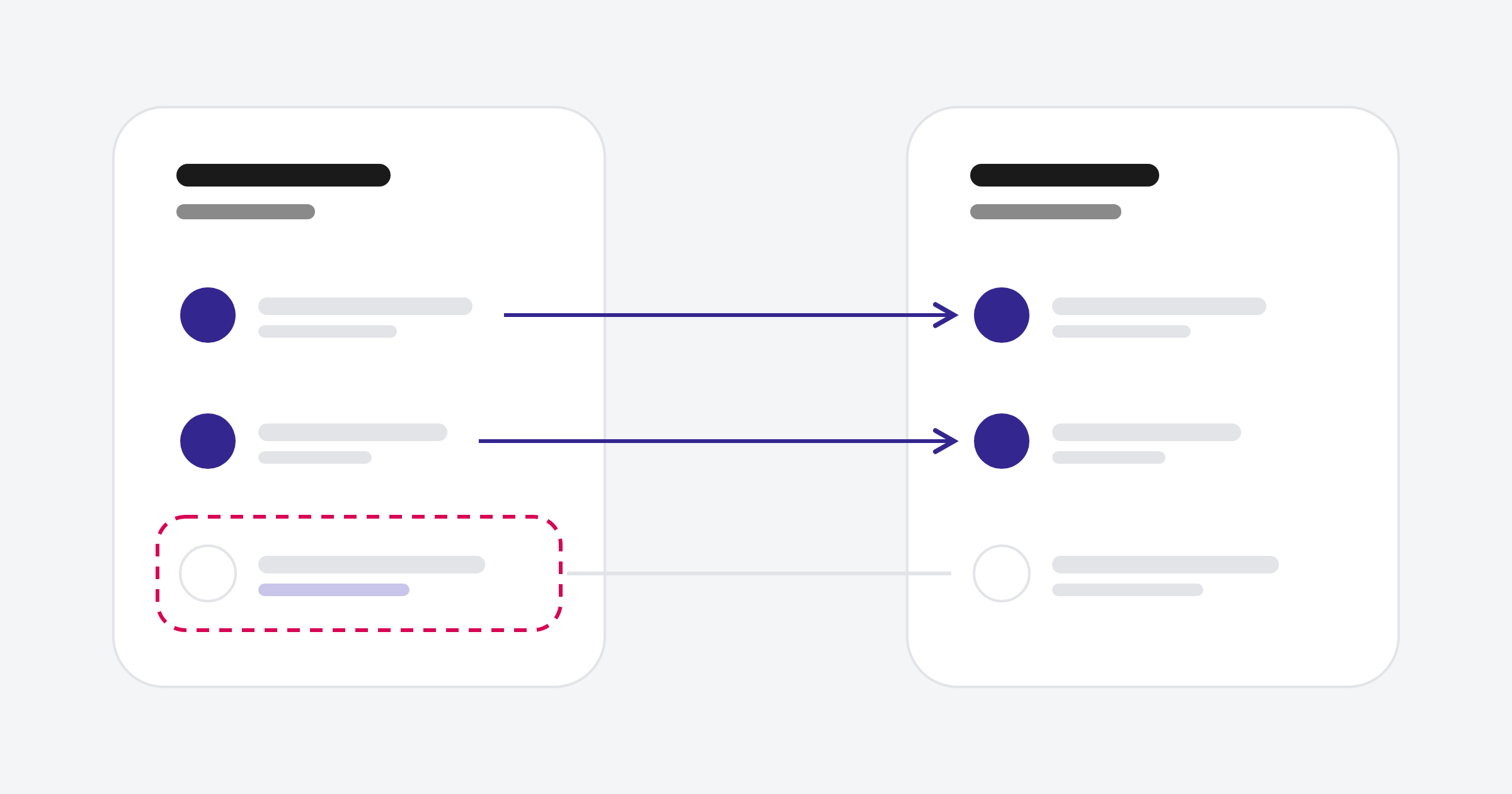
- Which invoices go to Xero. HubSpot only sends invoices created in HubSpot that are open and have been created or modified after the sync starts. Only payments created after connection sync to HubSpot.
- Tax. Tax rates come from Xero. Rates created in HubSpot don't sync, and invoices using HubSpot's automated sales tax won't sync.
- Tax rate changes. New or updated Xero tax rates aren't automatically re-imported into HubSpot. Re-saving the bi-directional invoice sync configuration triggers another import.
- Multi-entity Xero. HubSpot doesn't import tax rates for multi-tenant Xero accounts, so groups running several Xero organisations need a plan for tax.
- Currency. Six currencies are supported, including AUD and NZD. Exchange rates only sync when your HubSpot company currency matches your Xero base currency, and a mismatch can block invoices unless the exchange-rate mapping is turned off.
- Contacts. Contact names must be unique in Xero. An invoice contact whose email doesn't match the Xero customer's email is a common cause of invoice sync errors.
- Tracked inventory. Invoices containing tracked Xero items with insufficient stock won't sync.
- Fees. Credit card fees don't sync to Xero.
Check the latest HubSpot App Marketplace reviews before committing, and test the integration with representative records. Reviews may describe earlier versions, so compare reported limitations with the current setup documentation.
How do you set up the HubSpot Xero integration properly?
Set it up in the order below, and test on a handful of real records before you open the sync up fully.
- Decide which system owns each record. Usually Xero owns invoices, payments and tax, and HubSpot owns contacts and deals. Write it down.
- Clean up contacts in both systems. Fix duplicate names in Xero and make sure billing emails match between the two.
- Line up your products and SKUs. Match HubSpot products to Xero items before anything syncs. Avoid changing SKUs afterwards, and check stock levels on tracked items.
- Agree how tax is handled. Use Xero's tax rates and turn off HubSpot's automated sales tax on anything that needs to sync.
- Install the app. You need HubSpot Super Admin or App Marketplace permissions. The Marketplace listing also asks you to turn on two-factor authentication in HubSpot before installation.
- Configure contact sync first, product sync second and invoice sync last. HubSpot recommends this order because an invoice's contact and products must exist in Xero before the invoice syncs. Start with one-way syncs where you can. Two-way sync is easier to switch on than to untangle.
- Test with a few invoices. Raise an invoice from a deal, open it, check it lands in Xero correctly, then record a payment in Xero and check it comes back.
- Brief the finance team. Invoices raised in HubSpot get edited in HubSpot. Make that the rule from day one.
When is the native Xero integration not enough?
The native app may suit businesses that invoice from a single Xero organisation in a supported currency. It can fall short when you run several Xero organisations, or need Xero data such as overdue balances on the company record for sales and account managers.
In those cases, the options are a third-party connector from the App Marketplace or a custom integration through HubSpot's and Xero's APIs. Both can involve additional subscription, implementation or maintenance costs, so it's worth being clear about what the native app can't do for you first.
Frequently asked questions
Is the HubSpot Xero integration free?
Yes. The Xero app built by HubSpot is free to install, and its core features work on any HubSpot plan. You still need a Xero subscription, and custom field mappings need Data Hub Starter or above.
Does the HubSpot Xero integration sync both ways?
It can. Contacts, products and invoices can each sync one way in either direction or both ways. Payments can come from Xero to HubSpot, or sync both ways.
Can I sync existing HubSpot invoices to Xero?
Not automatically just because you connect the integration. HubSpot only sends eligible HubSpot-origin invoices that are open and have been created or modified after the sync starts.
How often does HubSpot sync with Xero?
After the first sync, HubSpot picks up its own changes within a few minutes and checks Xero every 30 minutes. You can also use Sync now.
Does the integration support AUD and NZD?
Yes. The integration supports six currencies: USD, CAD, EUR, GBP, AUD and NZD.
Do HubSpot quotes sync to Xero?
No. Turn the quote into a HubSpot invoice, and the invoice syncs to Xero once it's open.
What happens if I edit a synced invoice in Xero?
If the invoice was created in HubSpot, editing it in Xero can cause a sync failure. Reverse the change in Xero and make it in HubSpot instead. Invoices created in Xero can be edited in Xero.
Connecting HubSpot and Xero?
If you'd like the sync set up so sales and finance are looking at the same numbers, or you've outgrown the native app, let's talk. You might also want to read what HubSpot Revenue Hub costs in Australia.
