
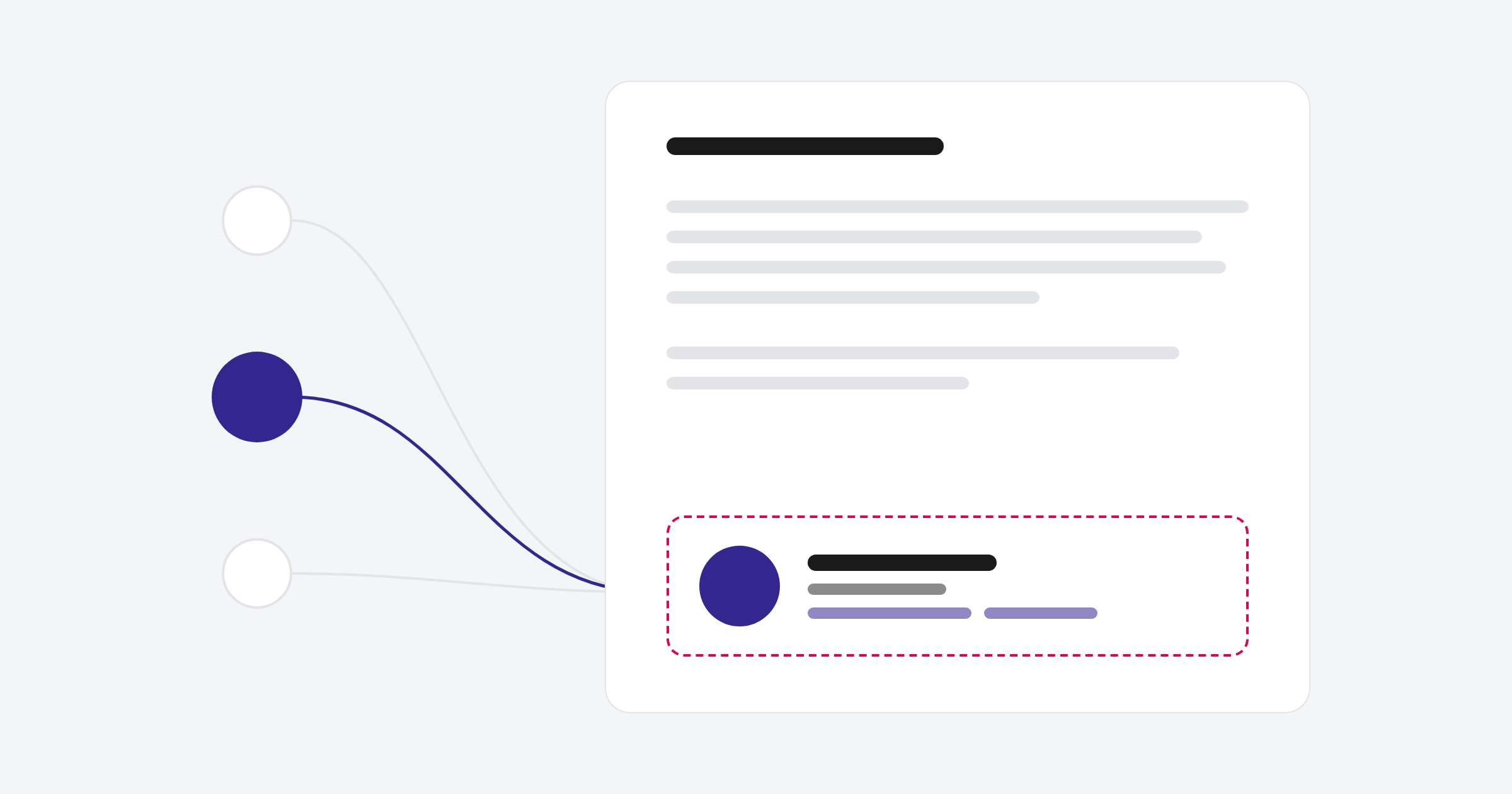
If your team uses Exclaimer for email signatures and also sends emails from HubSpot, you can end up with two signatures on the same email. We fixed this for a client by moving the signature into a custom HubSpot email module. Marketing controls the design, and the contact details fill in from the contact owner.
What was going on
Our client uses Exclaimer to manage signatures across their team, which saves setting them up one person at a time. It works well for everyday email, but in HubSpot it was adding a second signature to emails that already had one.
What we built
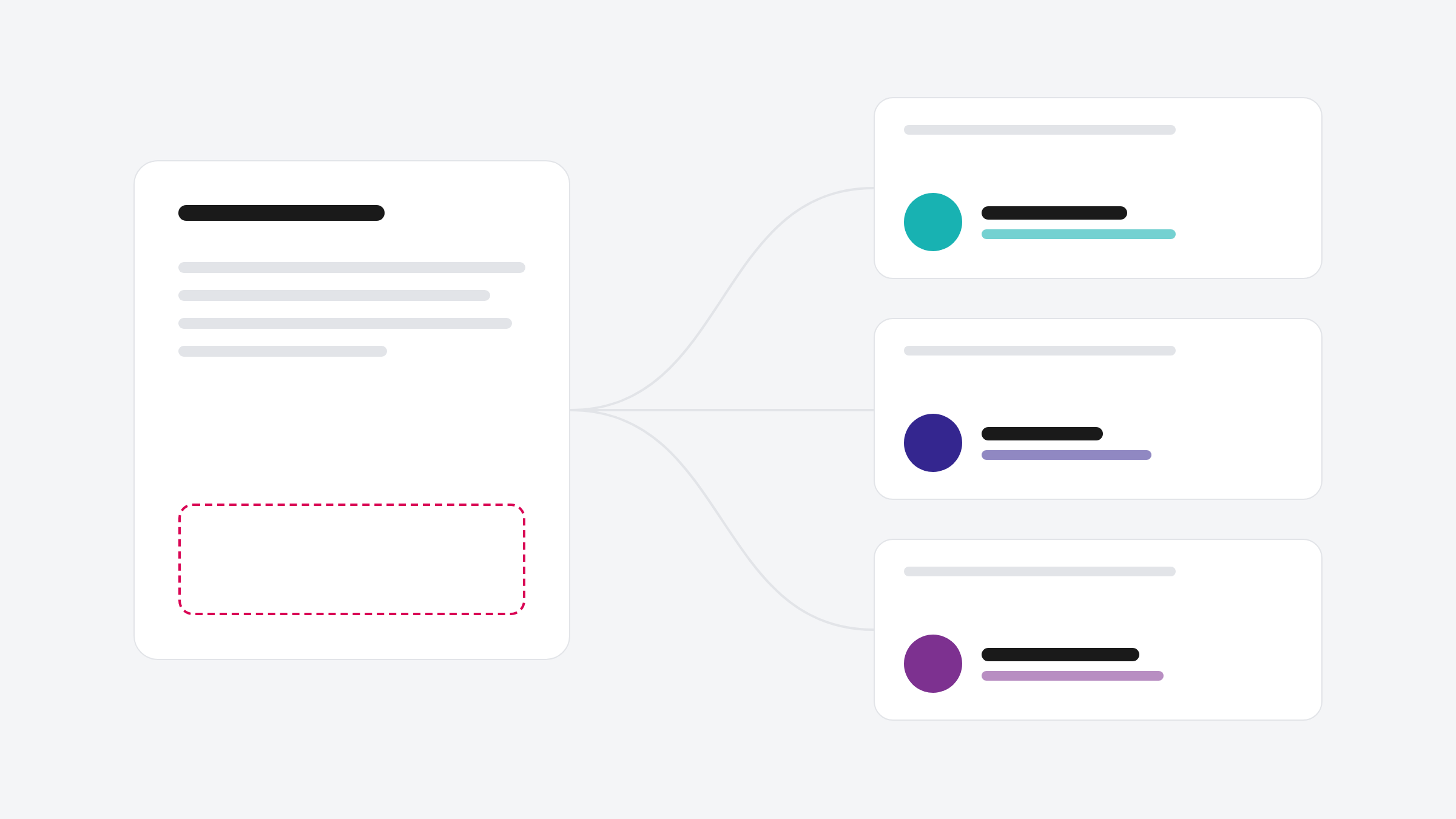
We rebuilt the signature as a custom email module. Marketing drags it into any email like a normal module and manages the design in one place
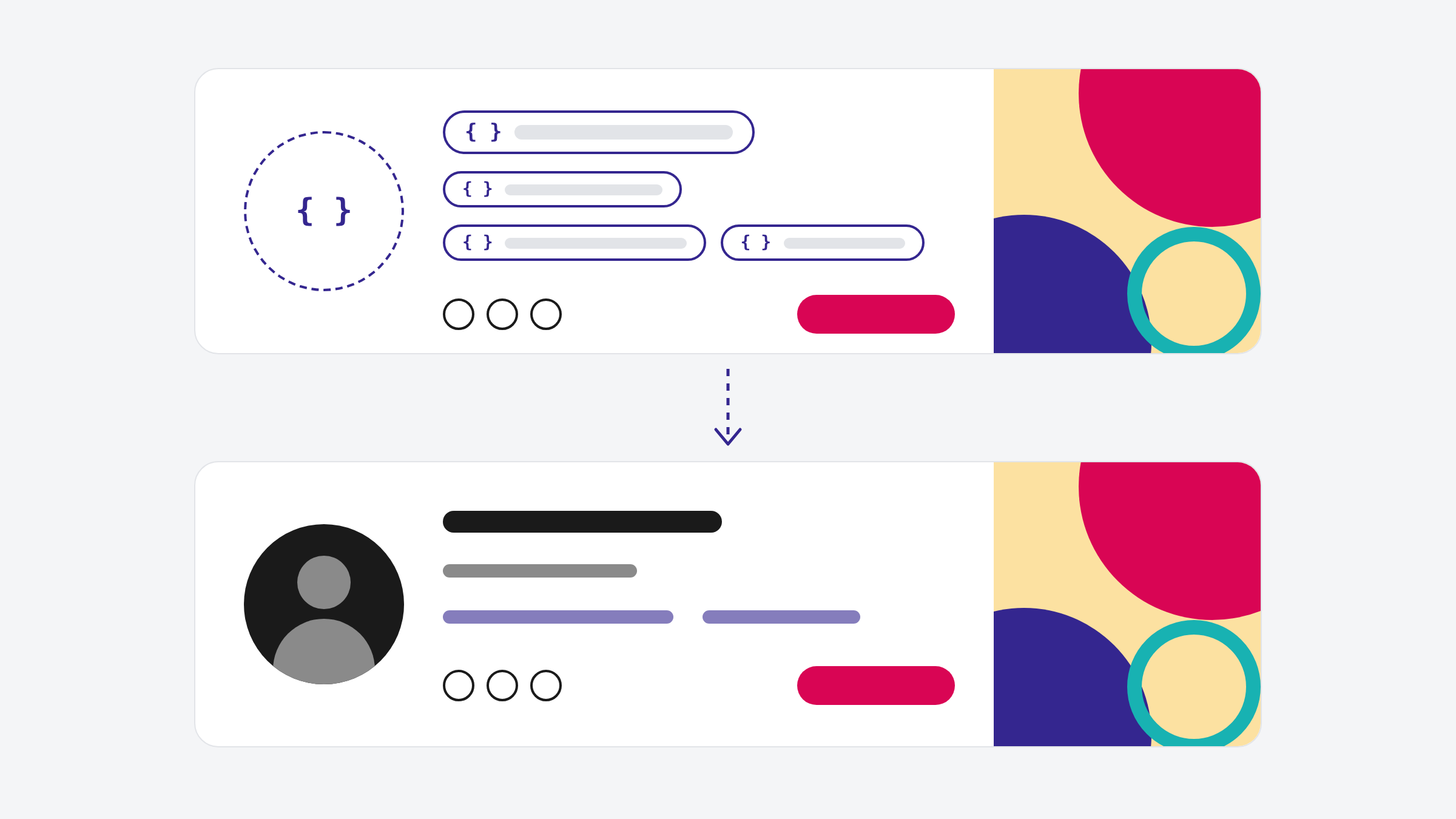
The contact details come from personalisation tokens linked to the contact owner: name, job title, phone and email. HubSpot pulls these from each user's settings, so every contact sees the details of the person who looks after them. If a contact has no owner, the signature falls back to a default user we chose with the client.
Before you roll it out
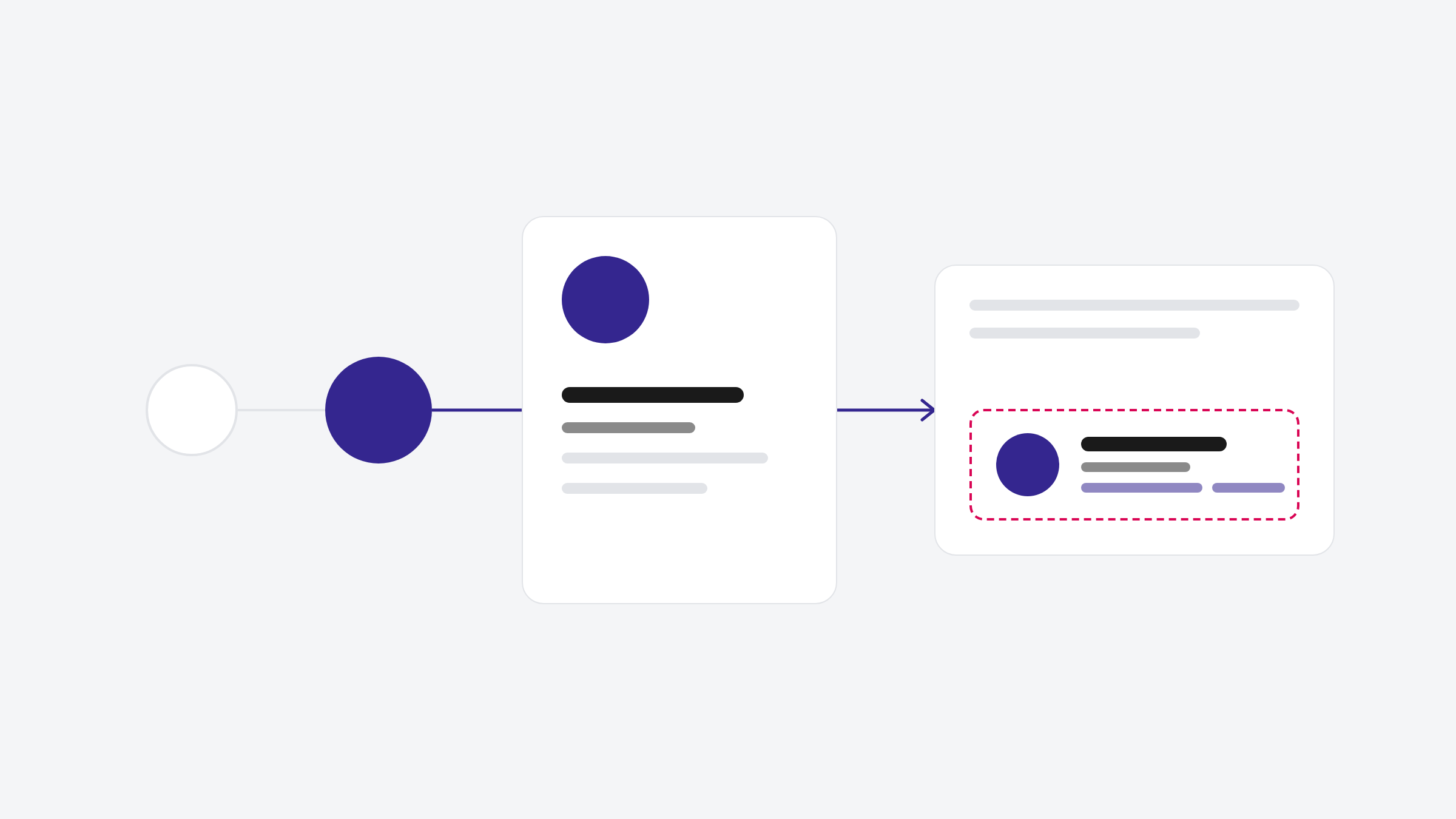
The tokens read from each user's settings in HubSpot, so check every user has their job title, phone and email filled in. Then test in Outlook and Gmail, and send a test to a contact who has an owner assigned.
FAQ
Can a HubSpot email signature show the contact owner's details?
Yes. Personalisation tokens can pull the contact owner's name, job title, phone and email from their HubSpot user settings.
What happens if a contact has no owner?
The signature falls back to a default user, so the email never goes out with blank details.
If you're dealing with doubled-up signatures, or a signature HubSpot keeps mangling, get in touch.
.png)