
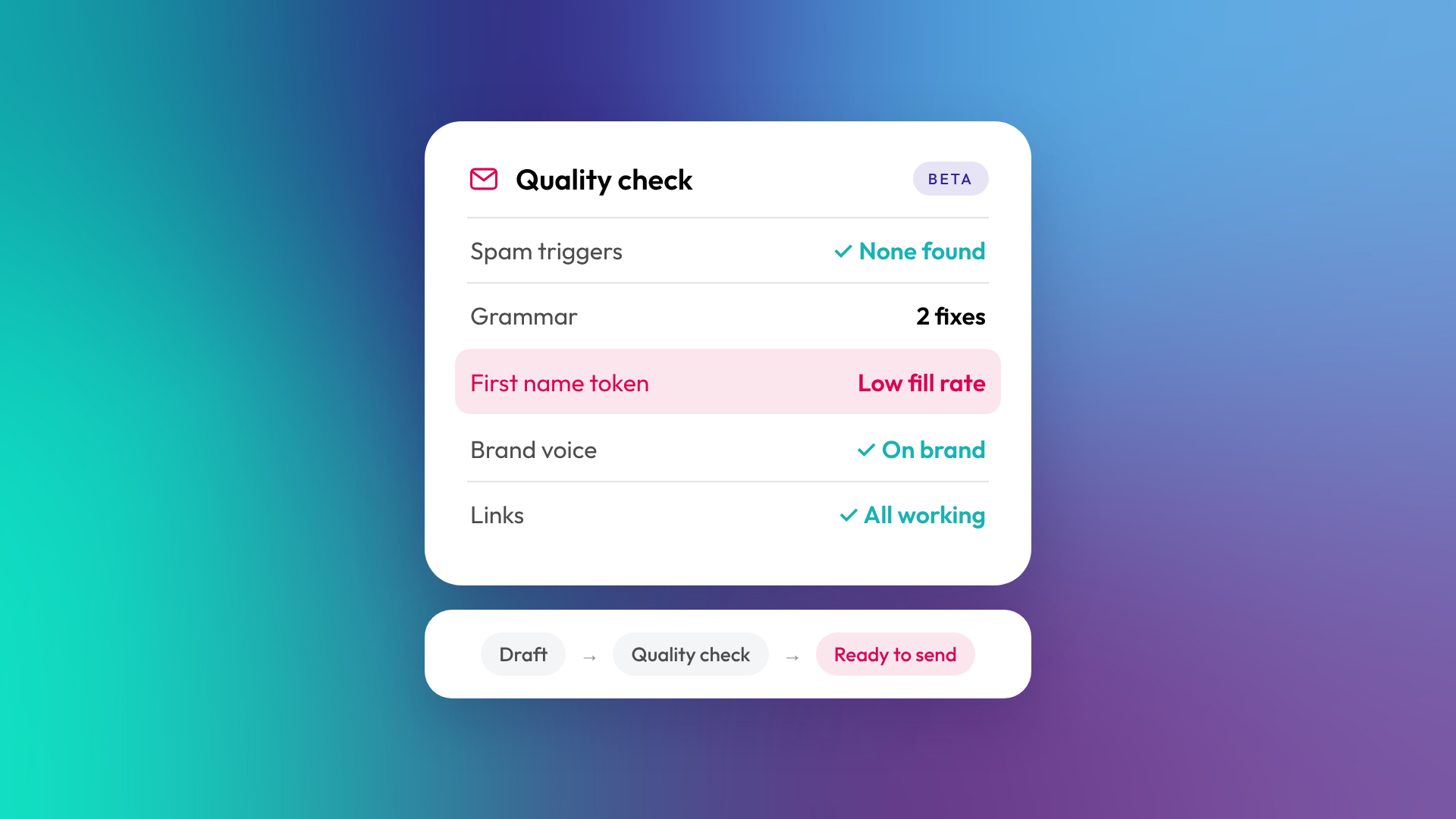
Email Quality Checks are an AI review built into HubSpot's email editor. Before you send, HubSpot can flag potential errors, review readability and check your copy against your brand voice. Launch coverage also lists spam risk, broken links and empty personalisation tokens among the things it picks up.
It's in public beta now for Marketing Hub Professional and Enterprise. If you send marketing email from HubSpot, it can take a good chunk of the checklist your team is probably running by hand today.
What Email Quality Checks look for
Launch coverage describes five checks out of the box. Each one answers a specific question about the email you're about to send.
| Check | What it asks |
|---|---|
| Spam | Does anything in this email raise the risk of it being treated as spam? |
| Grammar | Are there typos, punctuation errors or sentence fragments? |
| Semantic meaning | Does the email make sense as a whole, with no contradictory claims? |
| Brand voice | Does the copy match the brand voice configured in your portal? |
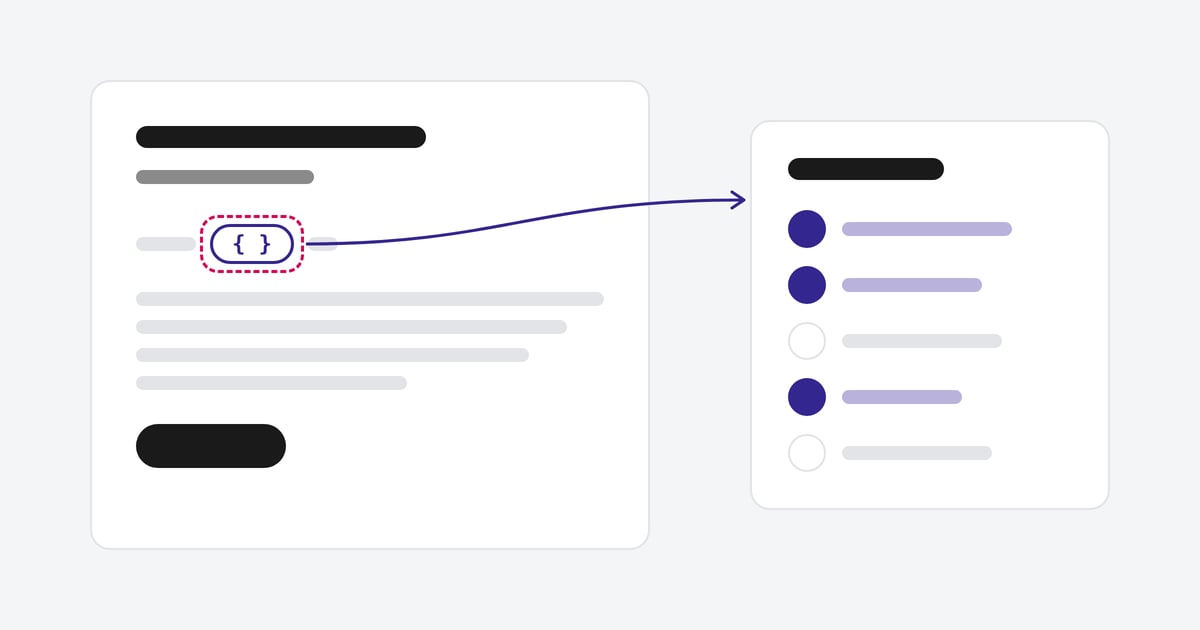
| Personalisation | What's the fill rate for each personalisation token, based on the list you're sending to? |
Launch coverage also mentions broken links, missing token fallbacks, date formatting and a weak opening line among the issues it flags. HubSpot's current help article doesn't list all of these, so check what's available in your portal.
The personalisation check is the one we'd pay most attention to. A token that renders as "Hi ," is a data problem showing up in an email. If the fill rate on first name is 60%, the longer-term fix often starts in your forms and imports. For the send in front of you, set a sensible fallback or use a different greeting.
How to run a check
- Open a marketing email in HubSpot's email editor.
- Click Quality checks, then Run quality checks.
- Work through the results, grouped into warnings and suggestions.
- Each issue comes with a description and a recommended fix. Review it and make the change in the email.
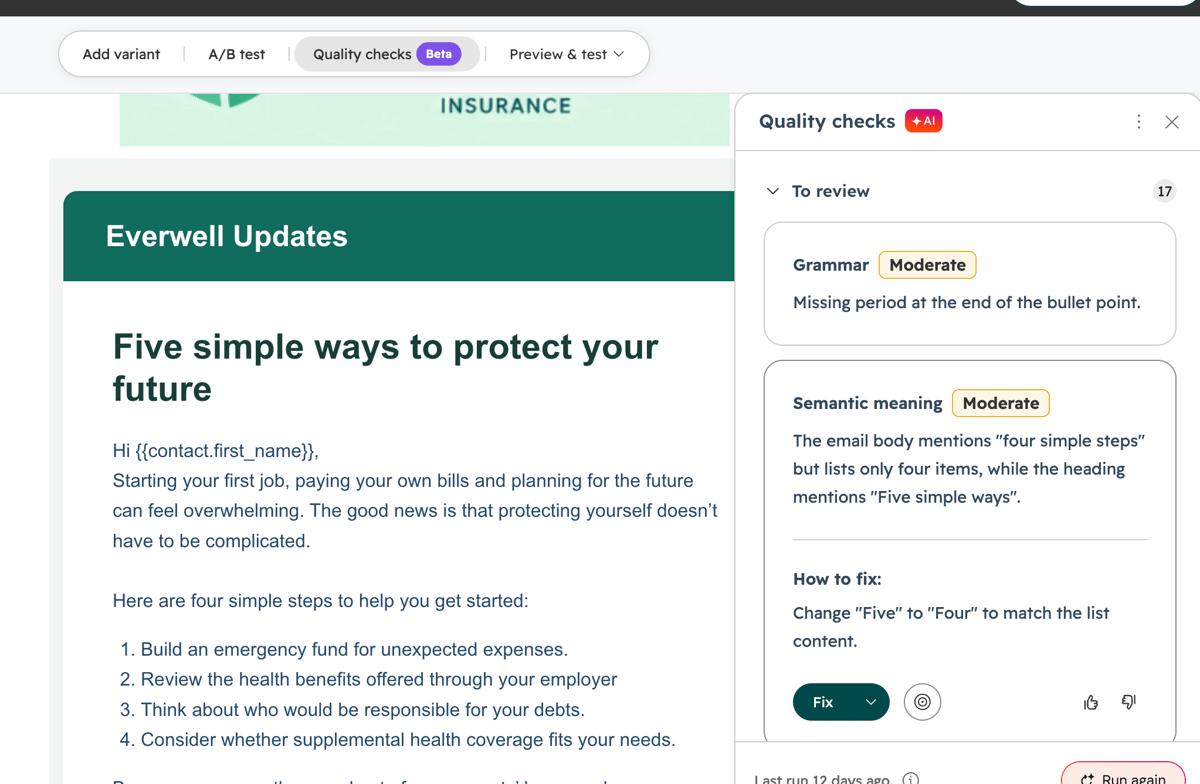
The Quality checks panel in the email editor. Image: HubSpot.
Review warnings first and resolve any genuine issues before sending. Suggestions are worth reading, but you don't have to take all of them. The checks flag issues; they don't guarantee a clean send. Treat the AI's read as a second opinion. A person still signs off.
Setting it up
You'll find the controls in Settings > Marketing > Email > Quality Checks. You can switch the standard checks on or off to match how your team works. You can also create up to five custom checks with your own instructions, and set each one as a Warning or a Suggestion.
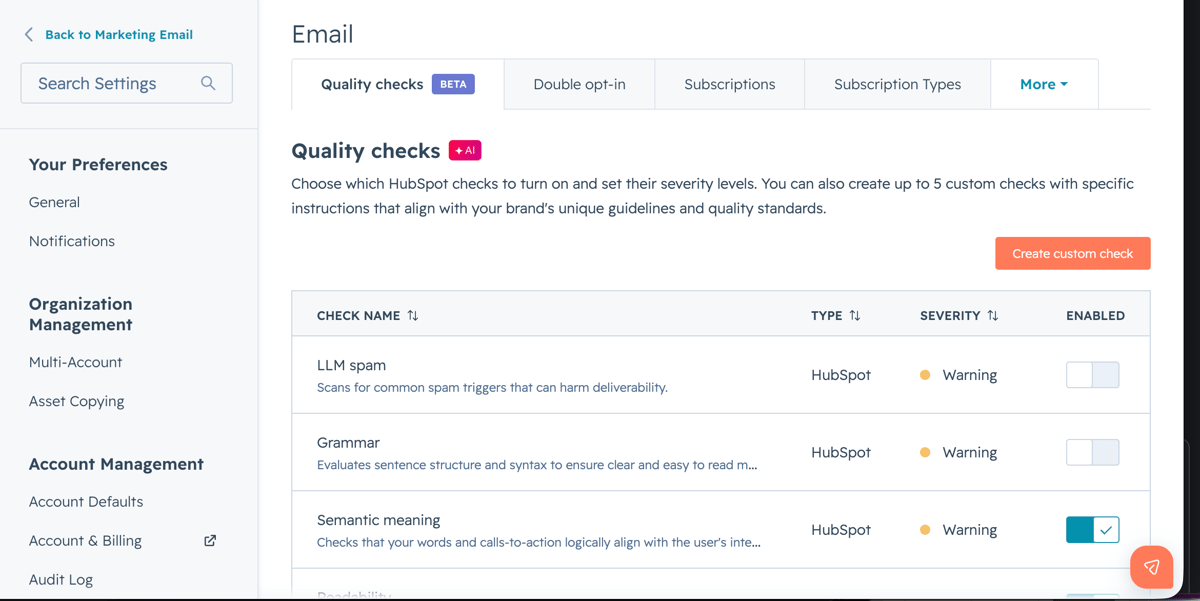
Quality checks settings, where you manage standard and custom checks. Image: HubSpot.
The brand voice check compares your email against the brand voice configured in your portal. HubSpot recommends setting your brand voice up for the best results. It's worth spending an hour on your brand voice settings before you rely on it, and getting the people who write your emails to agree on what goes in.
Where it fits in your send process
For most teams, pre-send review is spread across test sends, a grammar extension and a quick message asking a colleague to proofread. Quality Checks pull a lot of that into the editor, so the review happens where the email is built.
We'd still keep a test send in the process. Rendering across email clients and devices isn't one of the listed checks, and neither is whether the email is going to the right list. Those still come down to how your portal and lists are set up.
Used well, the checks can shorten your approval loop. Your reviewer spends less time on typos and more time on whether the email should go out at all.
Who can use it
| Detail | Status |
|---|---|
| Release stage | Public beta |
| Hubs and tiers | Marketing Hub Professional and Enterprise |
| Email types | Batch marketing emails, according to launch coverage |
| HubSpot credits | Required to run checks |
| Access | Depends on beta enrolment and your account's user permissions |
As a beta, expect the checks and their wording to change before general release.
Getting more from it
Quality Checks look at a single email. They can't fix the data, lists and brand settings underneath it. If your token fill rates are low or nobody's sure what your brand voice settings say, that's the work worth doing first.
What would you switch off first, and what's still missing from your pre-send checklist?